GPT Image 2 prompt library
Browse source-attributed GPT Image 2 prompts you can copy, adapt, and launch into generation after checking the original source, use case, and commercial-use cautions.
Browse by categoryAll10Choose category
Current: All · 2 categories
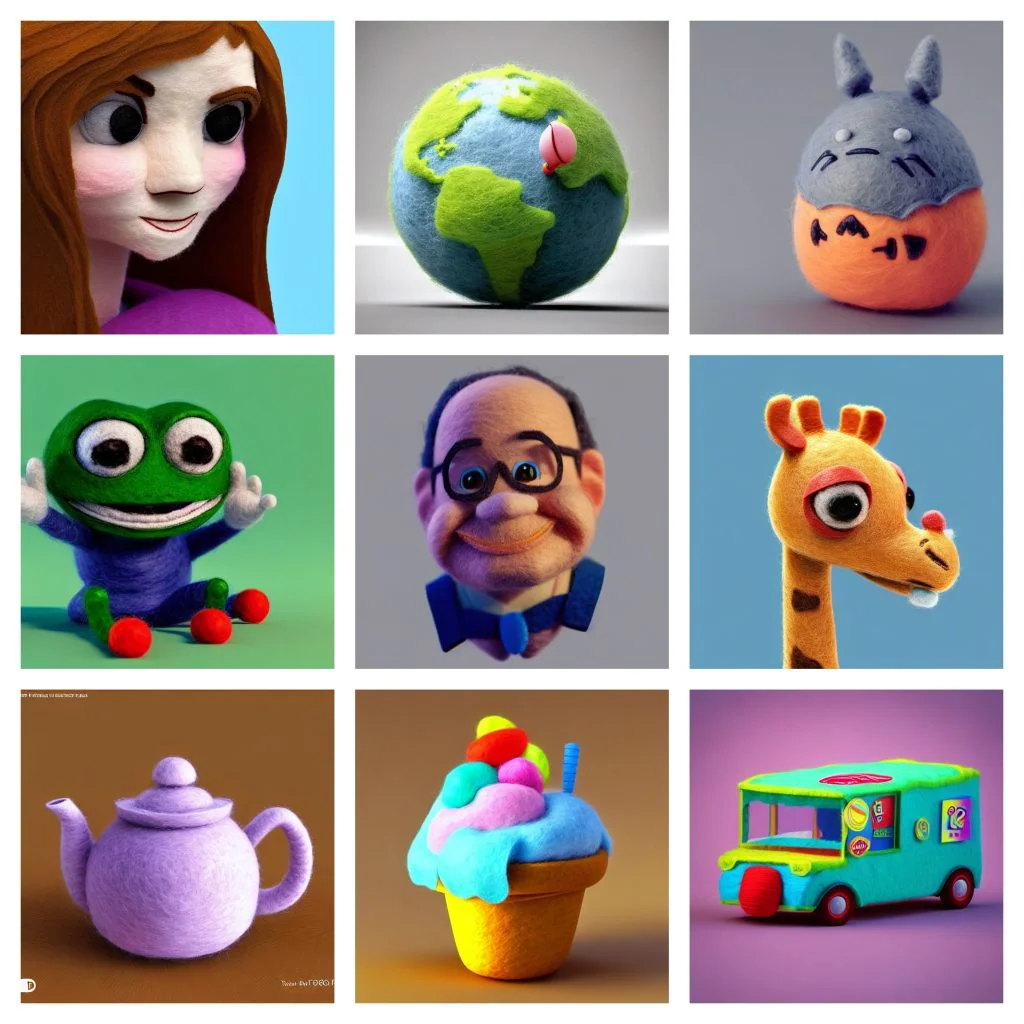


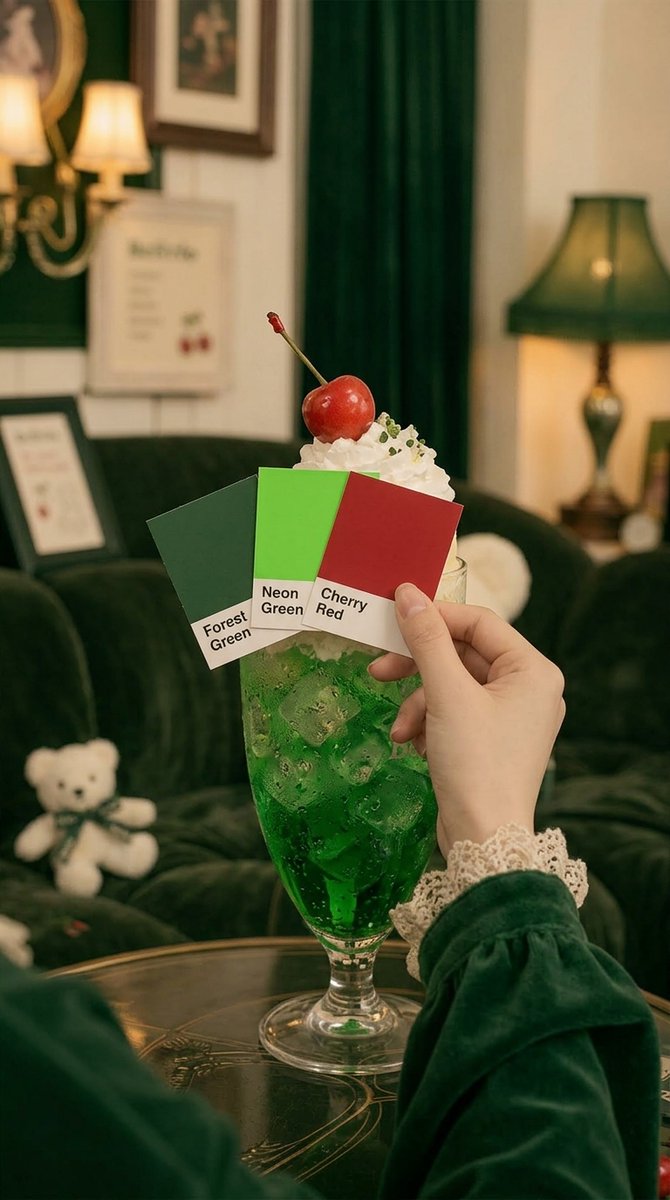
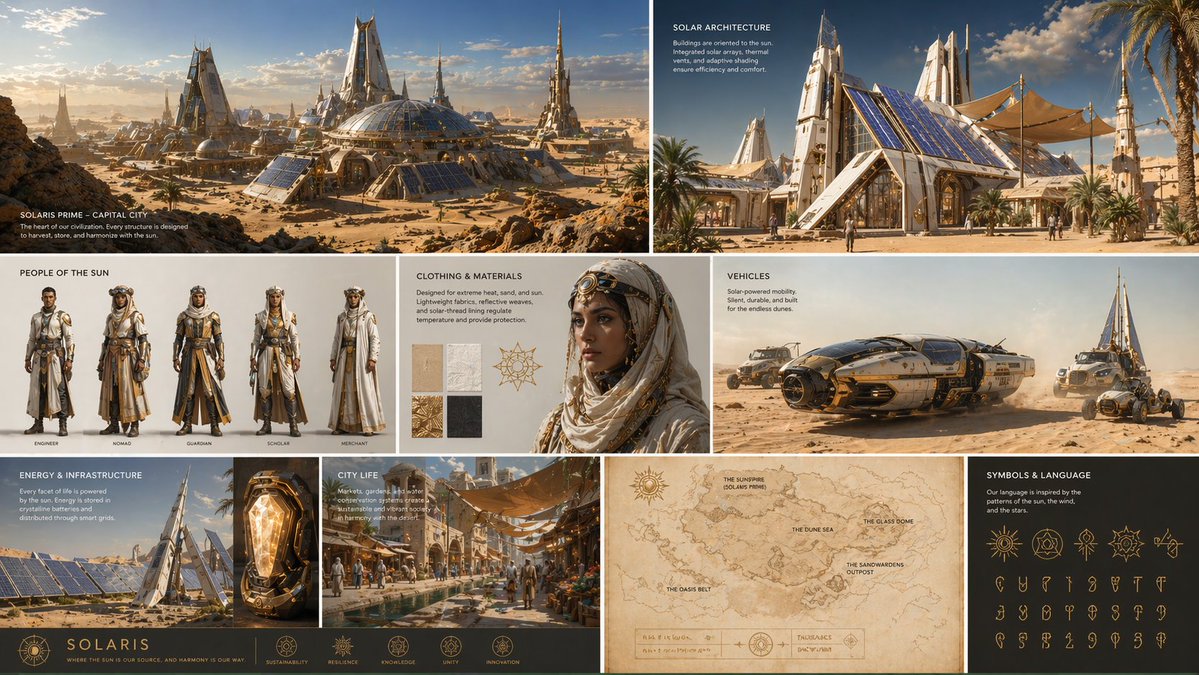


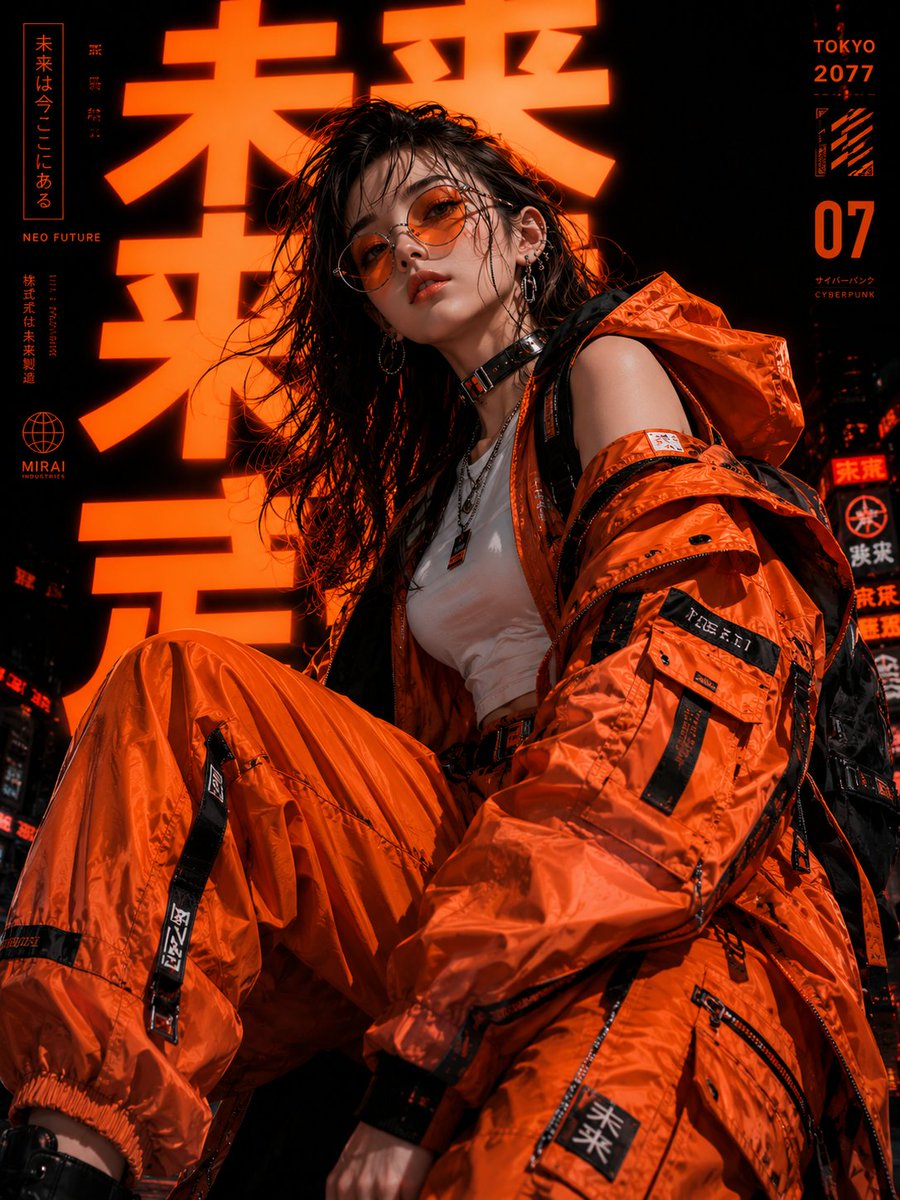






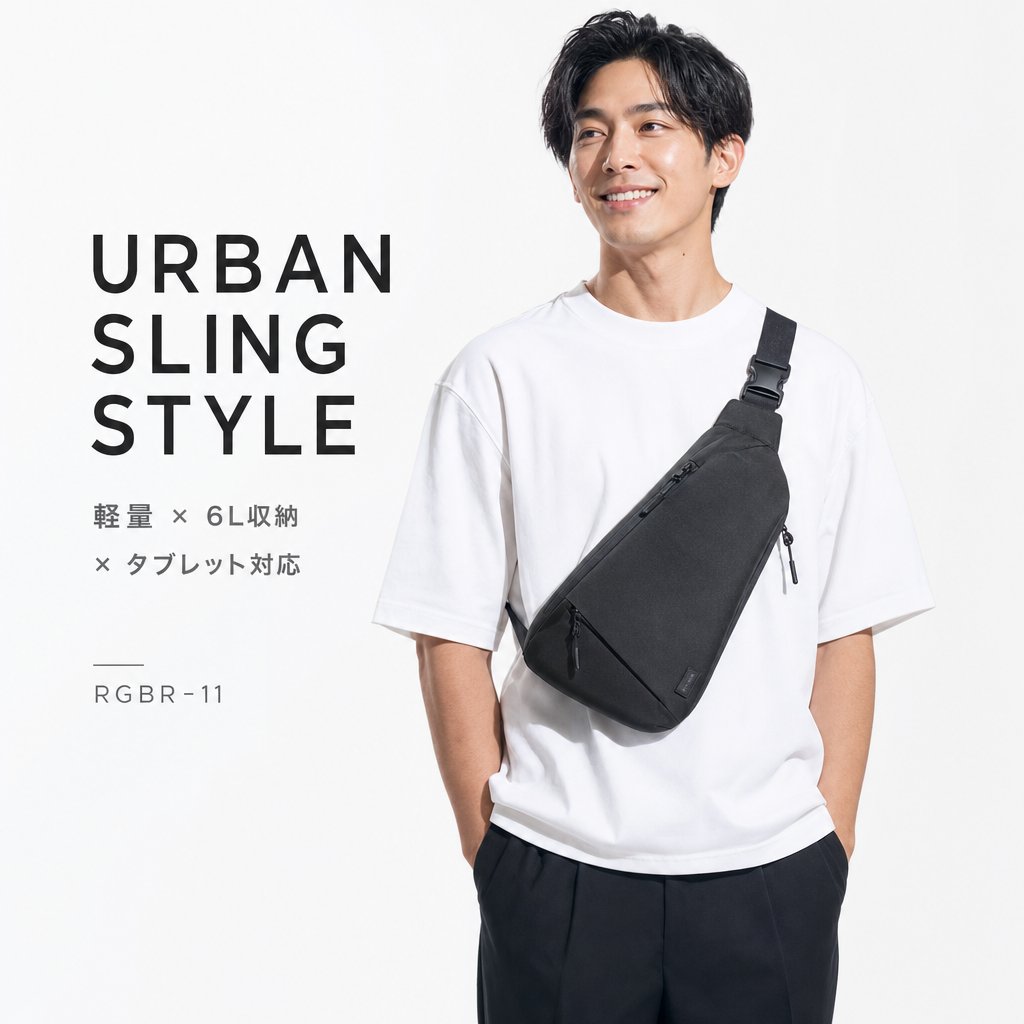
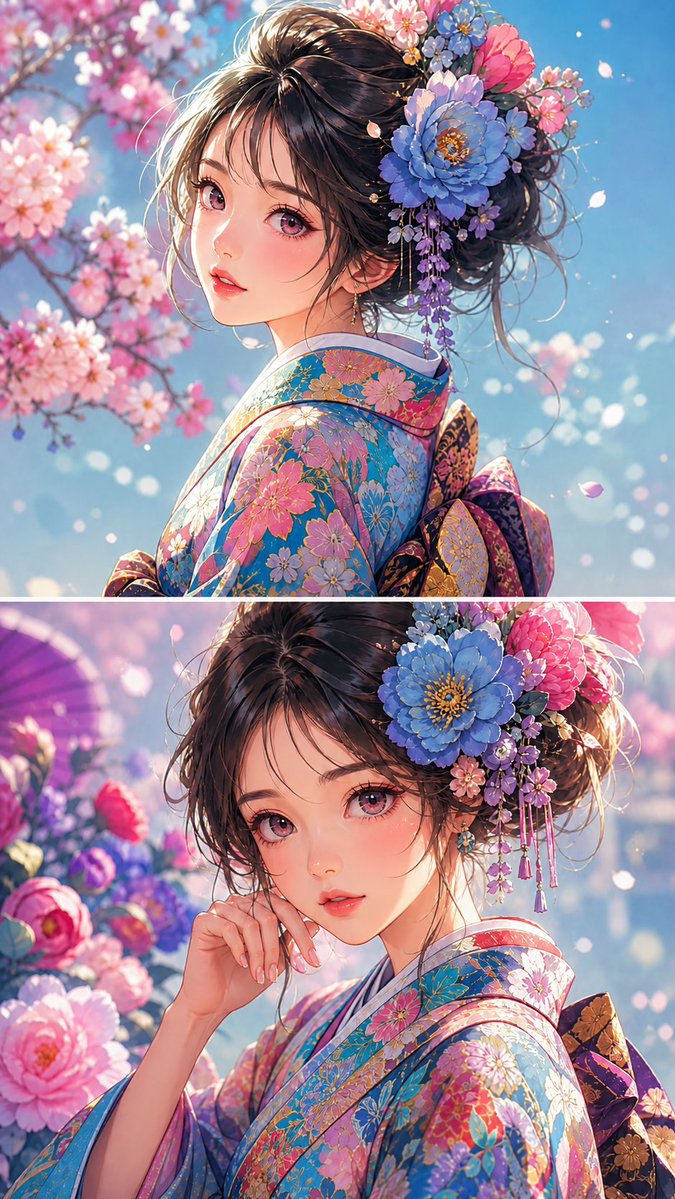
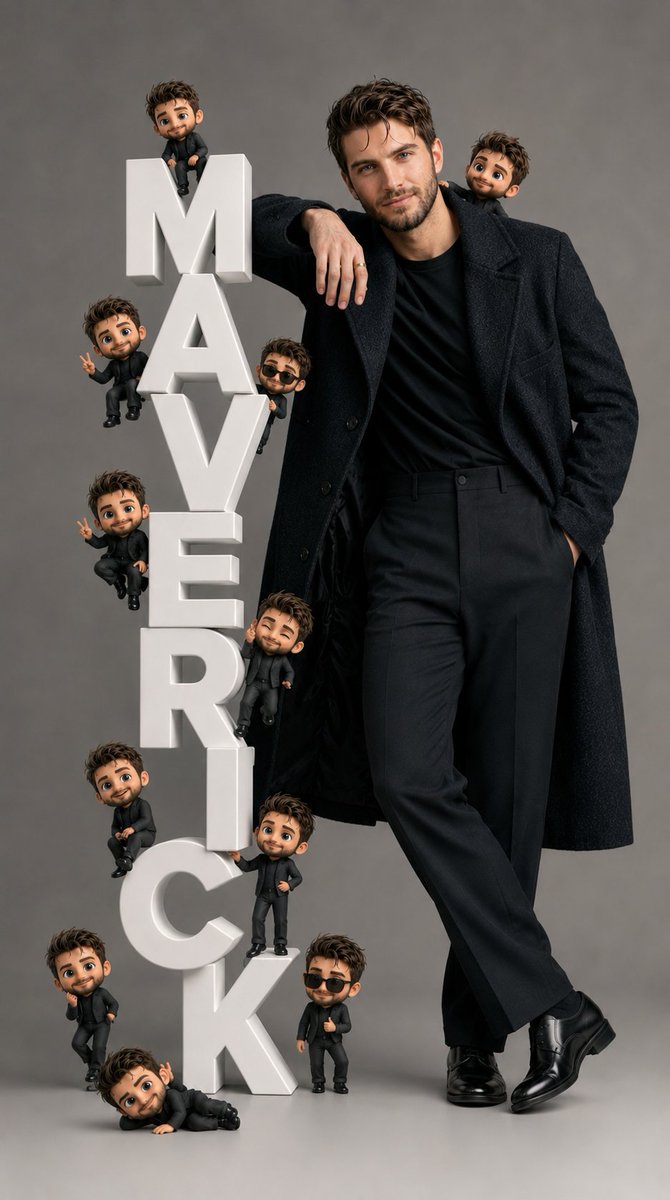
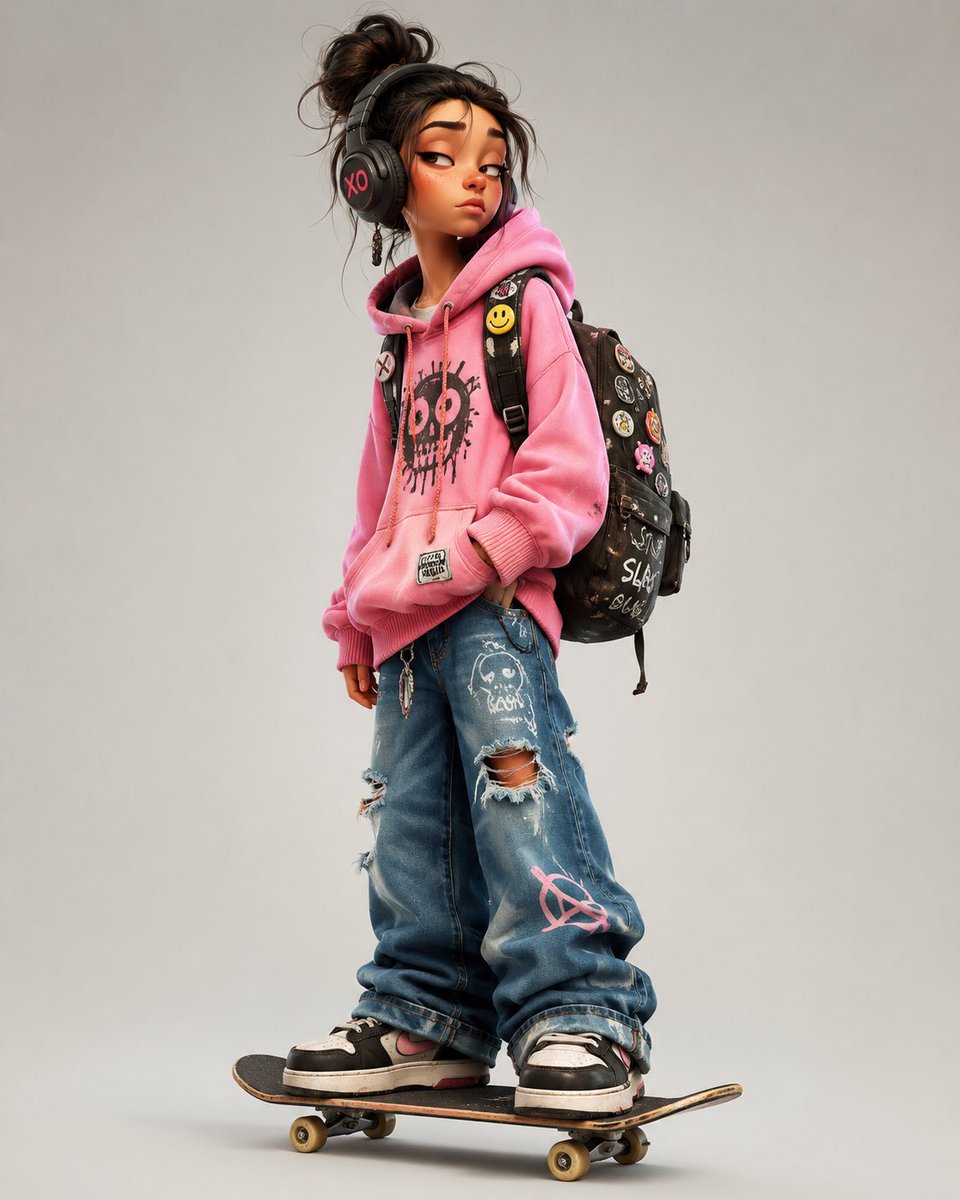
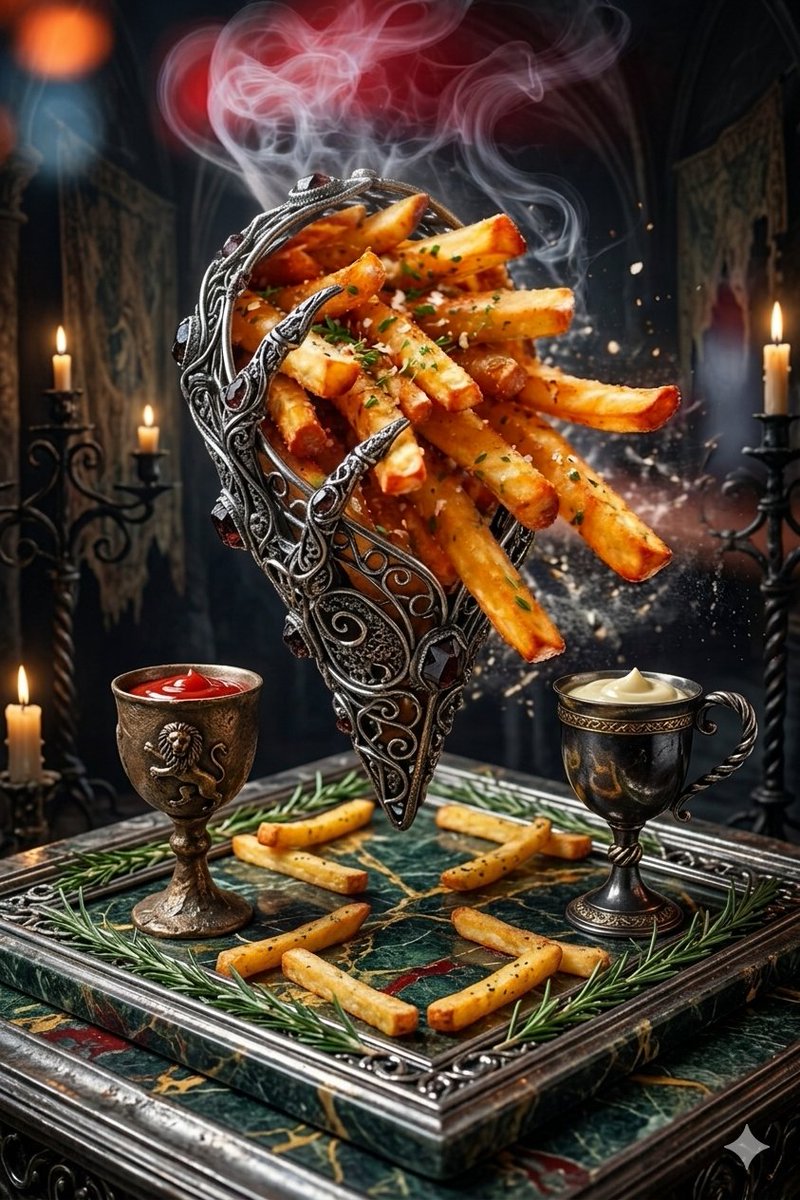
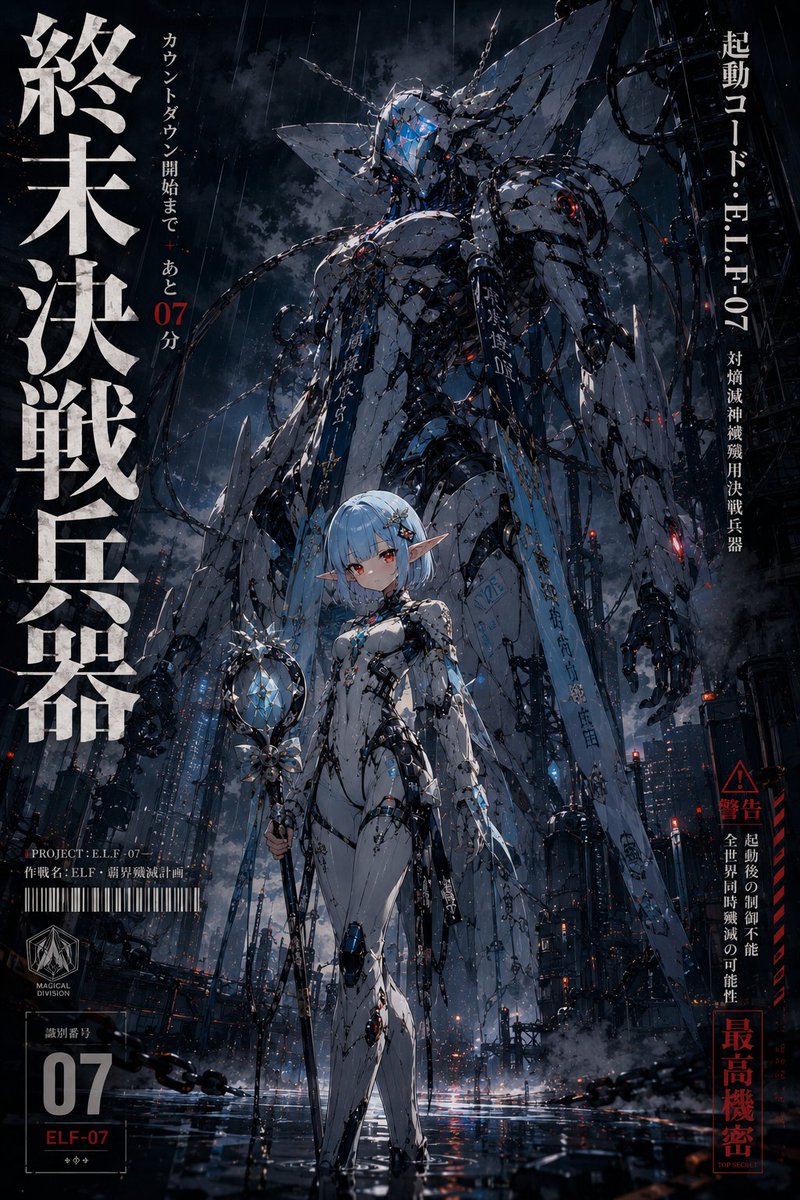

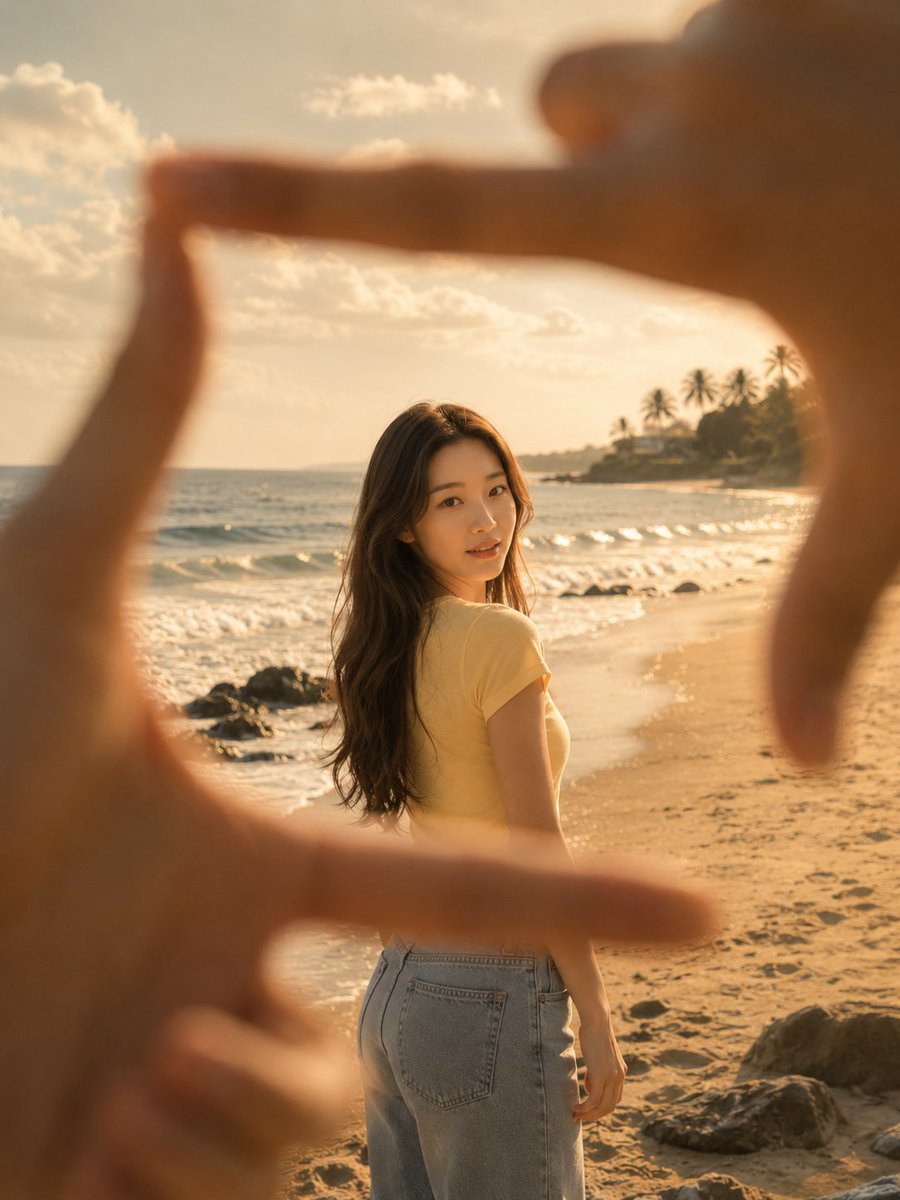

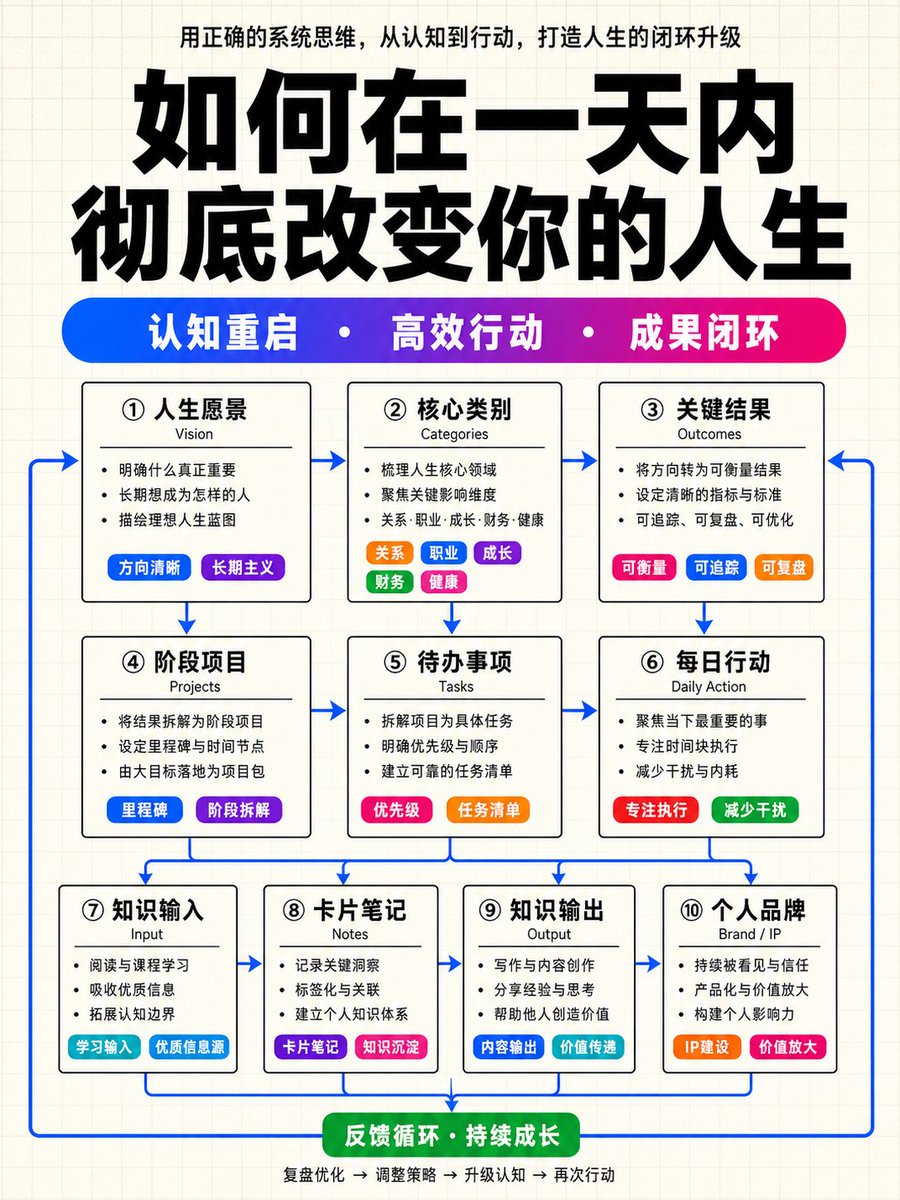
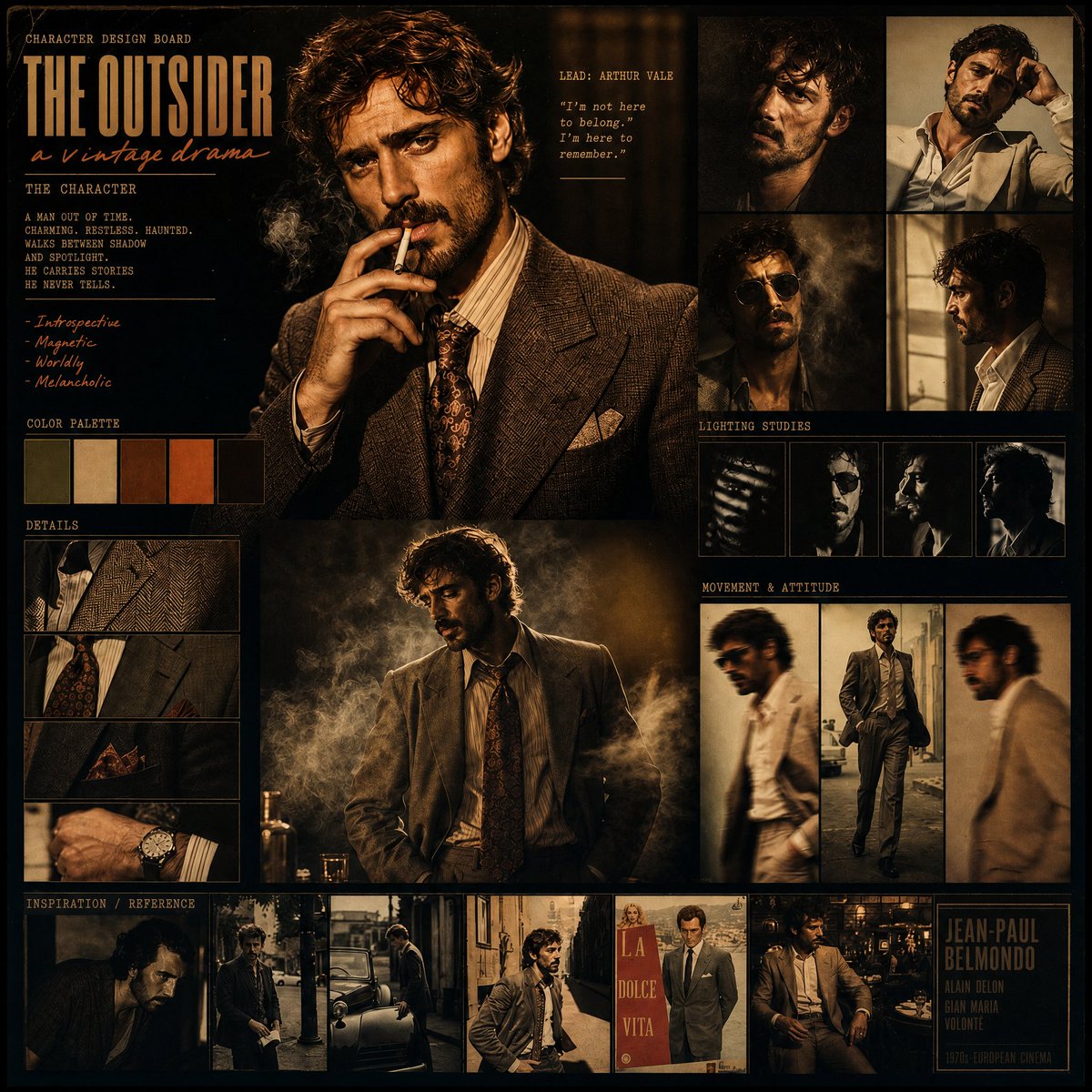
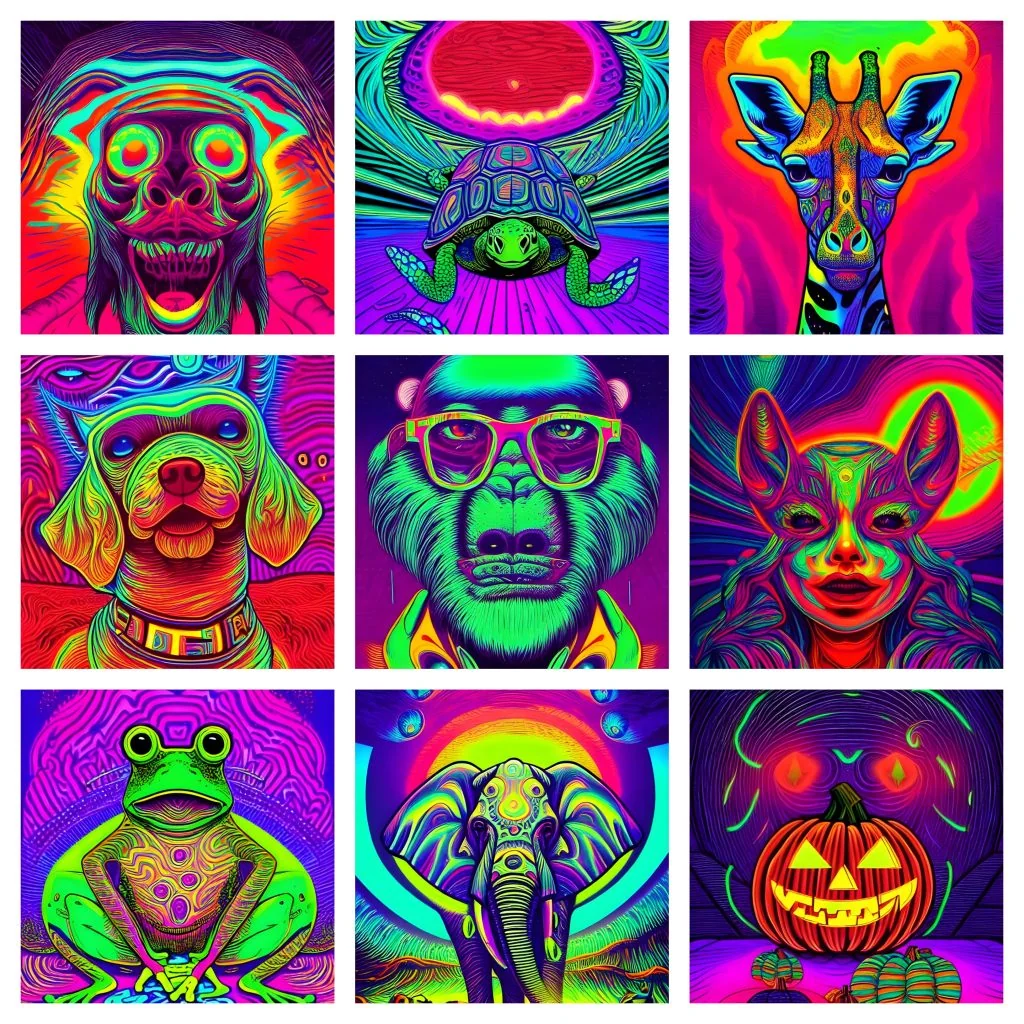
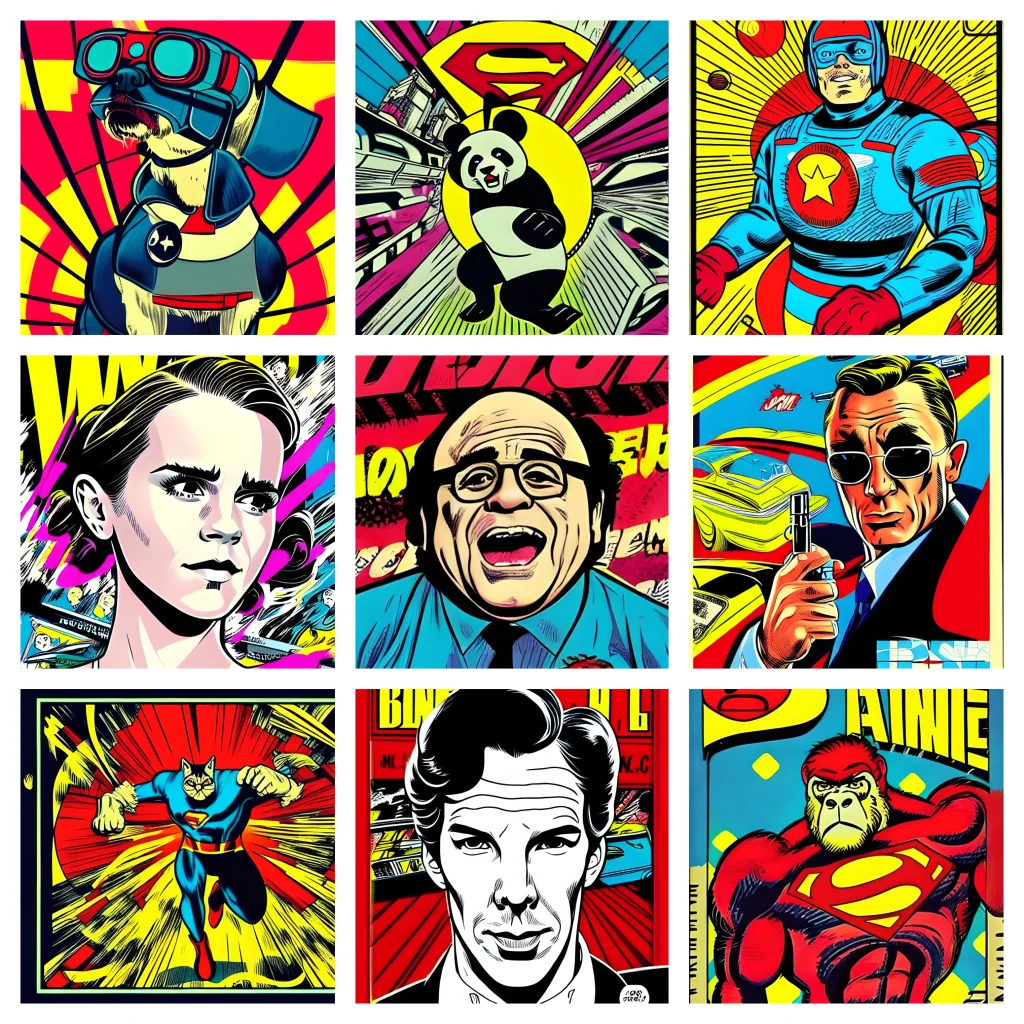

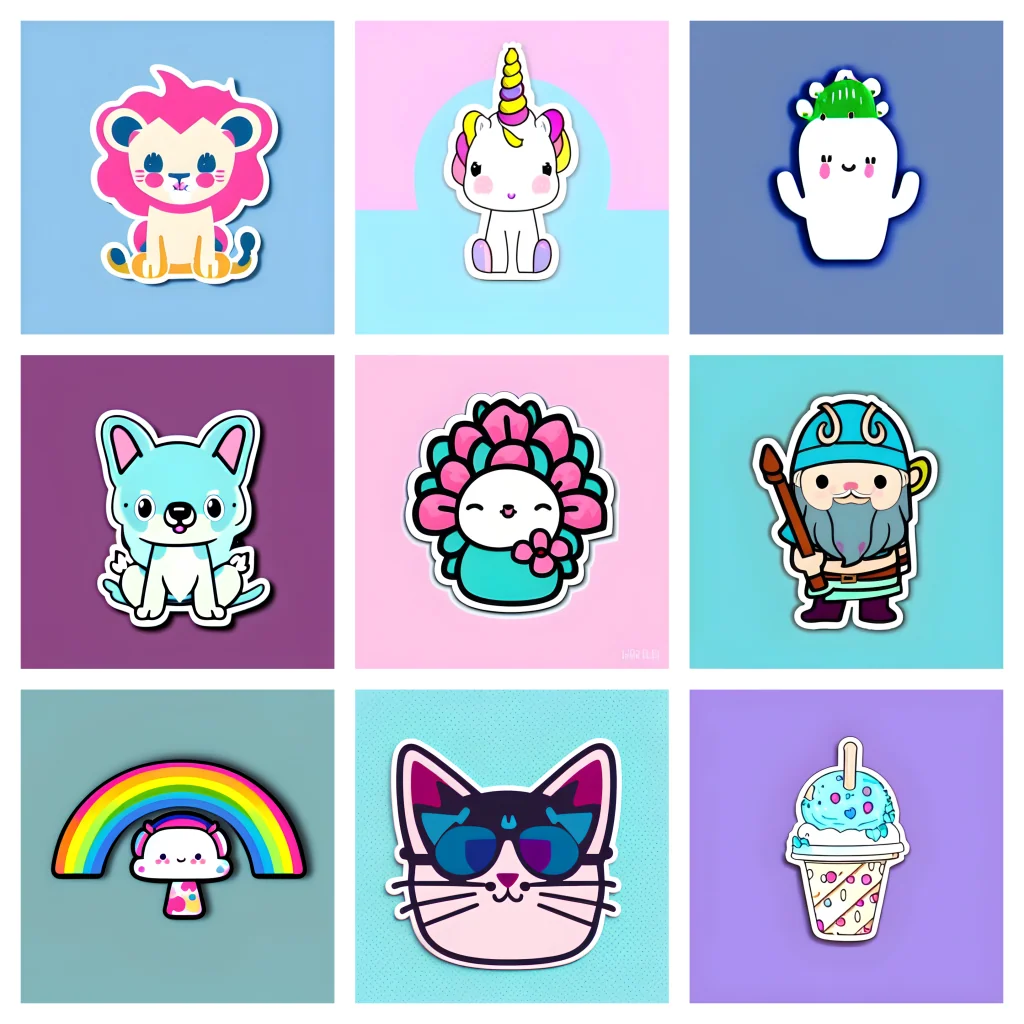
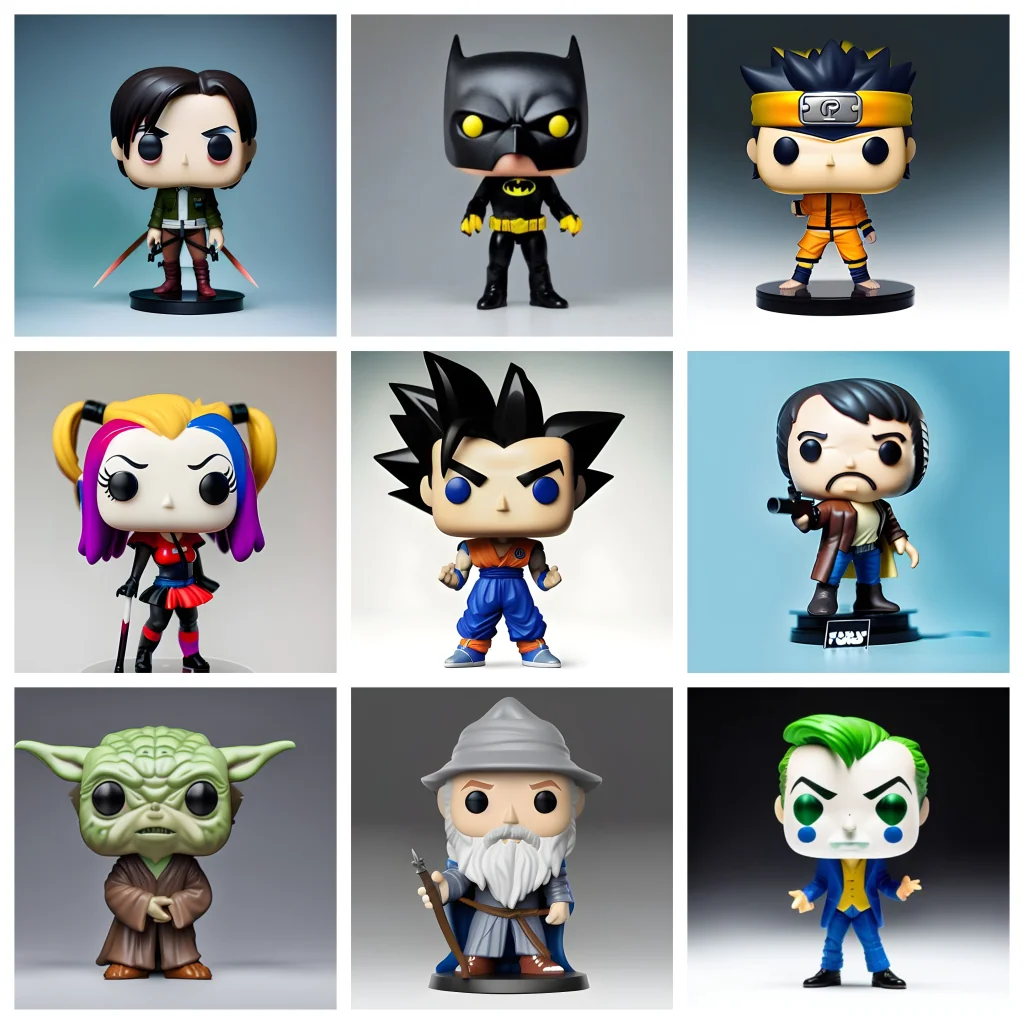
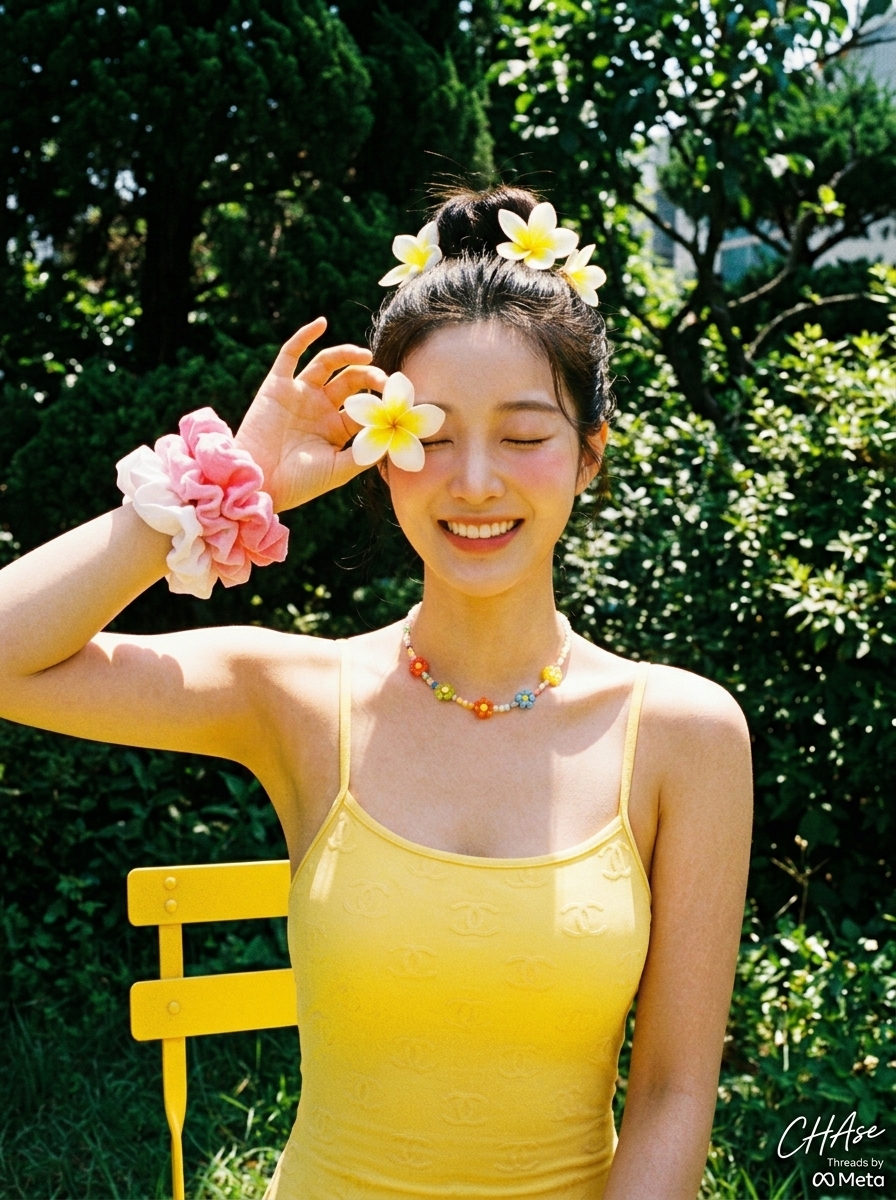


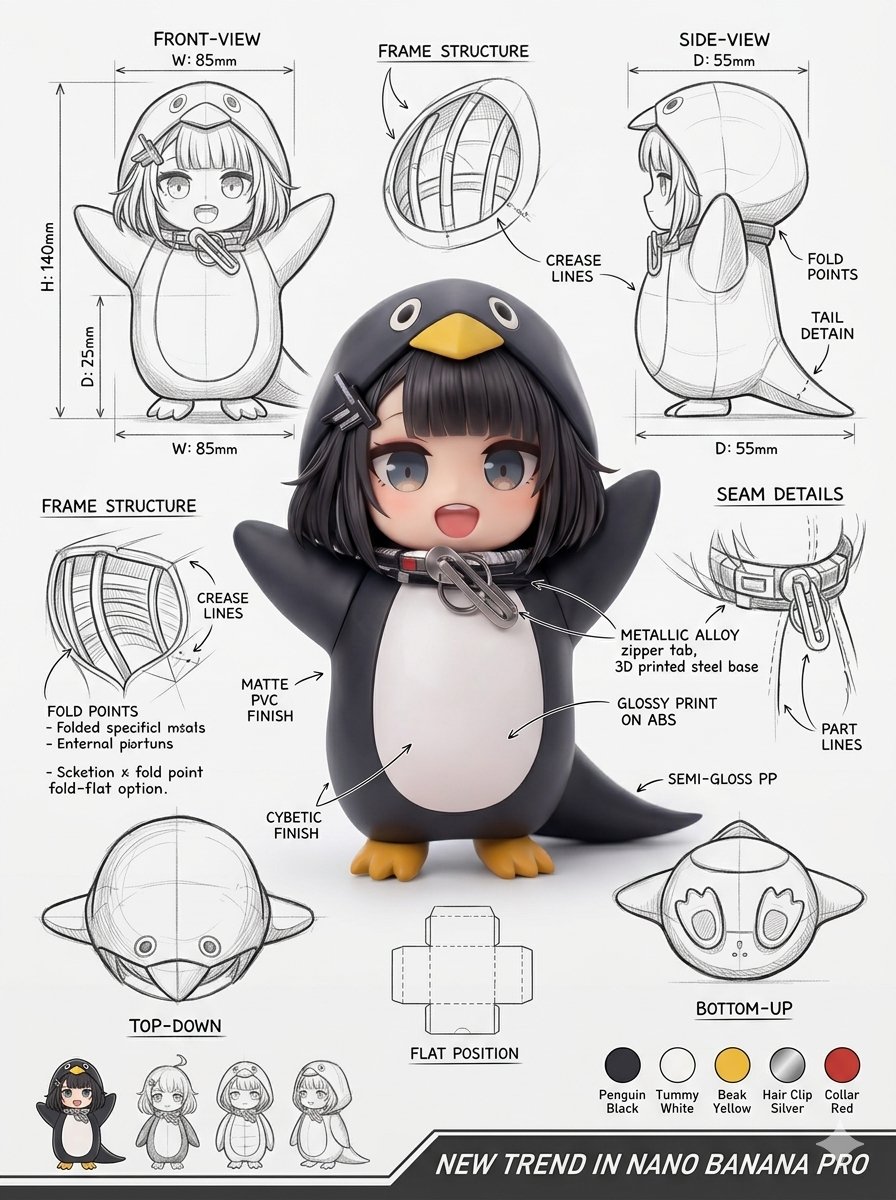

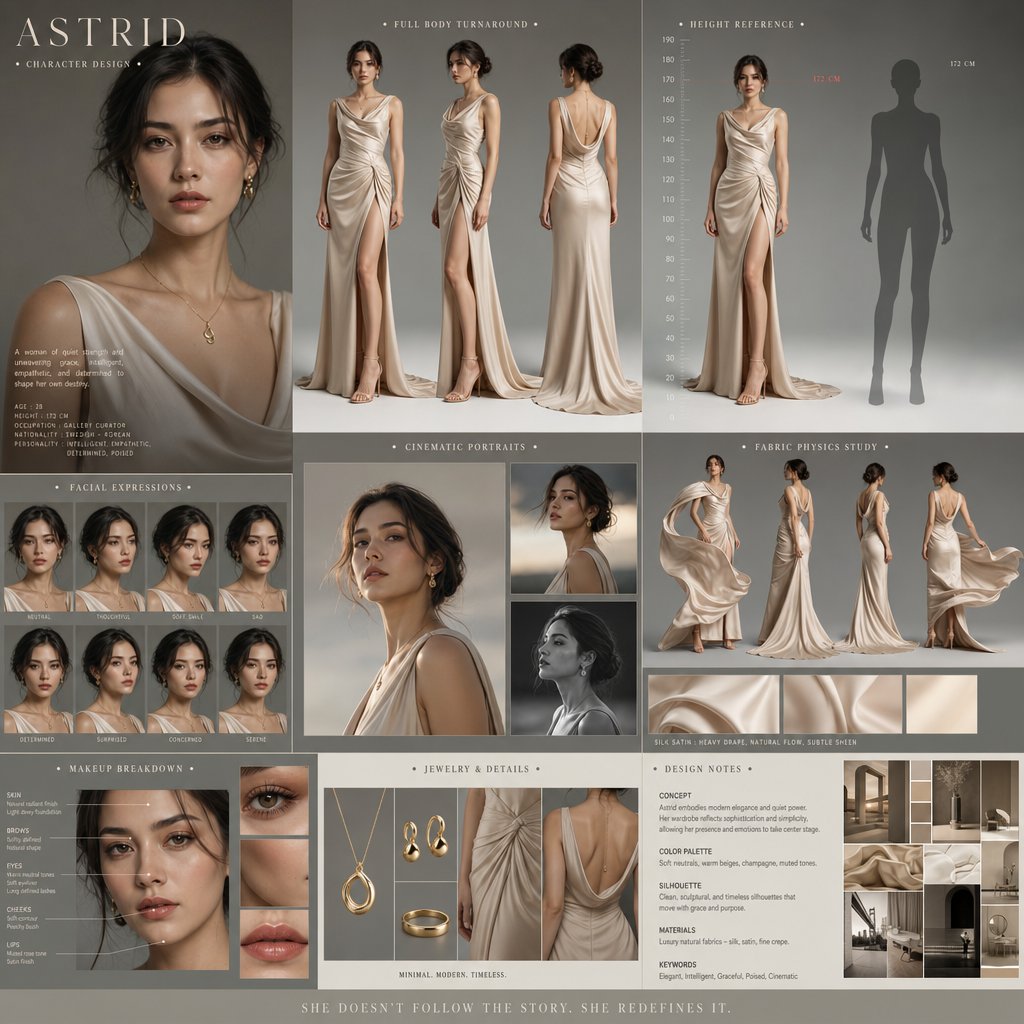
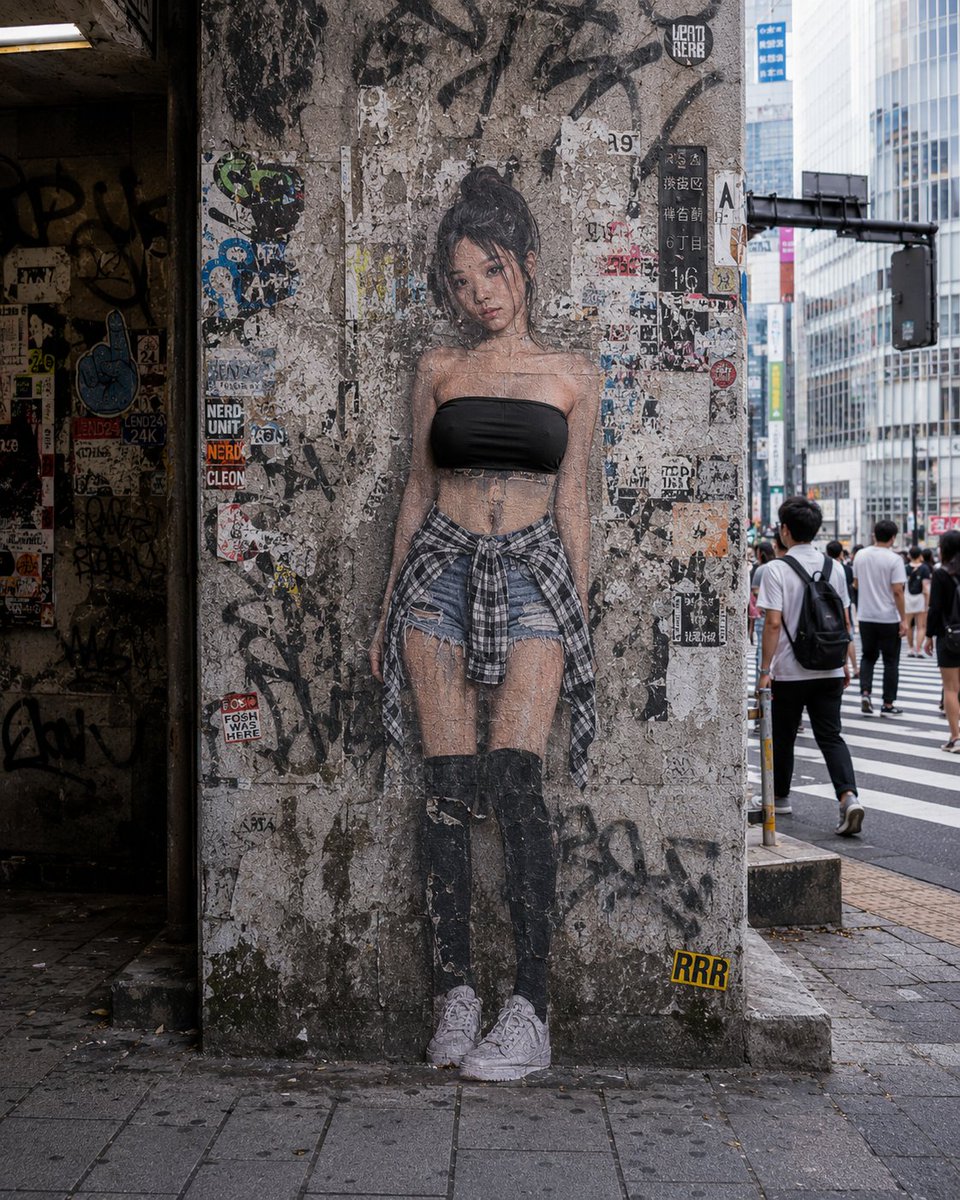


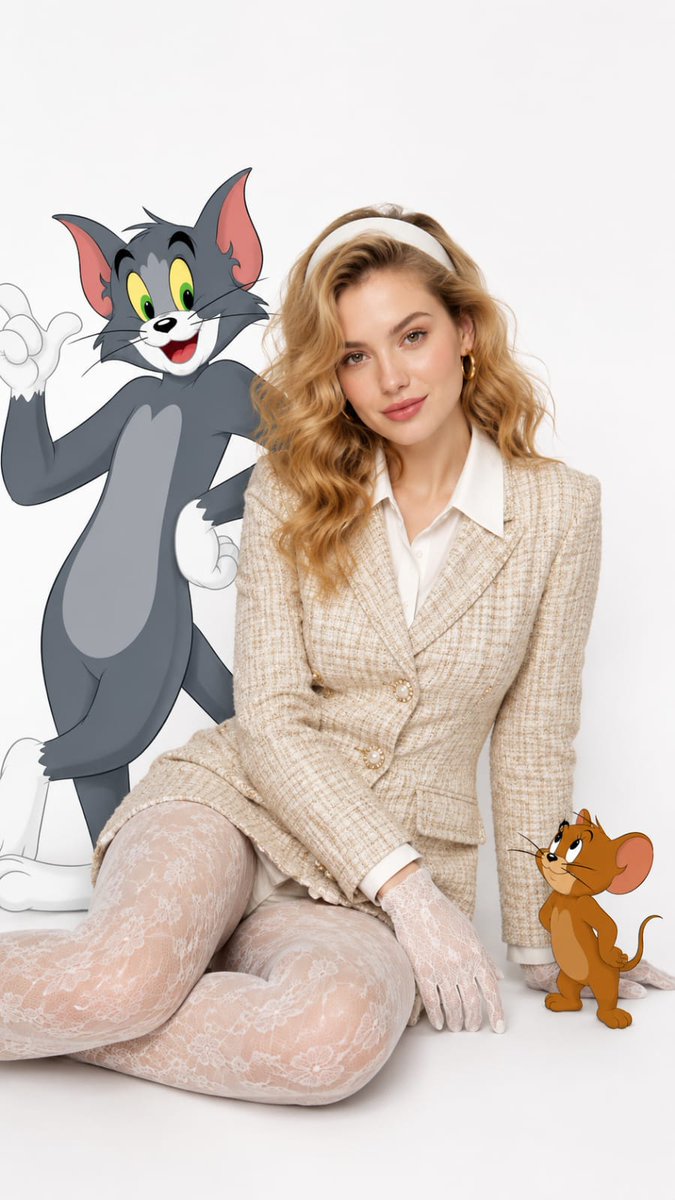
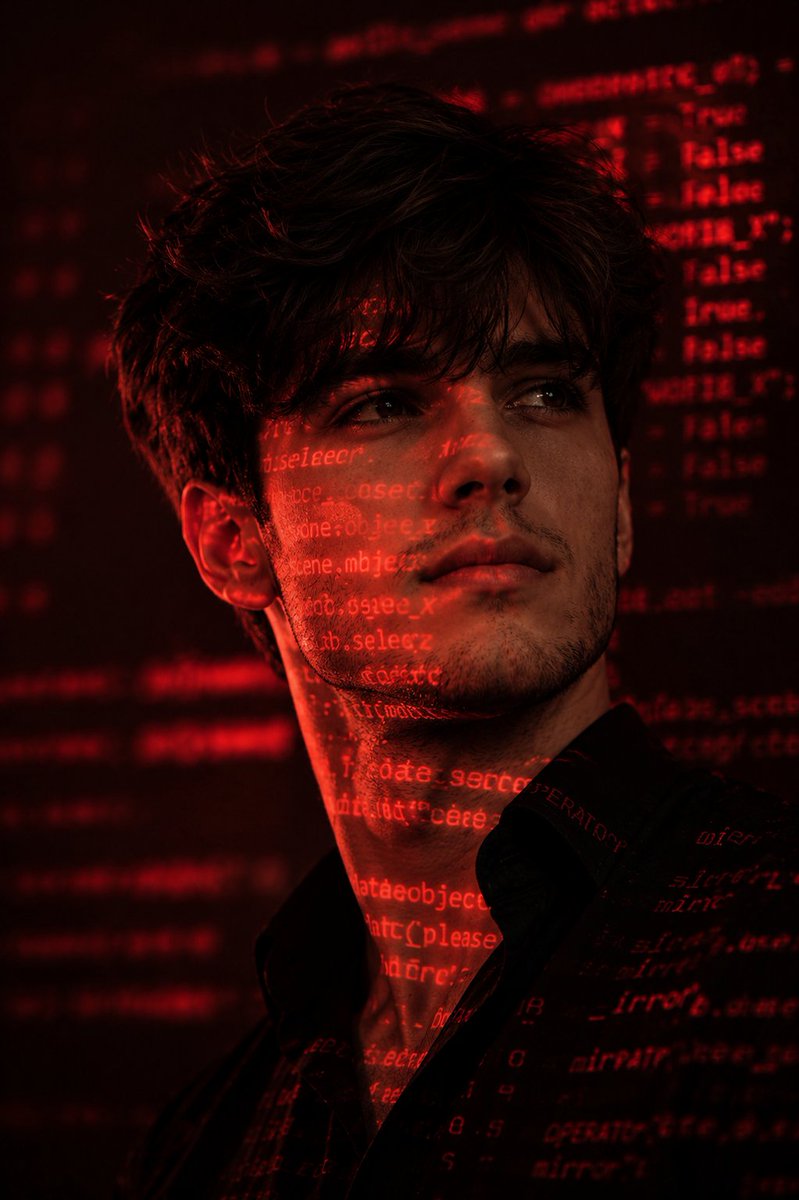

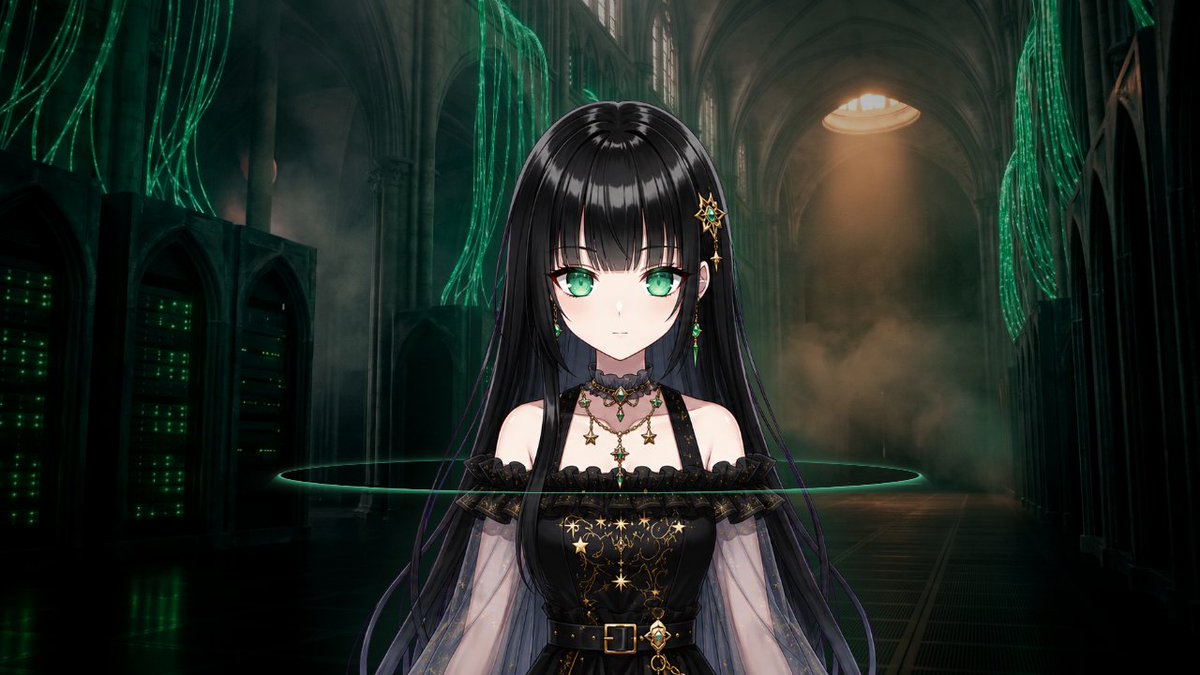
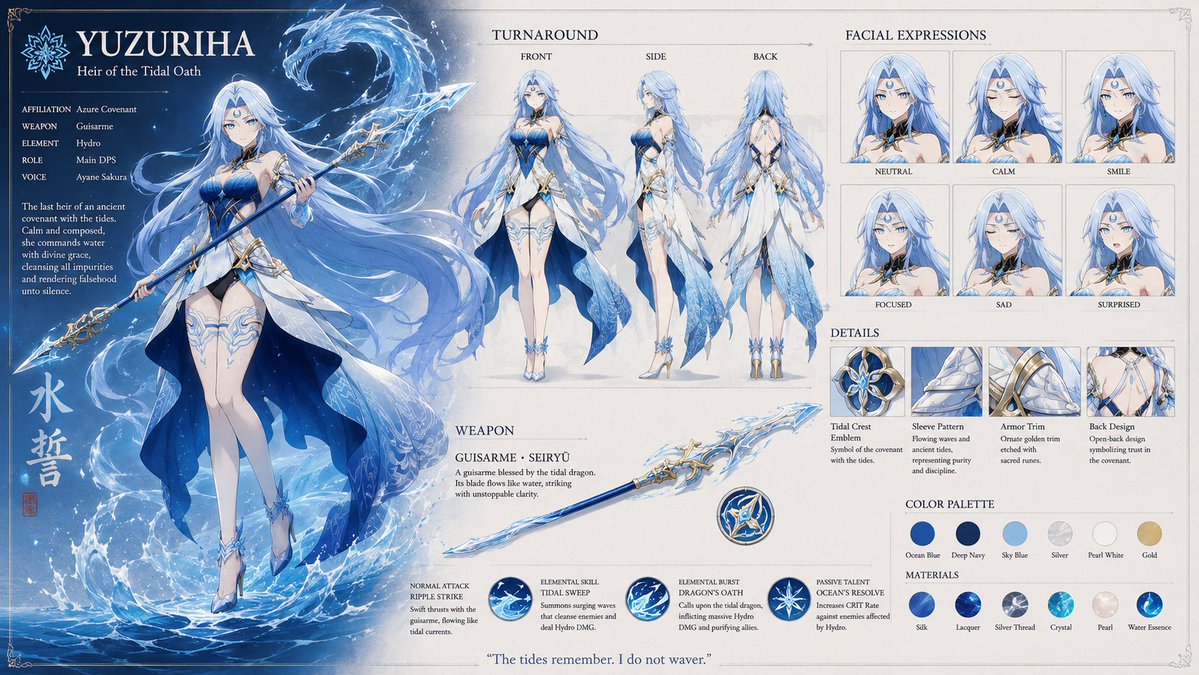
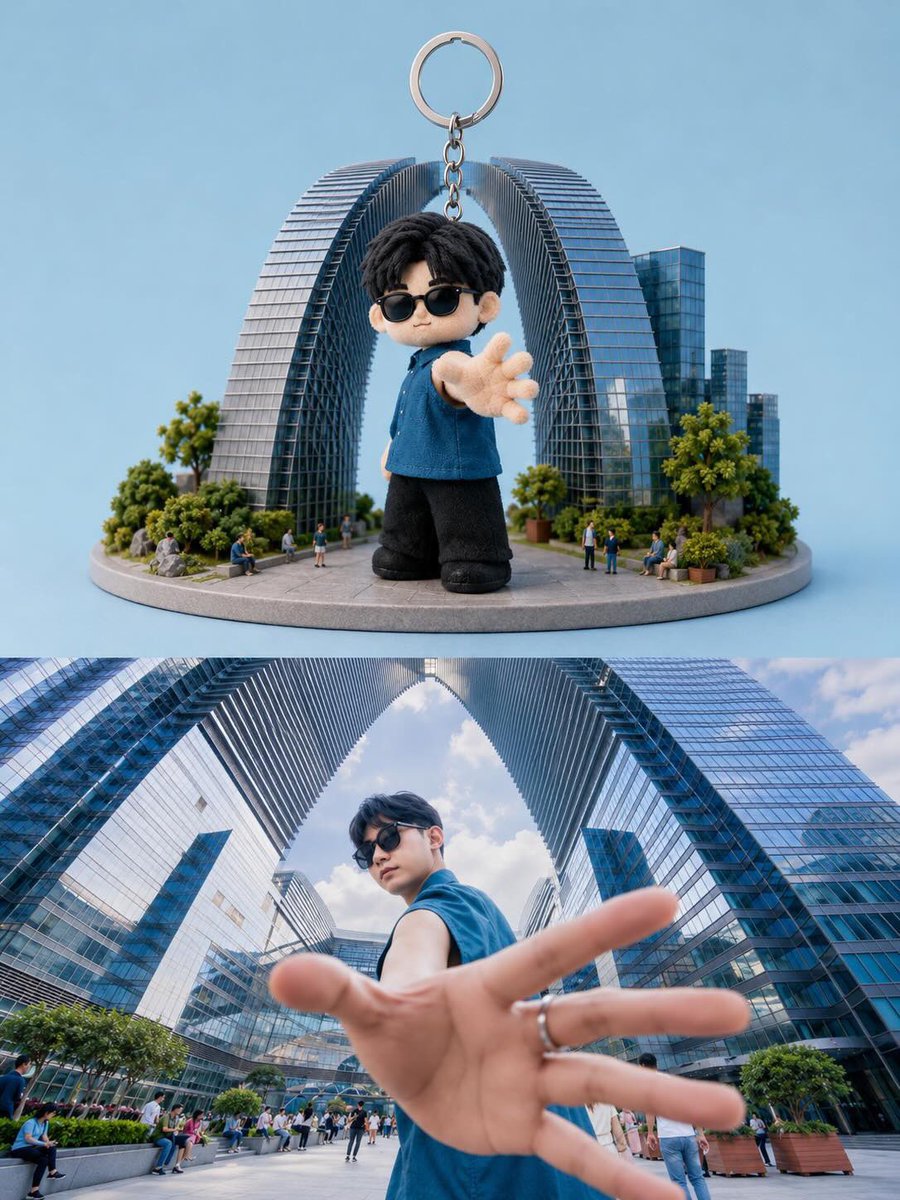
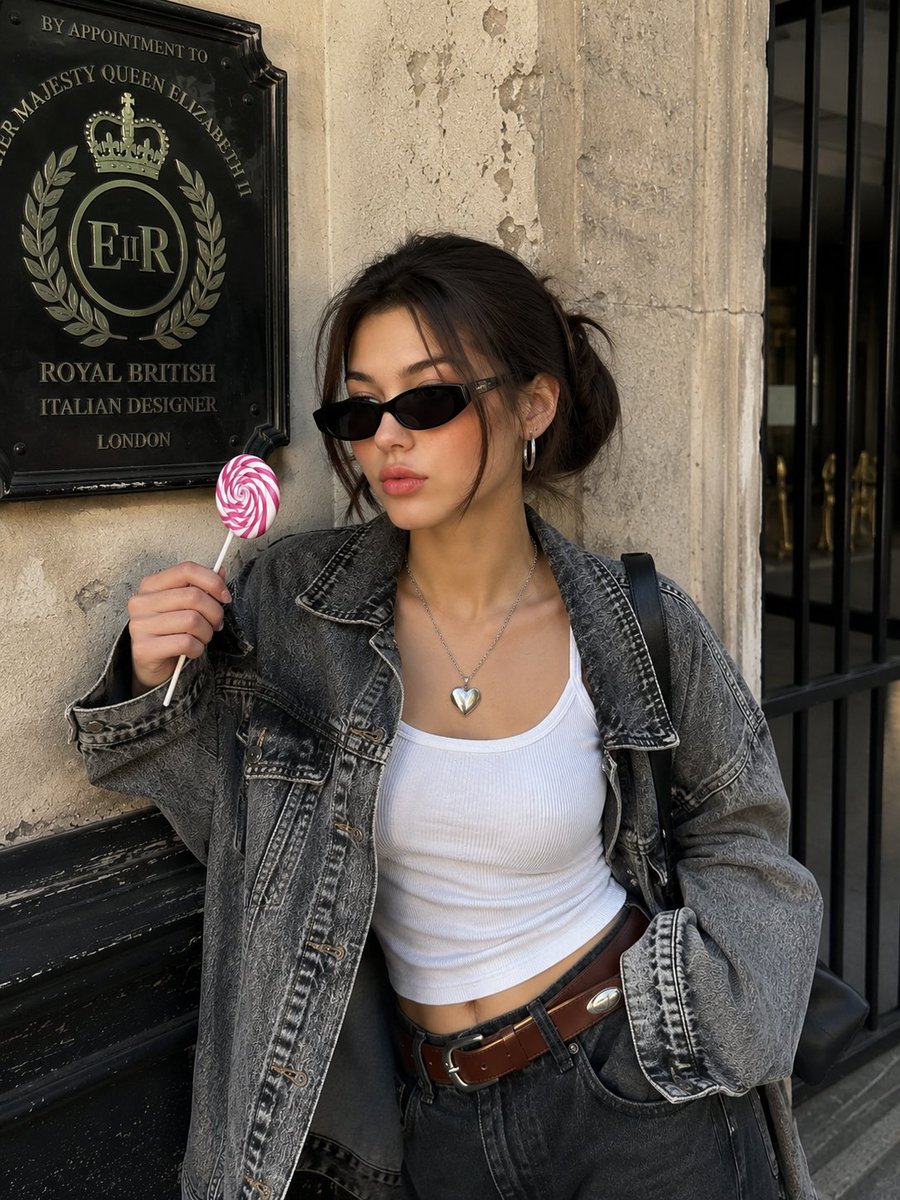
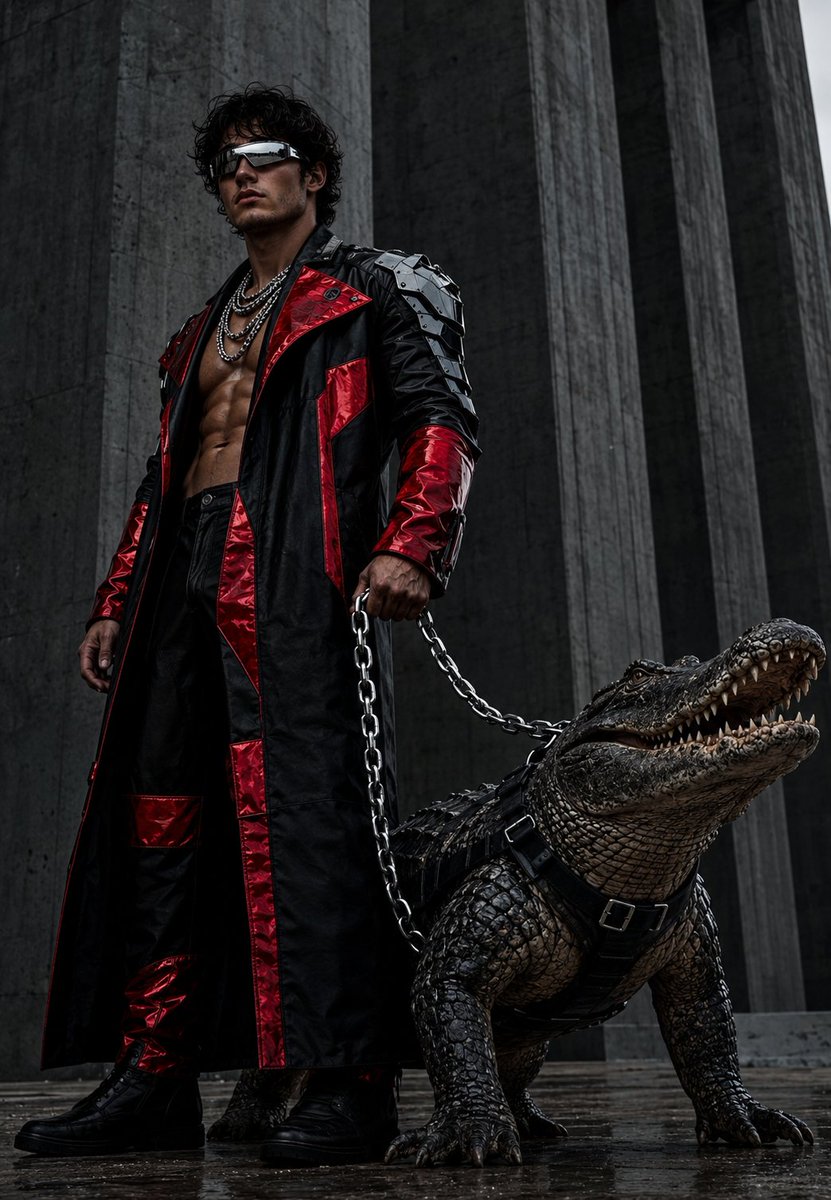


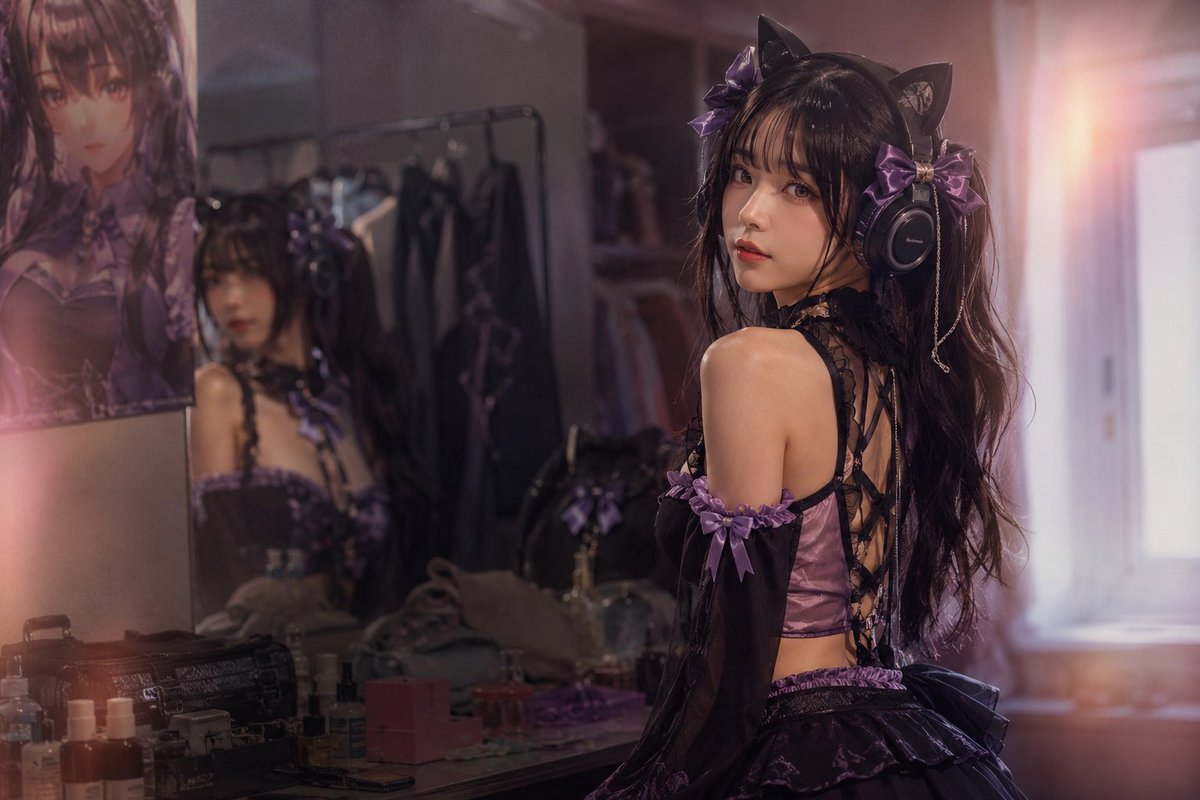
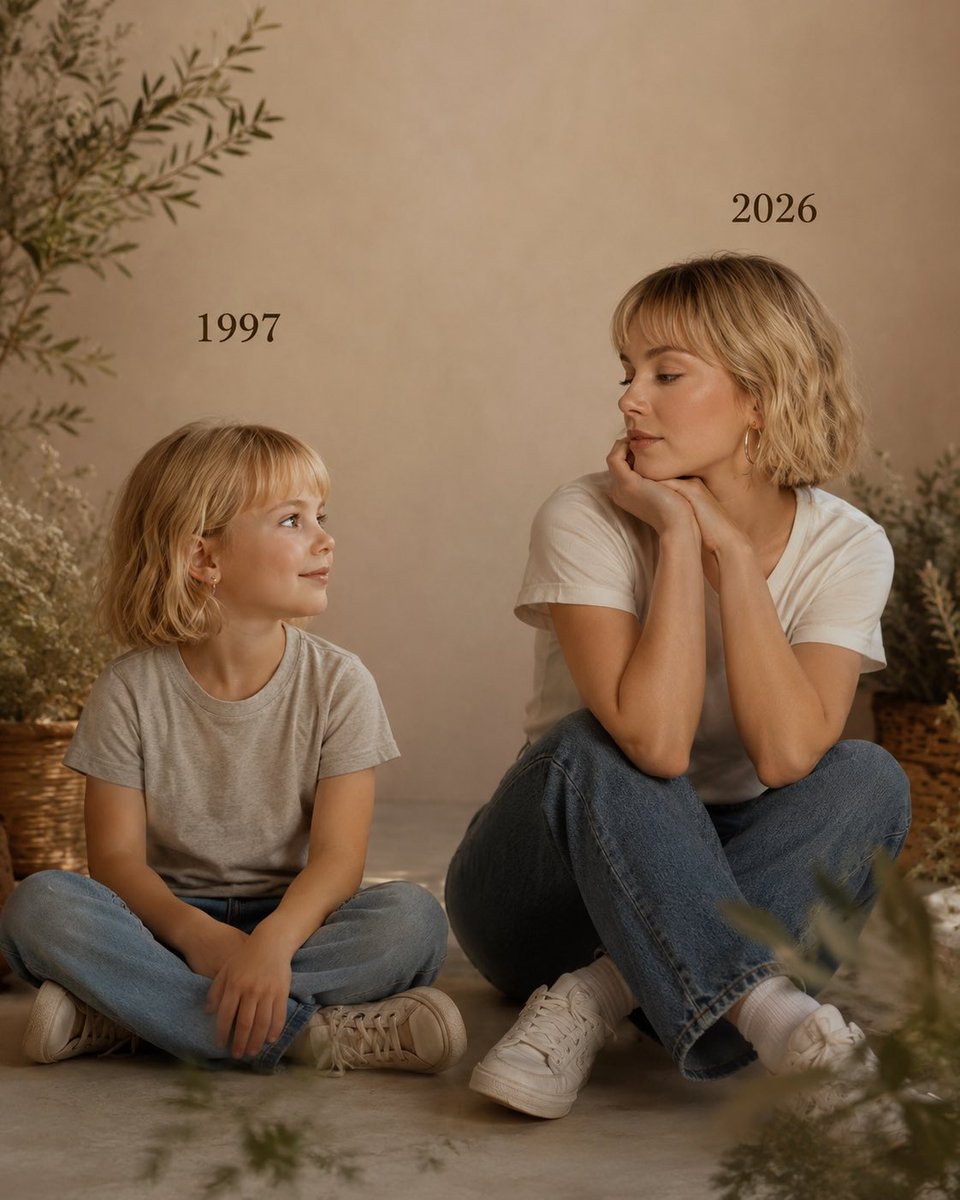
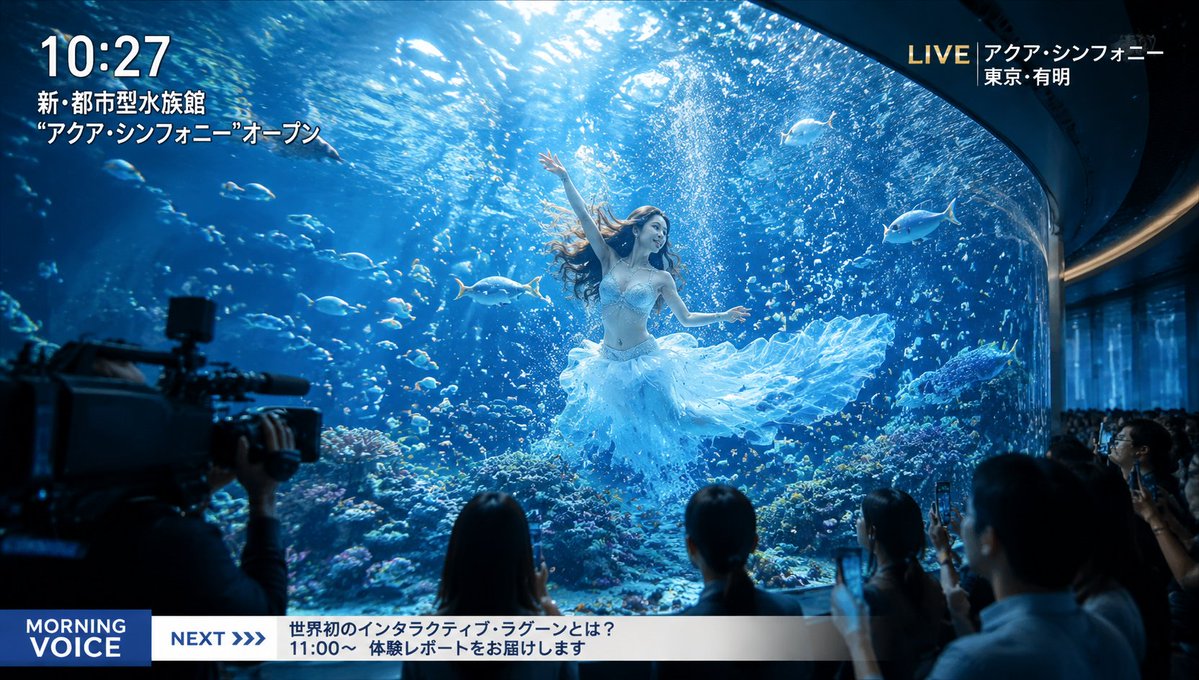
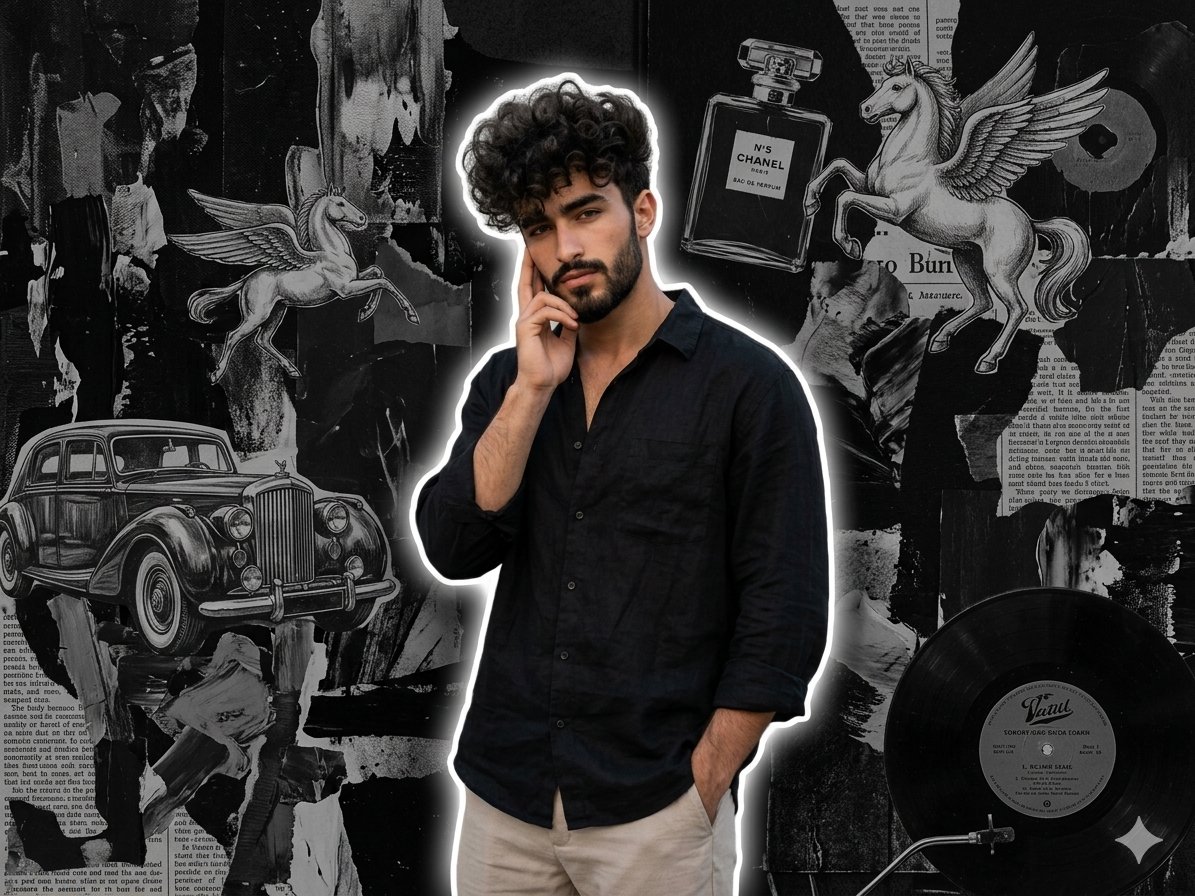
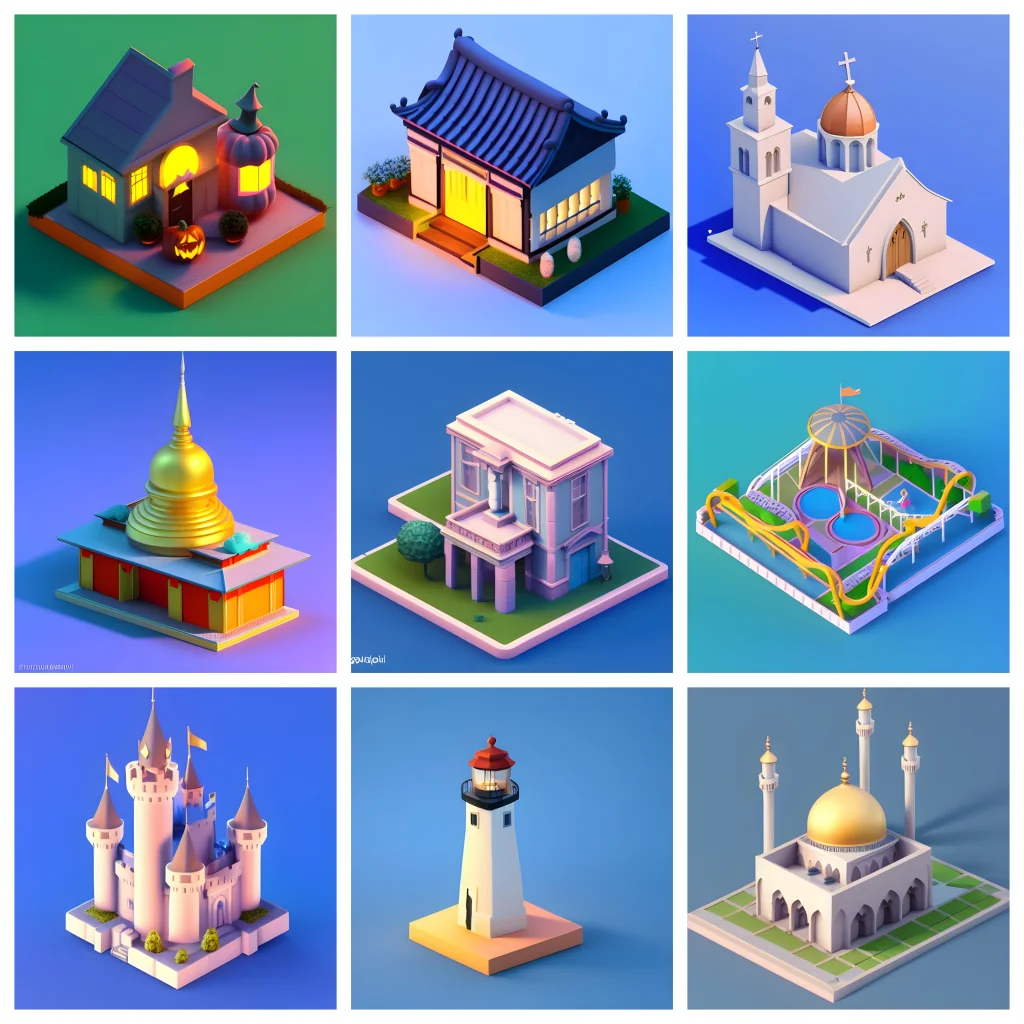

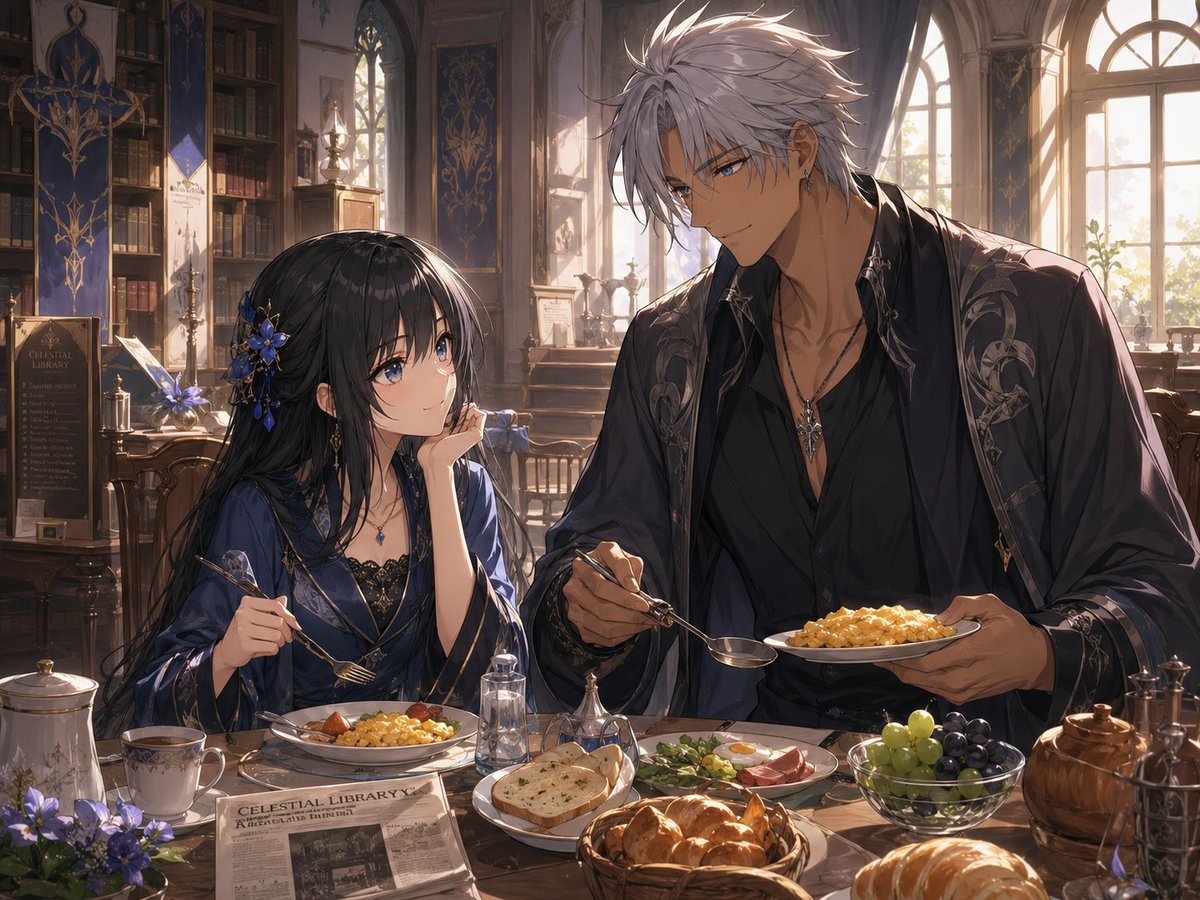
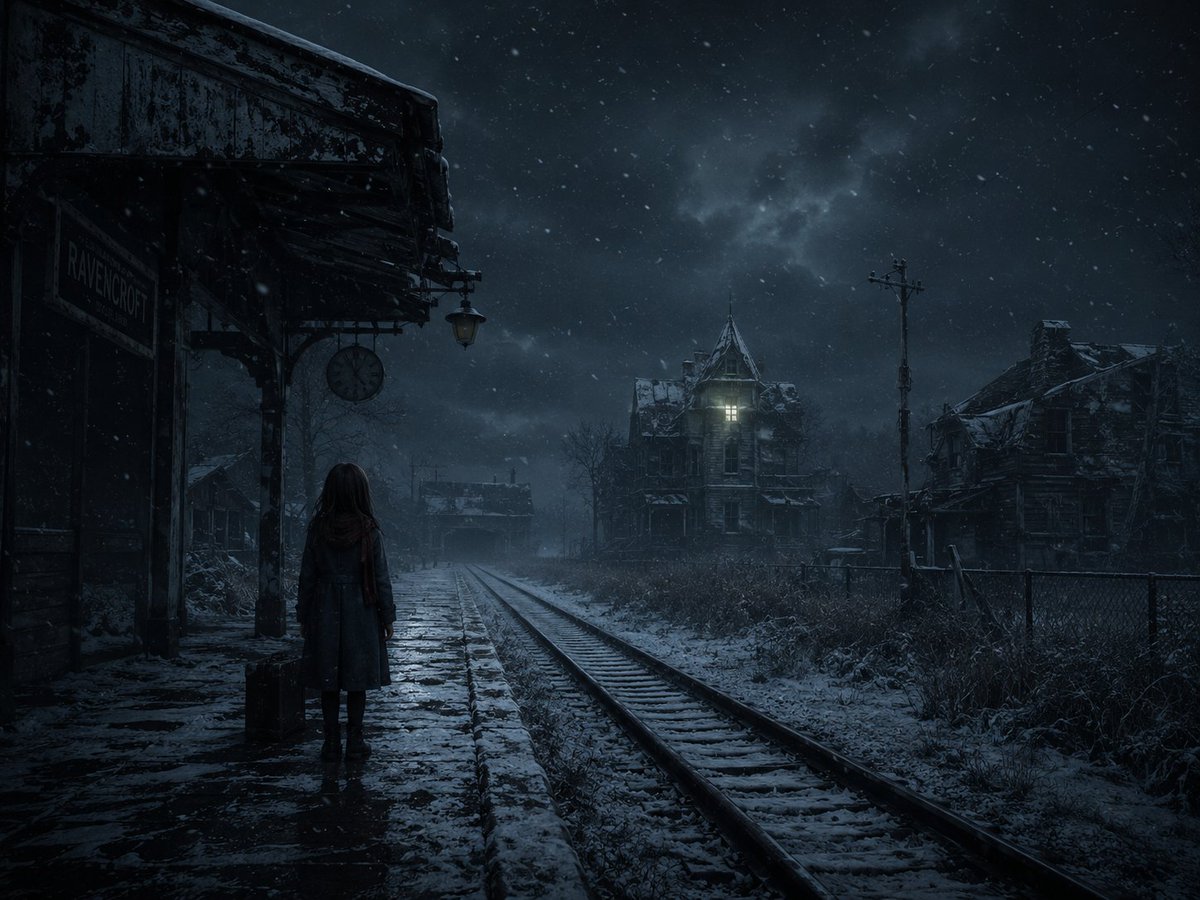
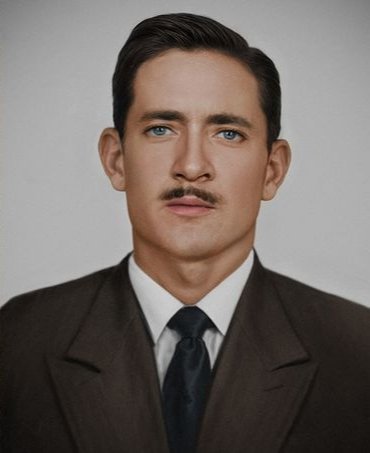
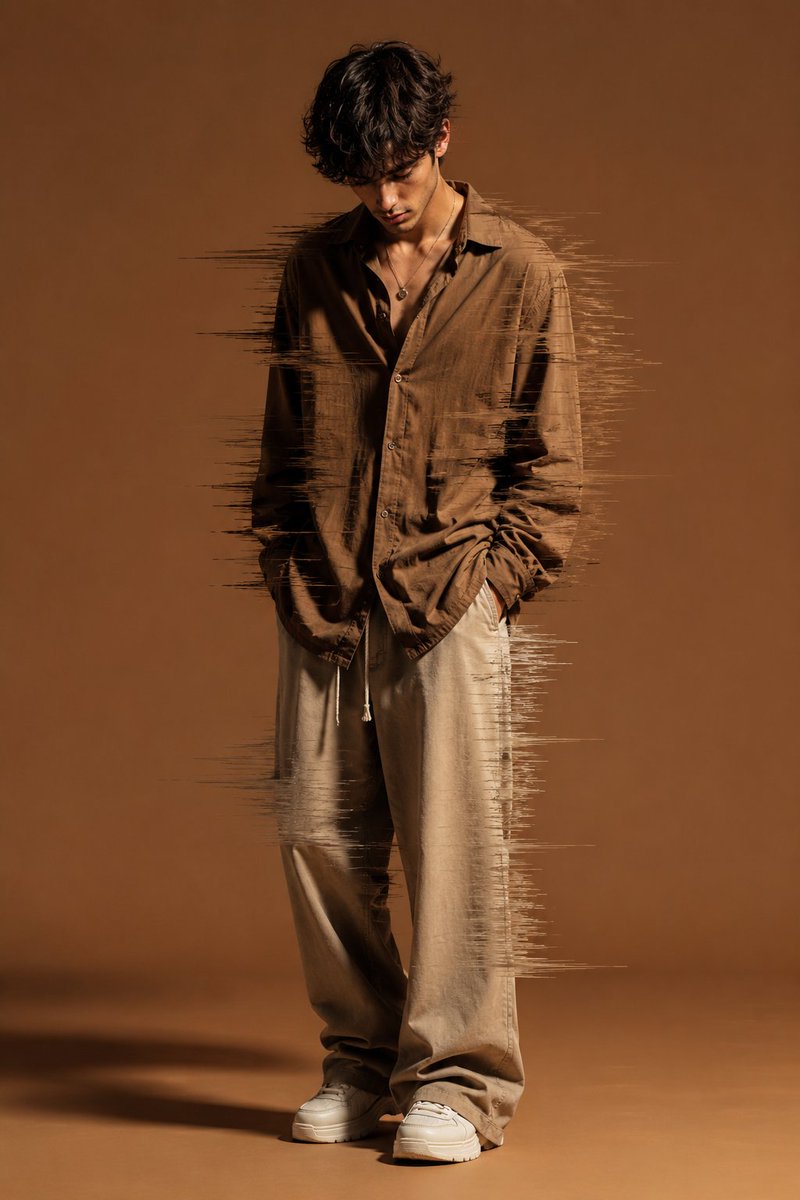
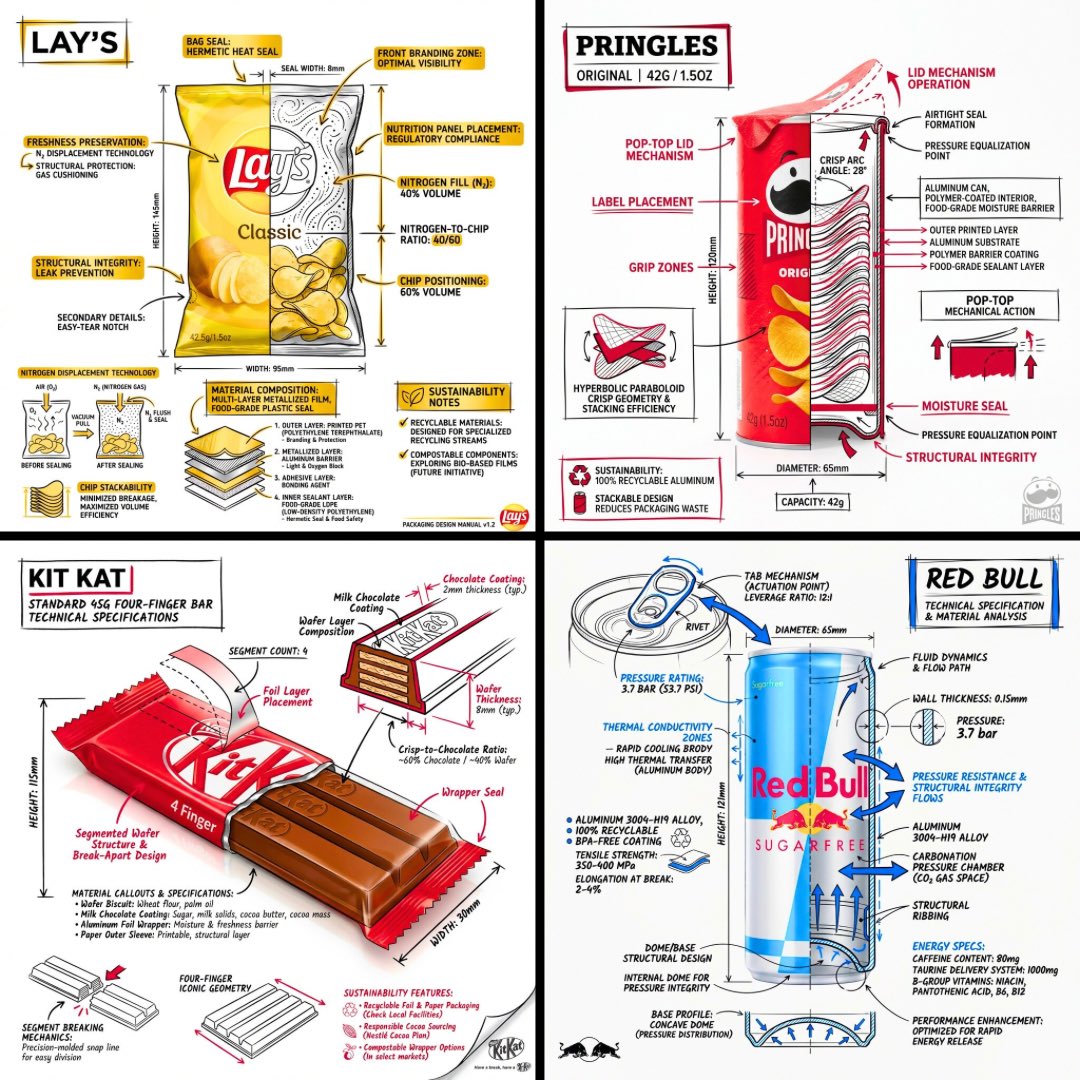


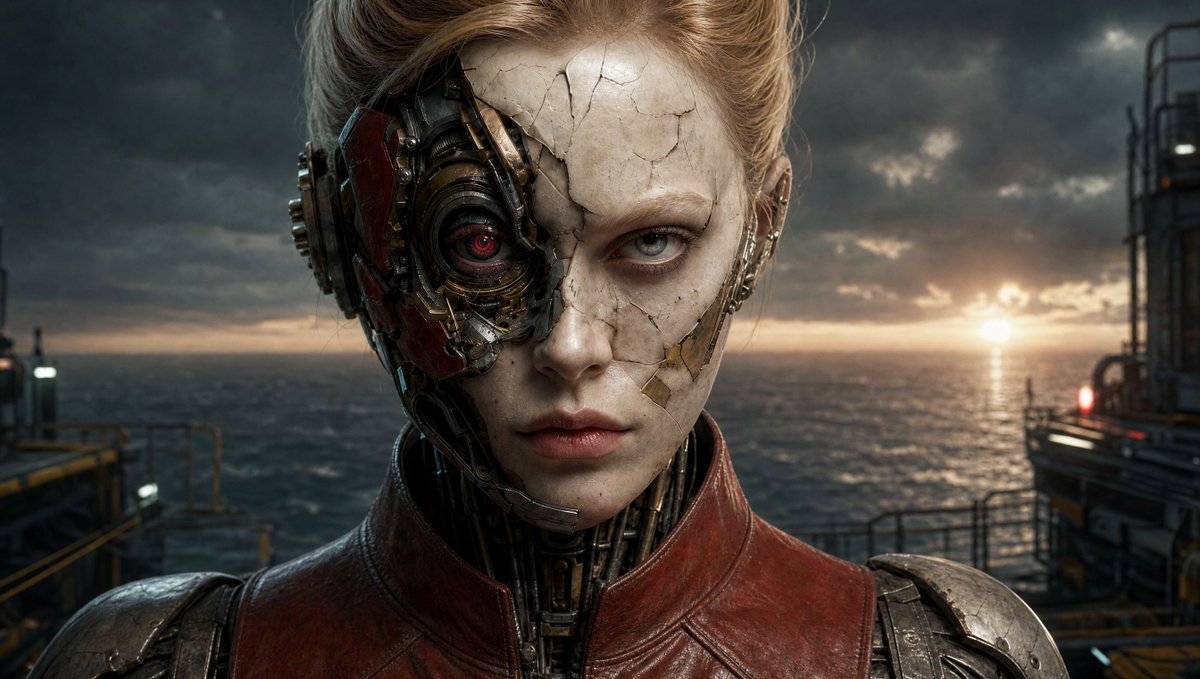
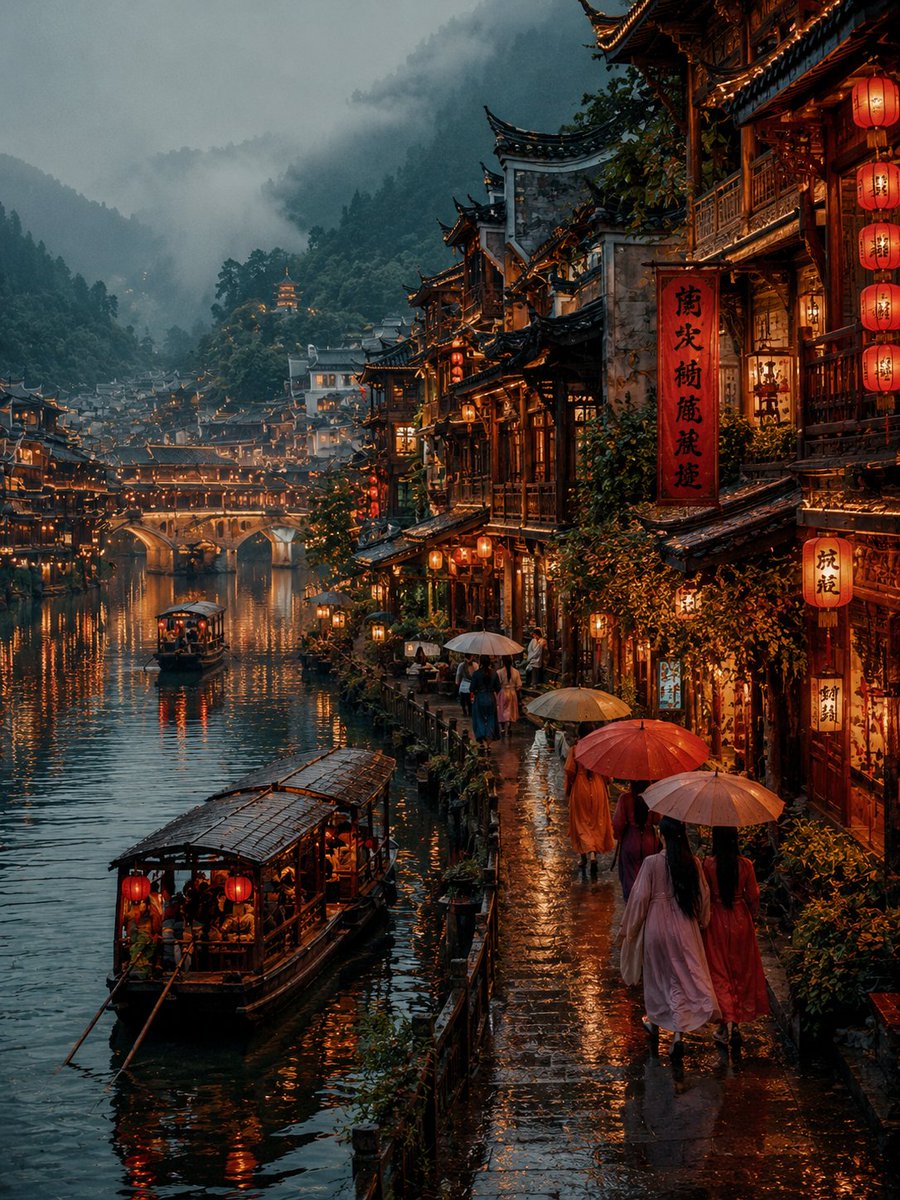
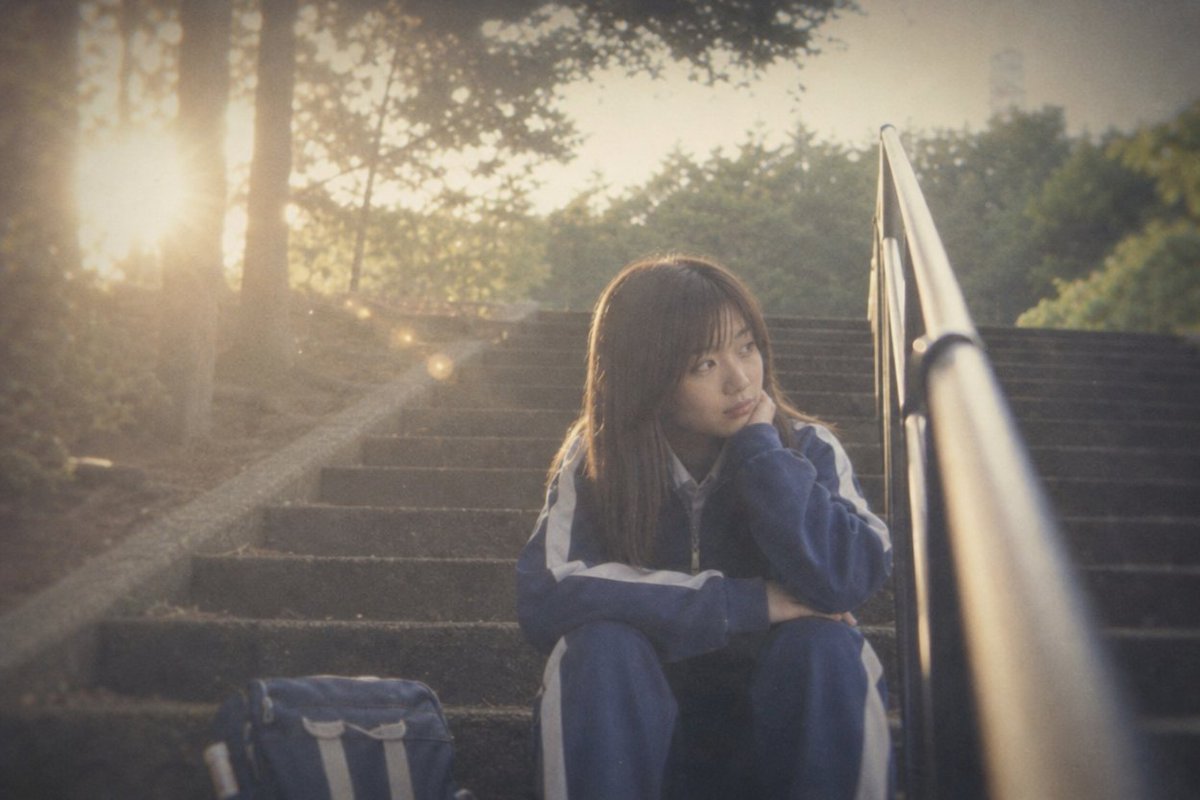
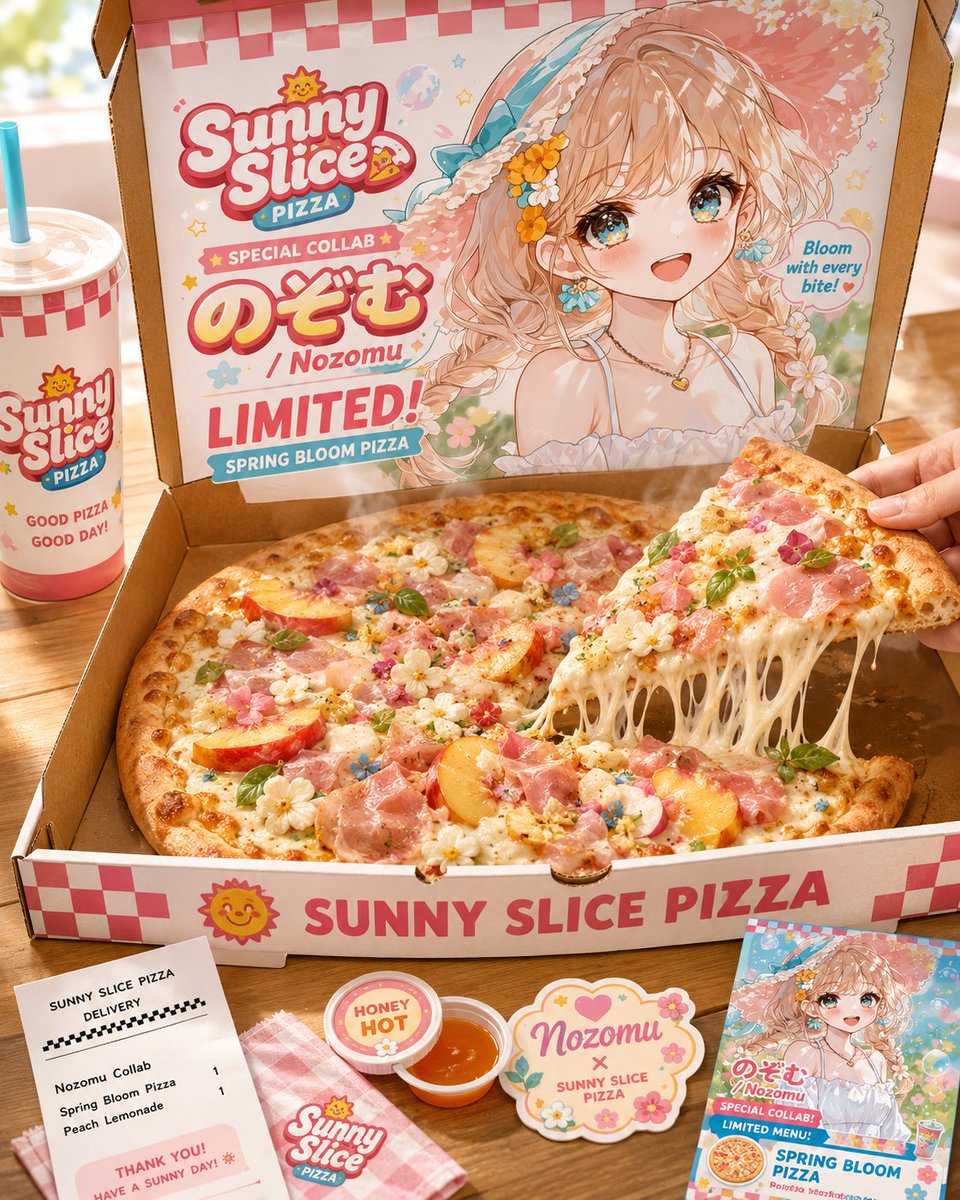
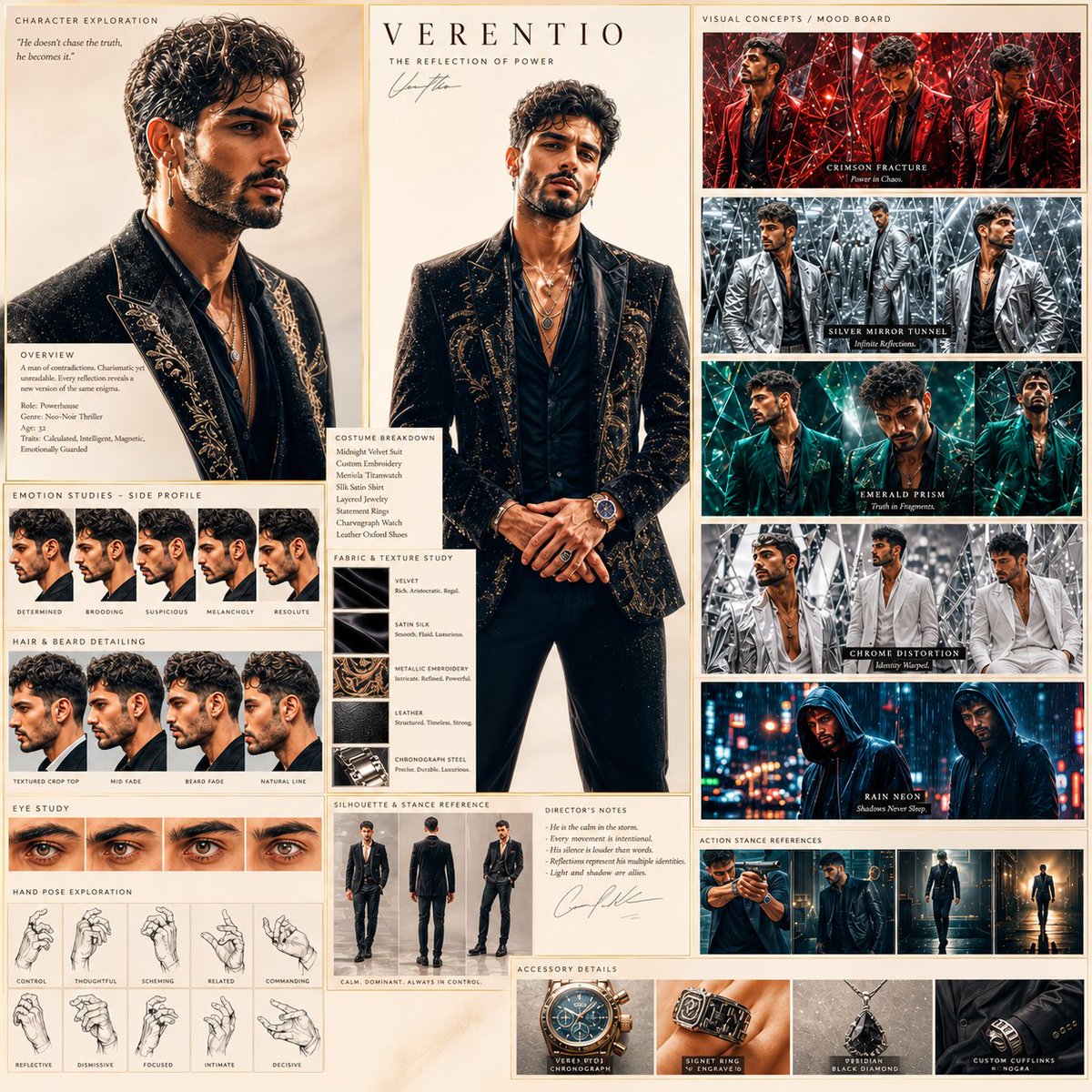
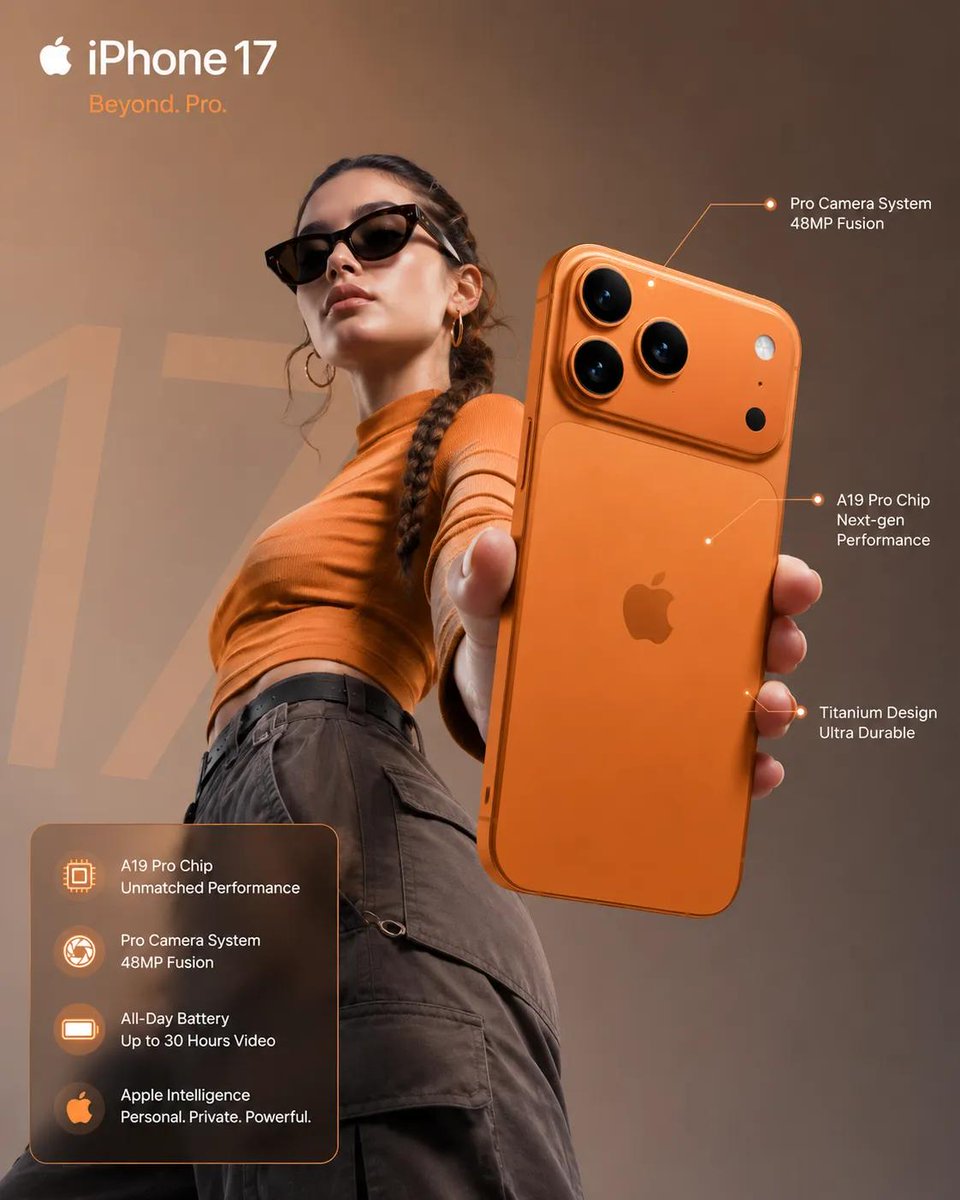
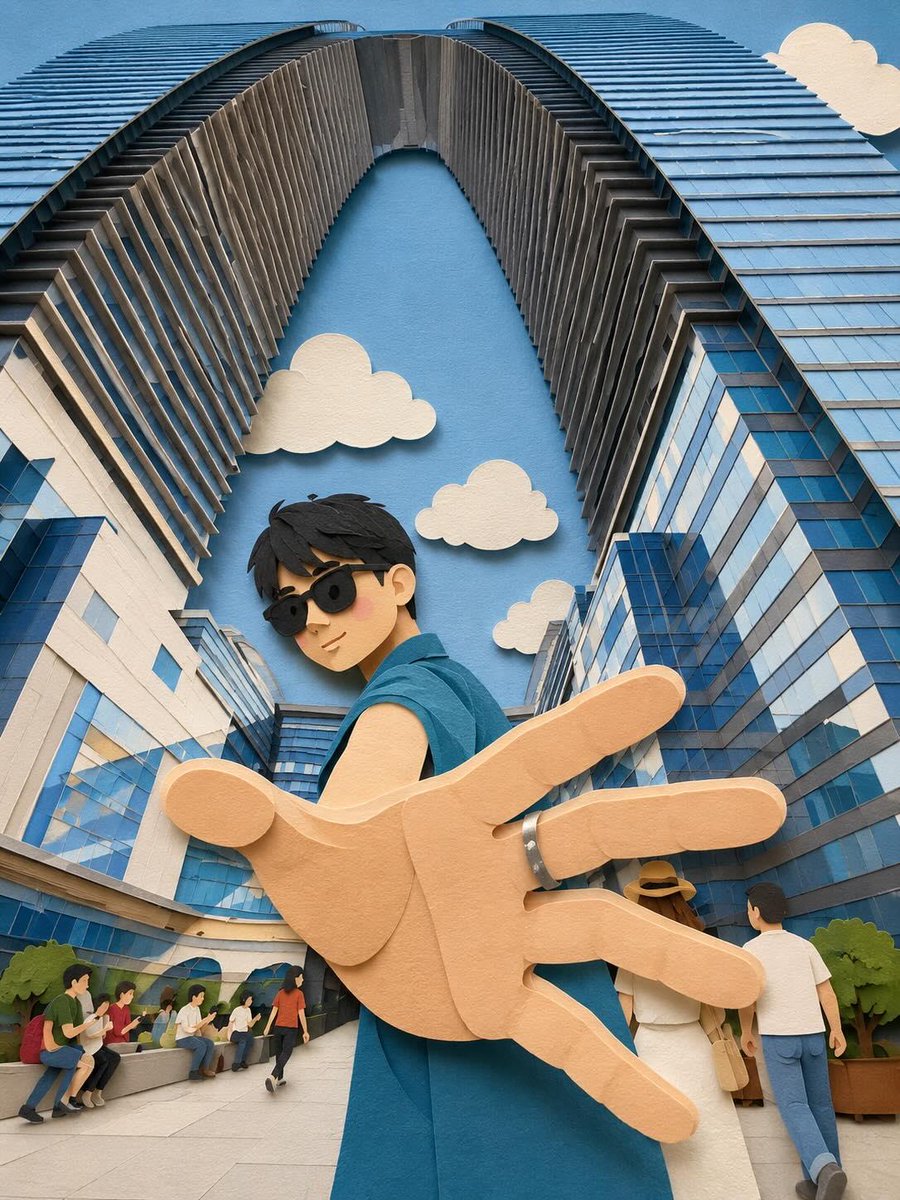
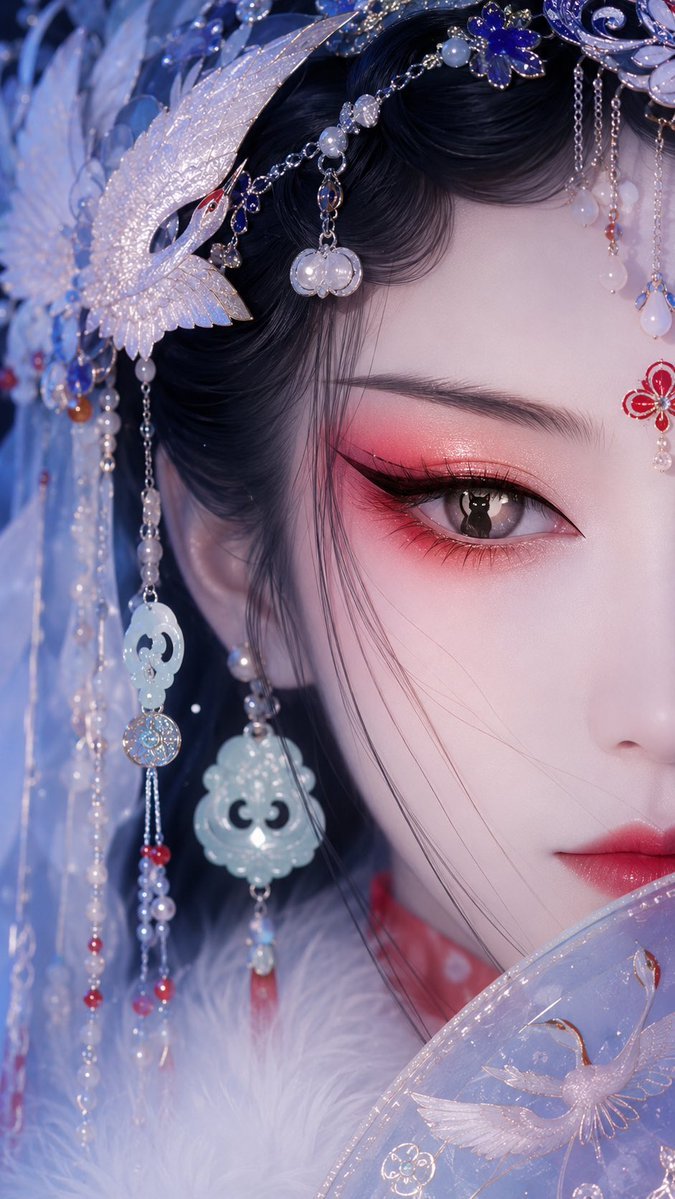
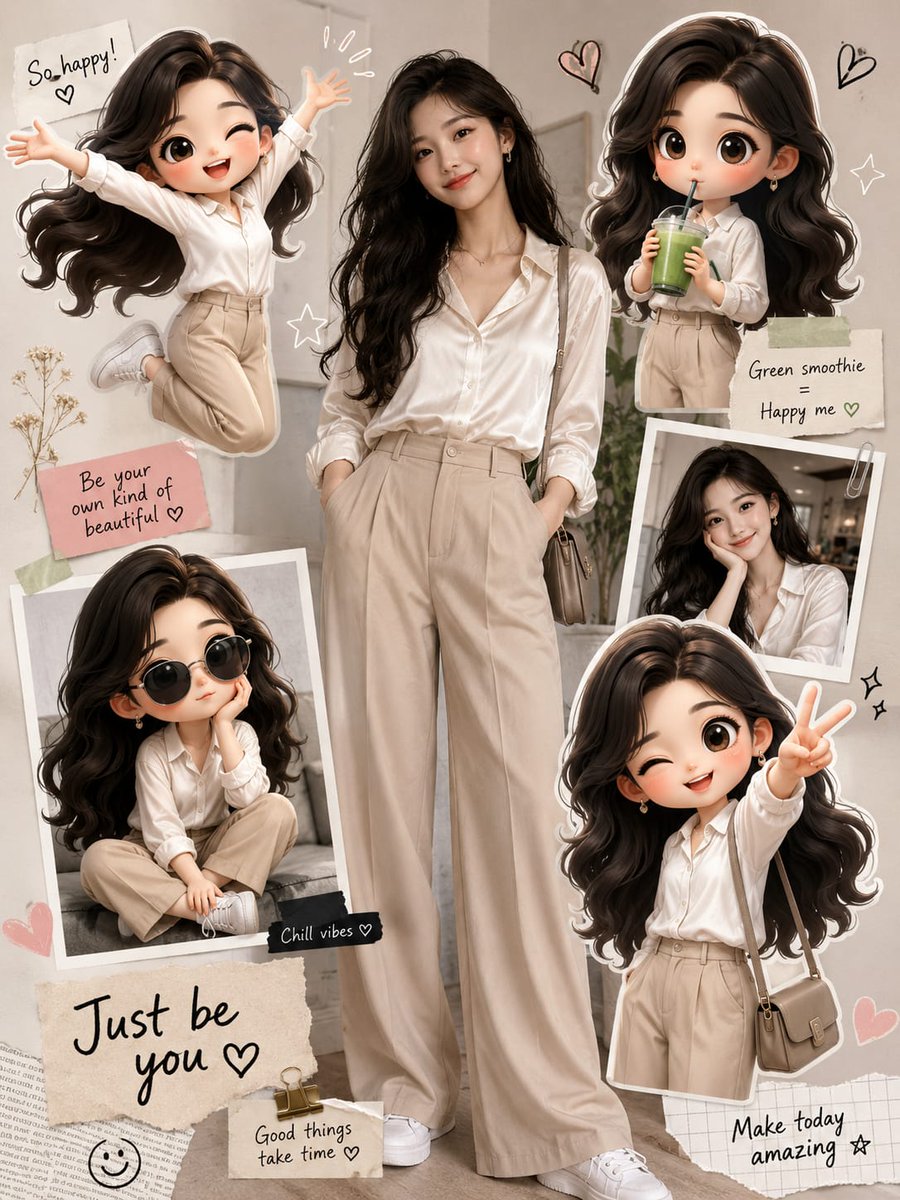
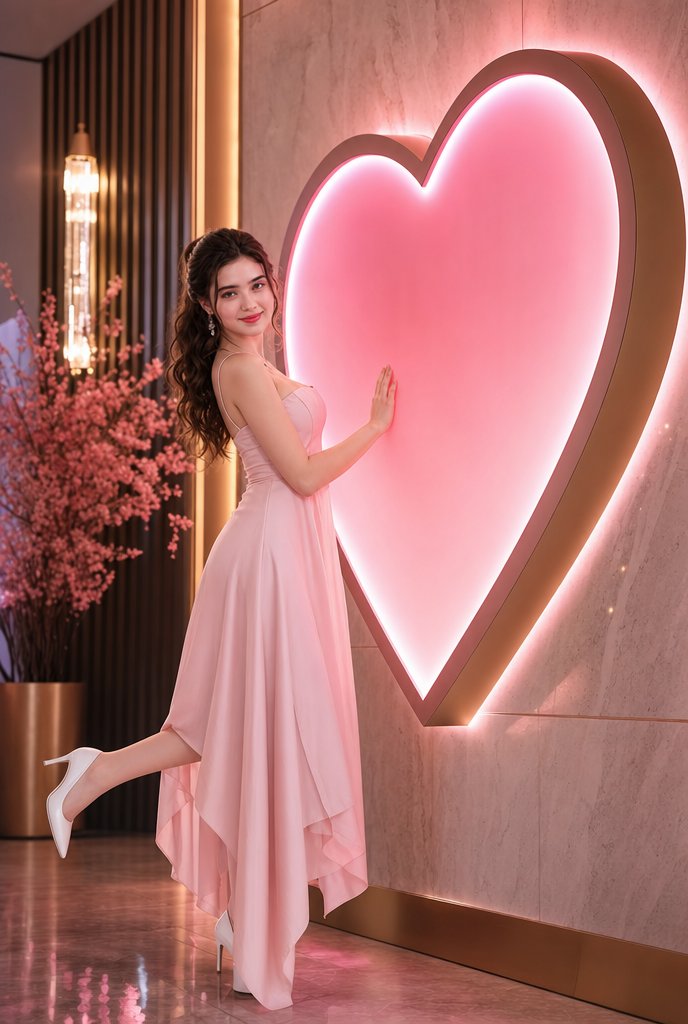
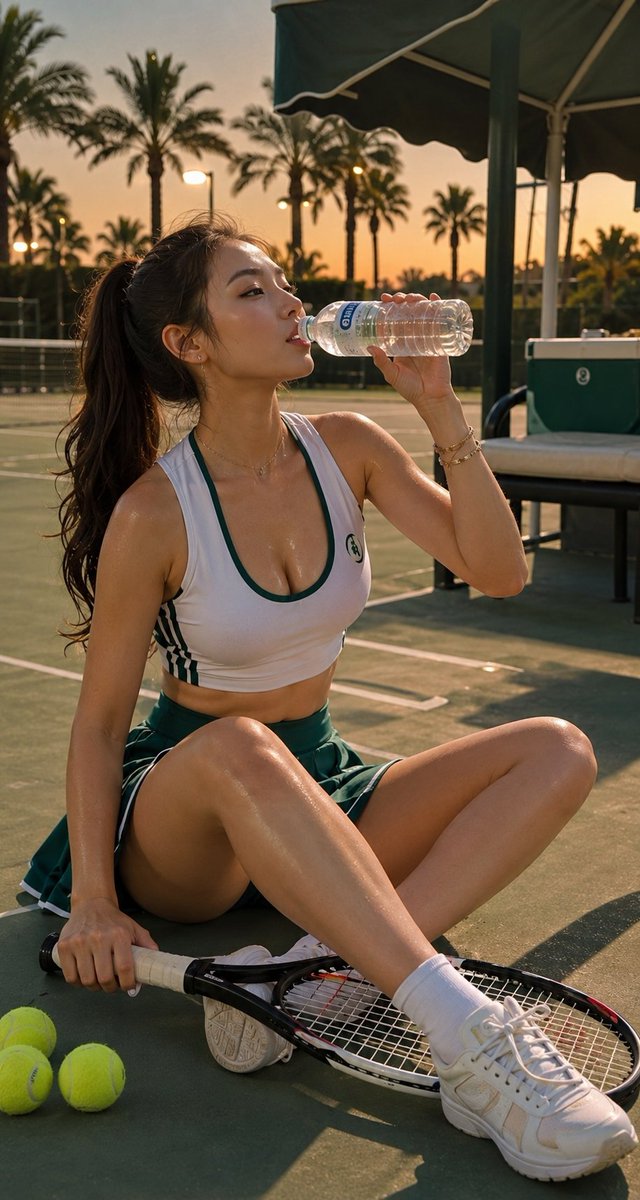
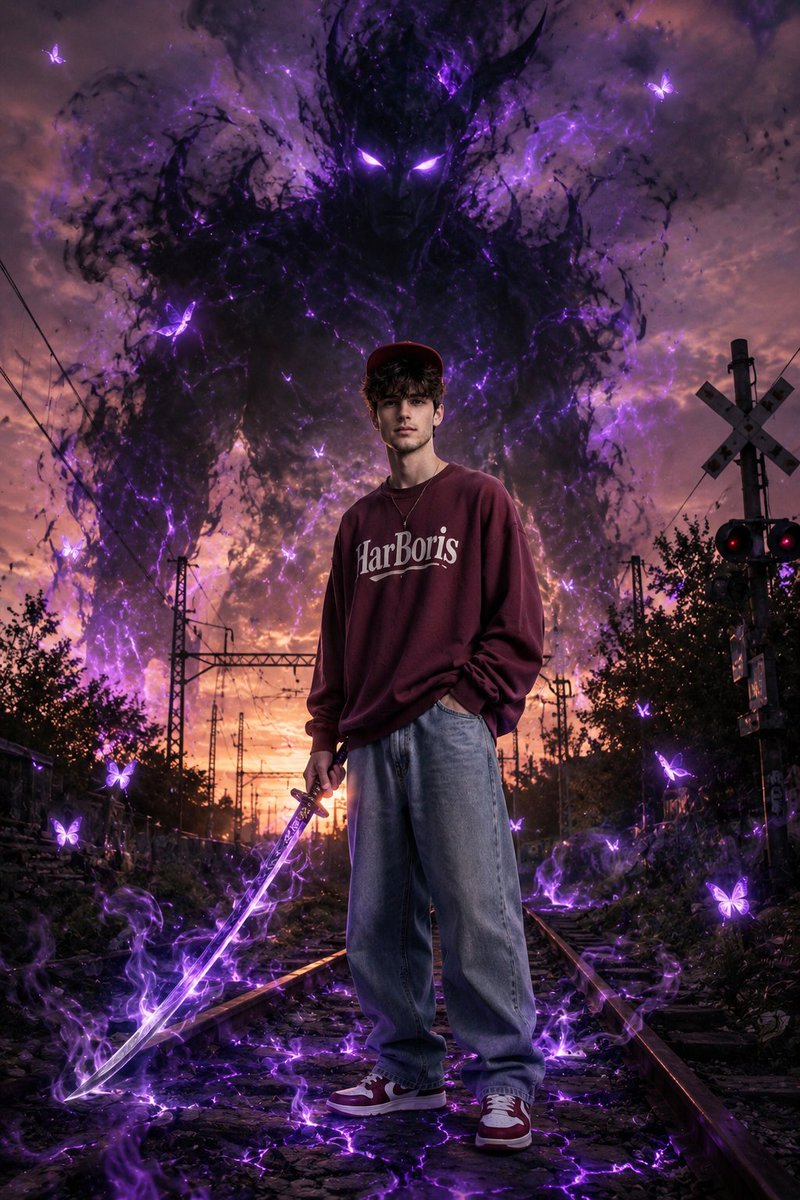
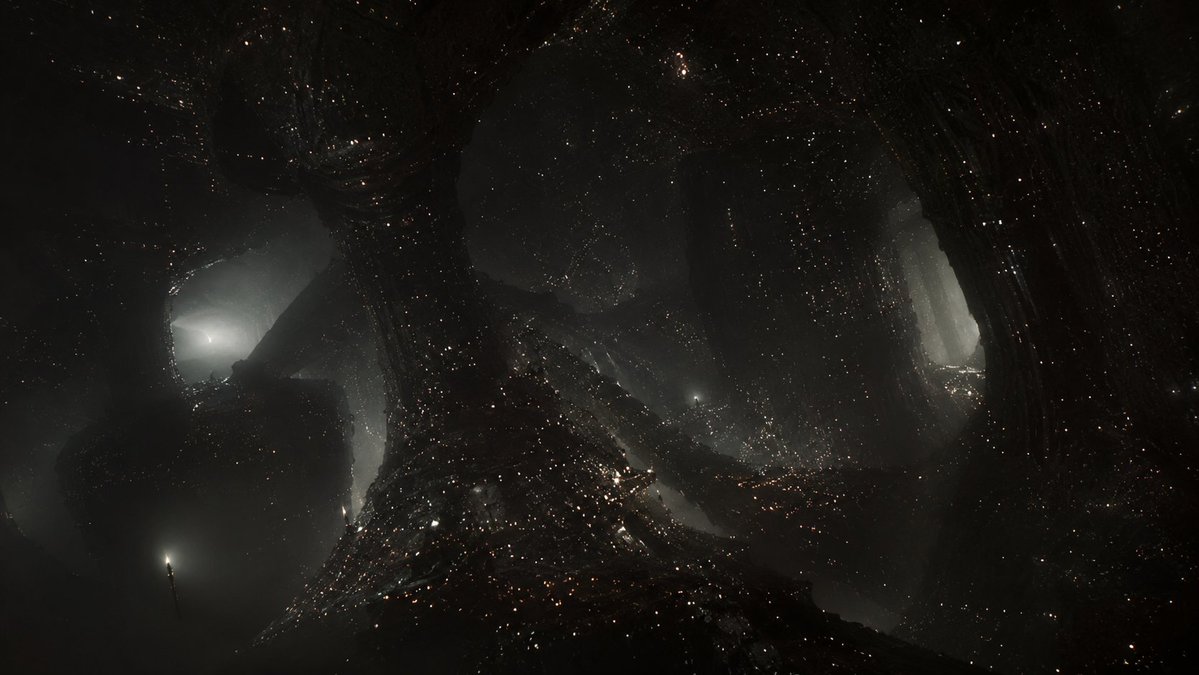
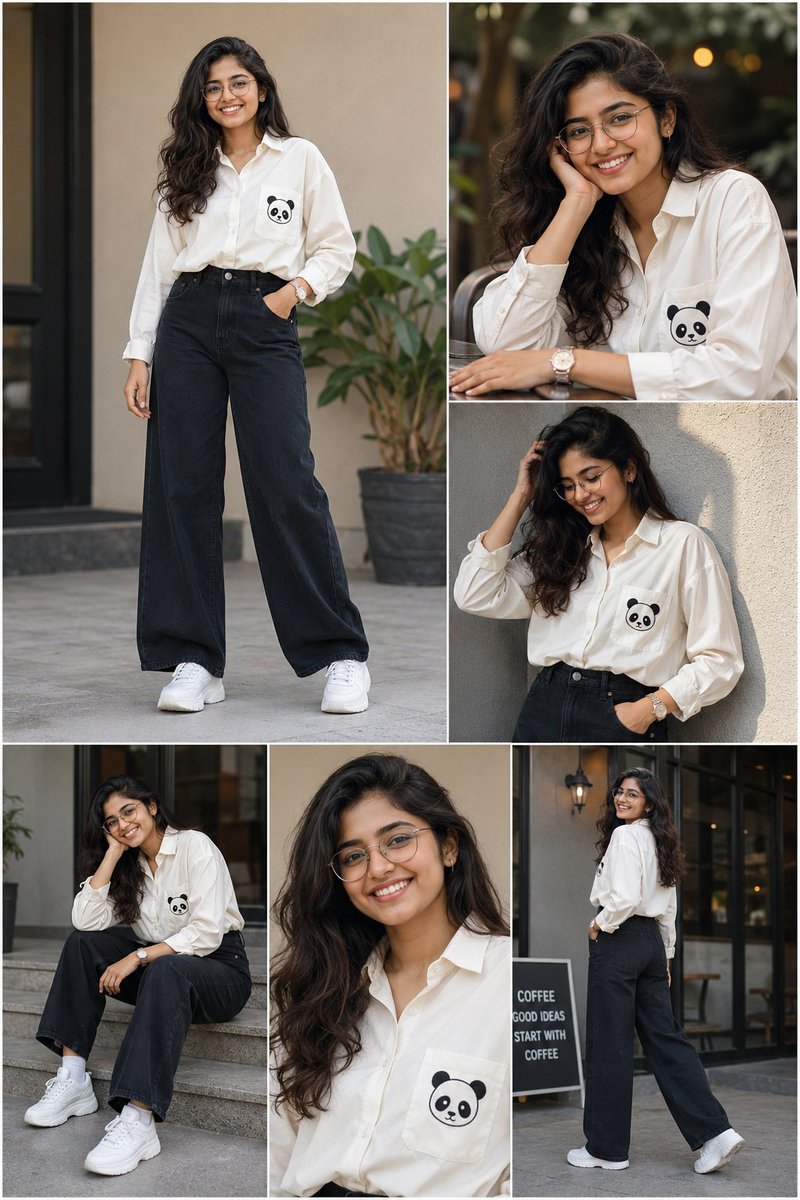
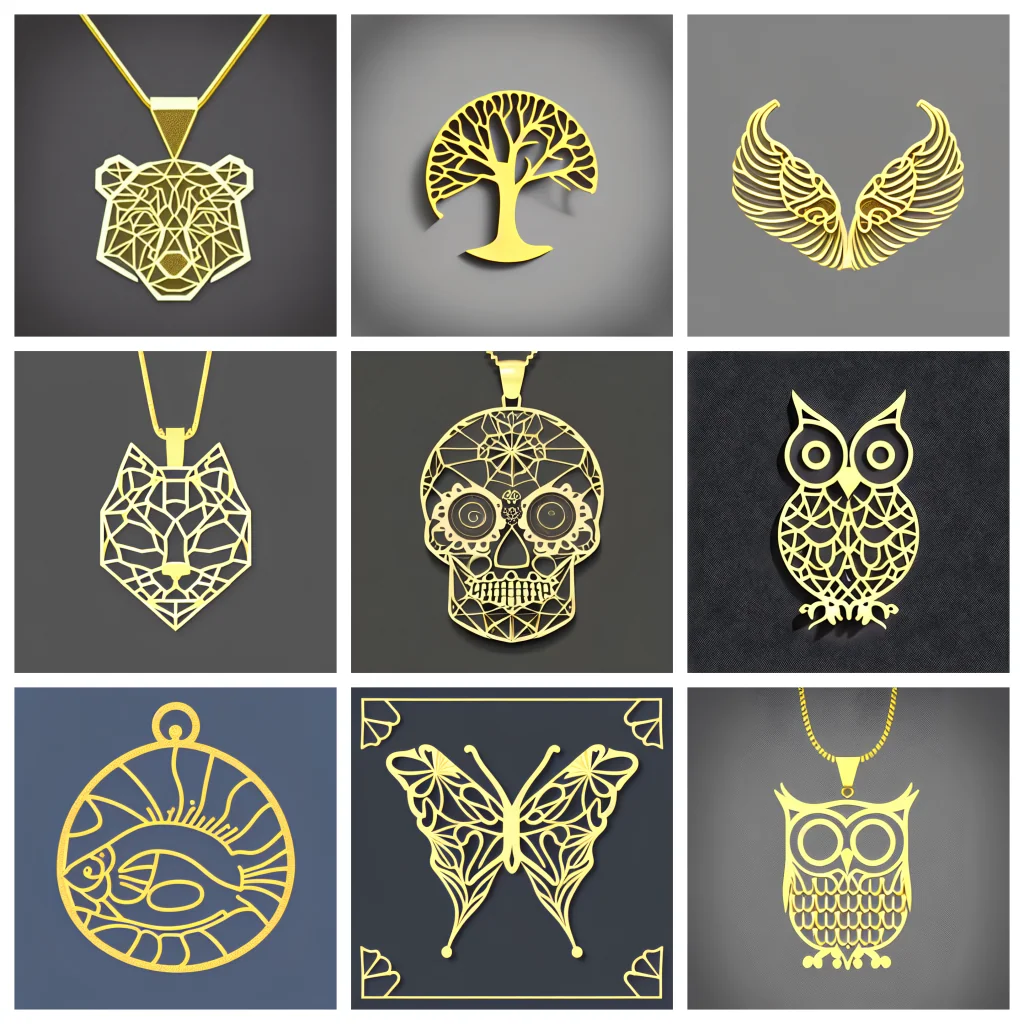
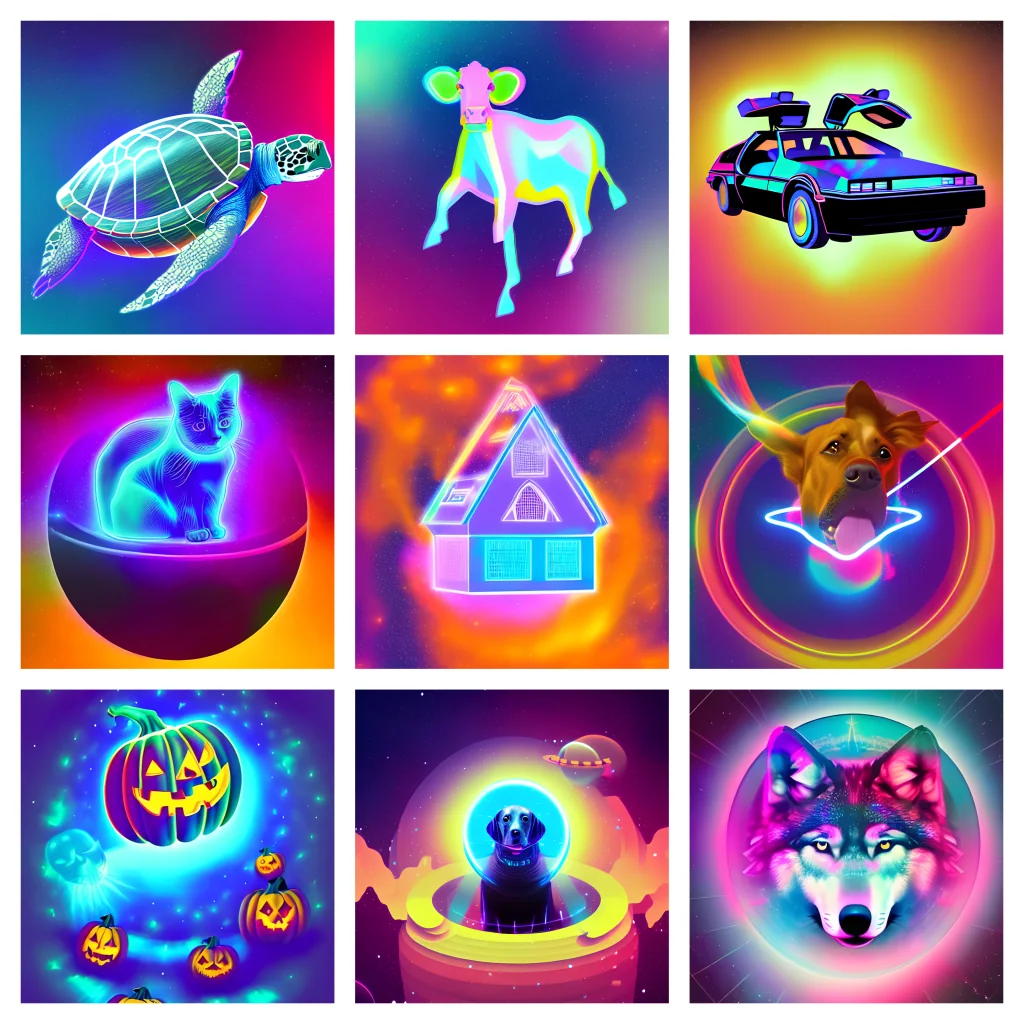
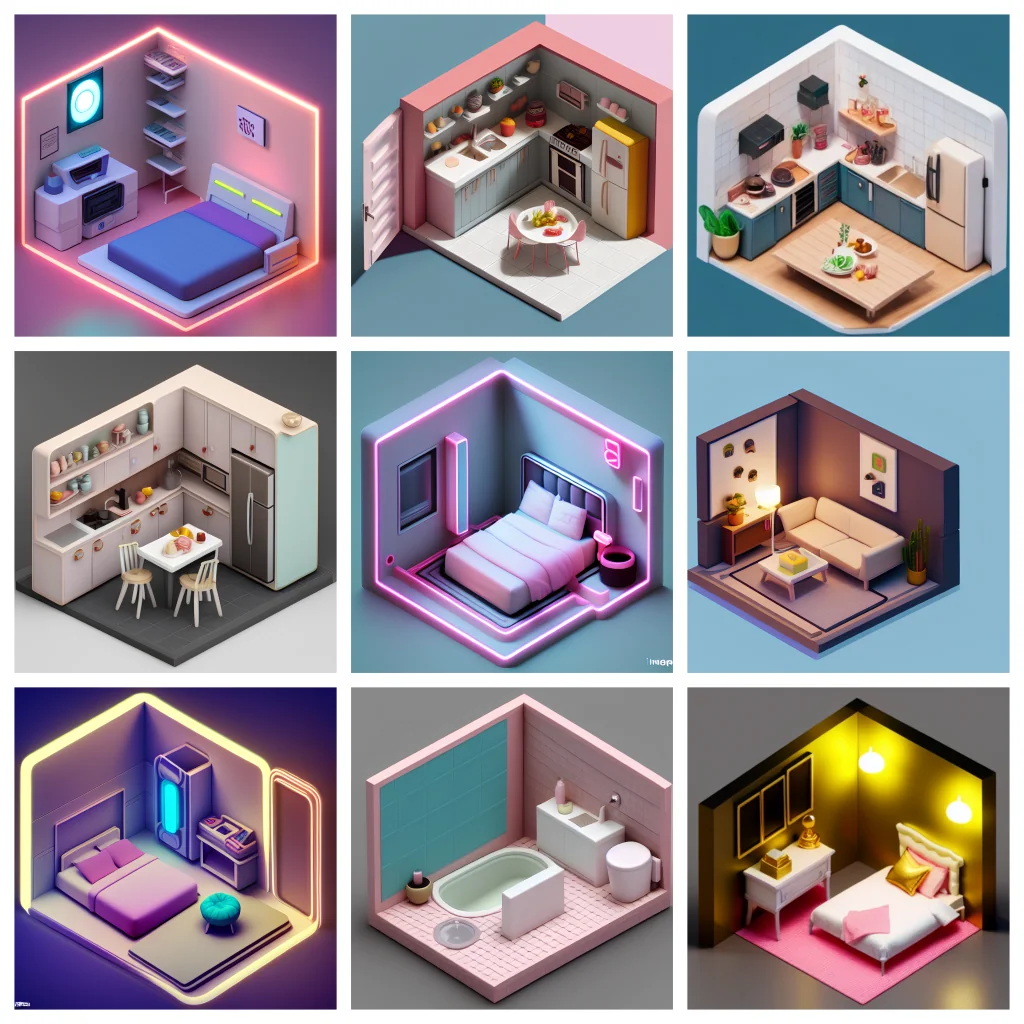
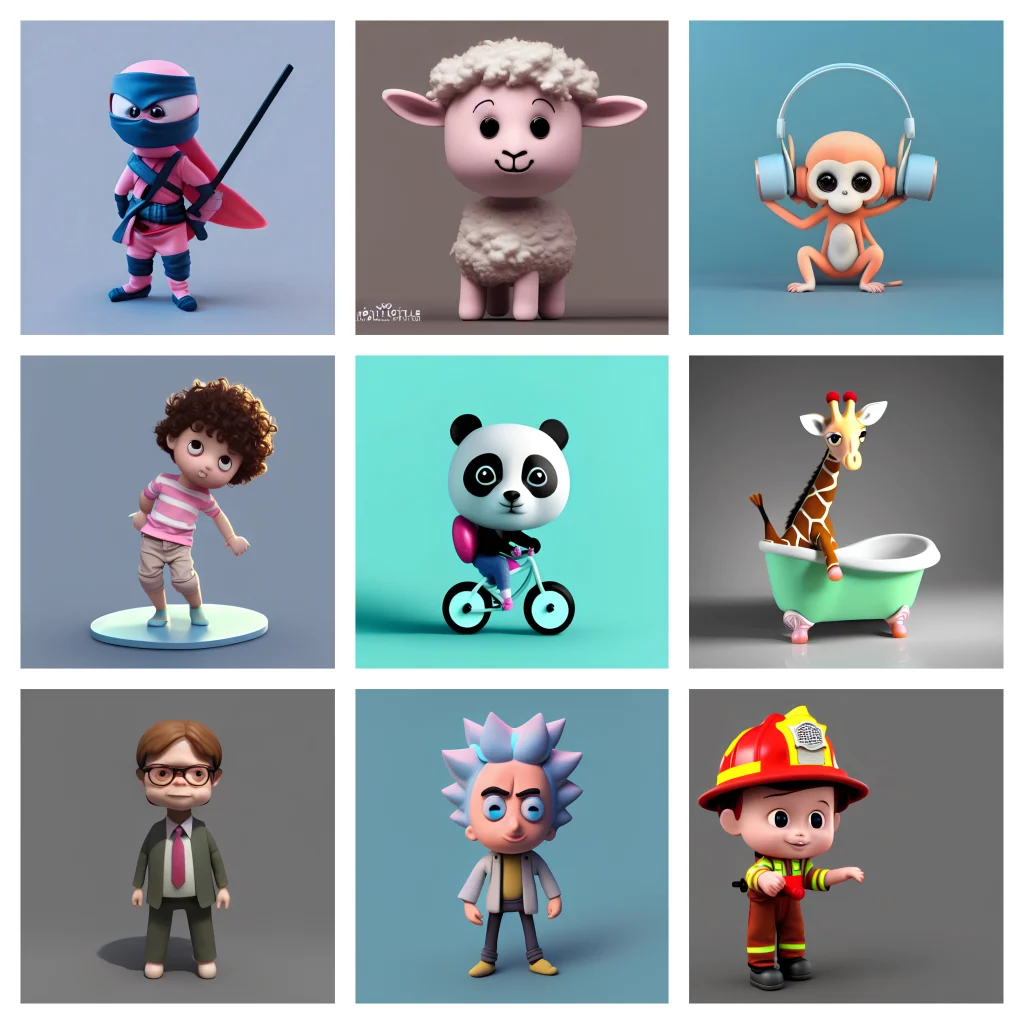

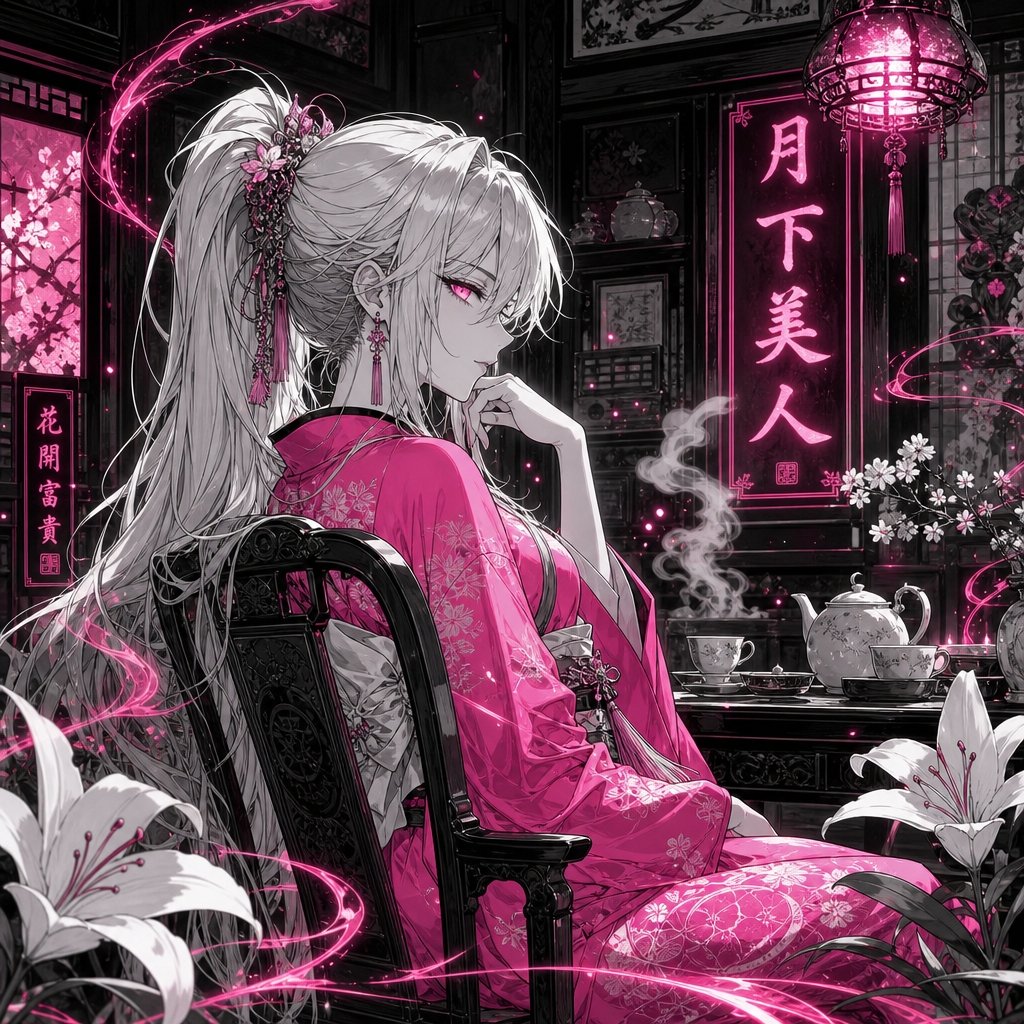
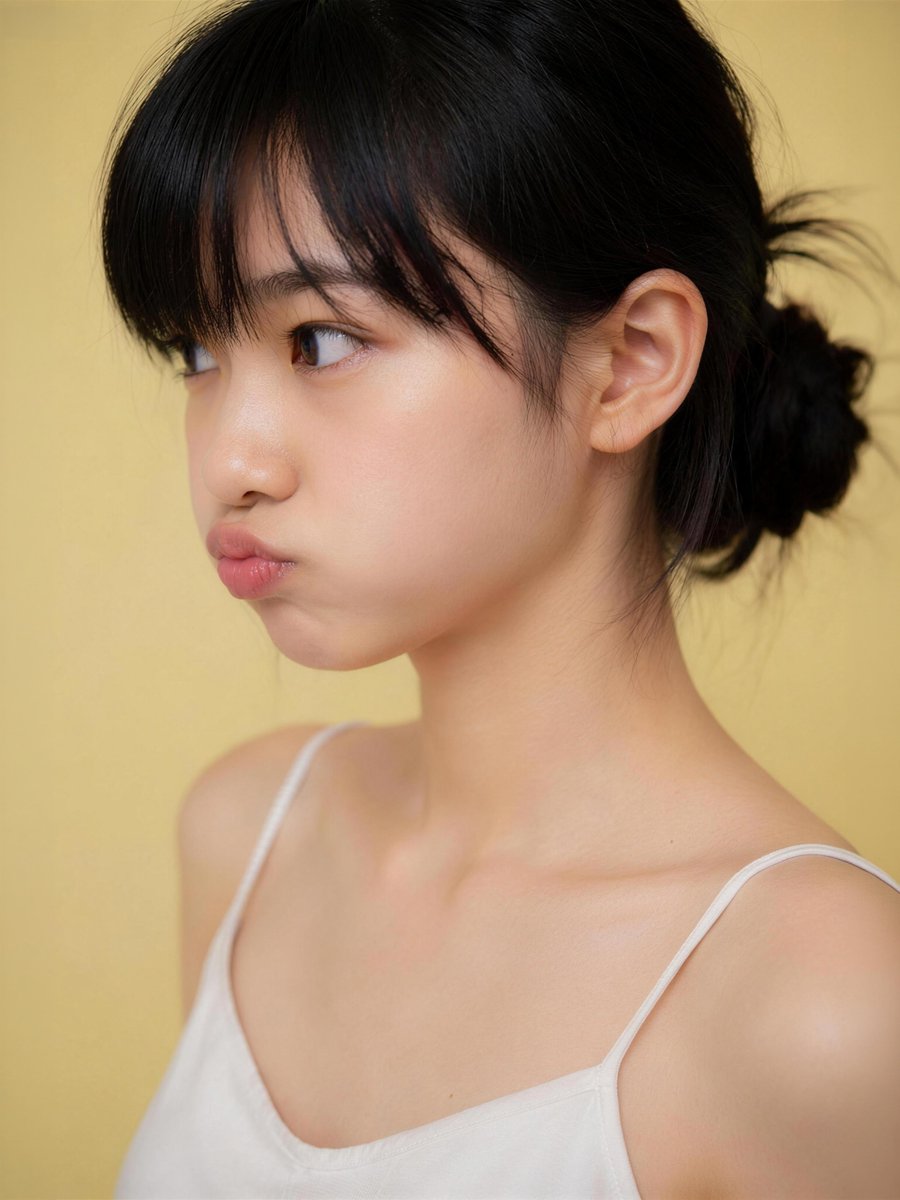
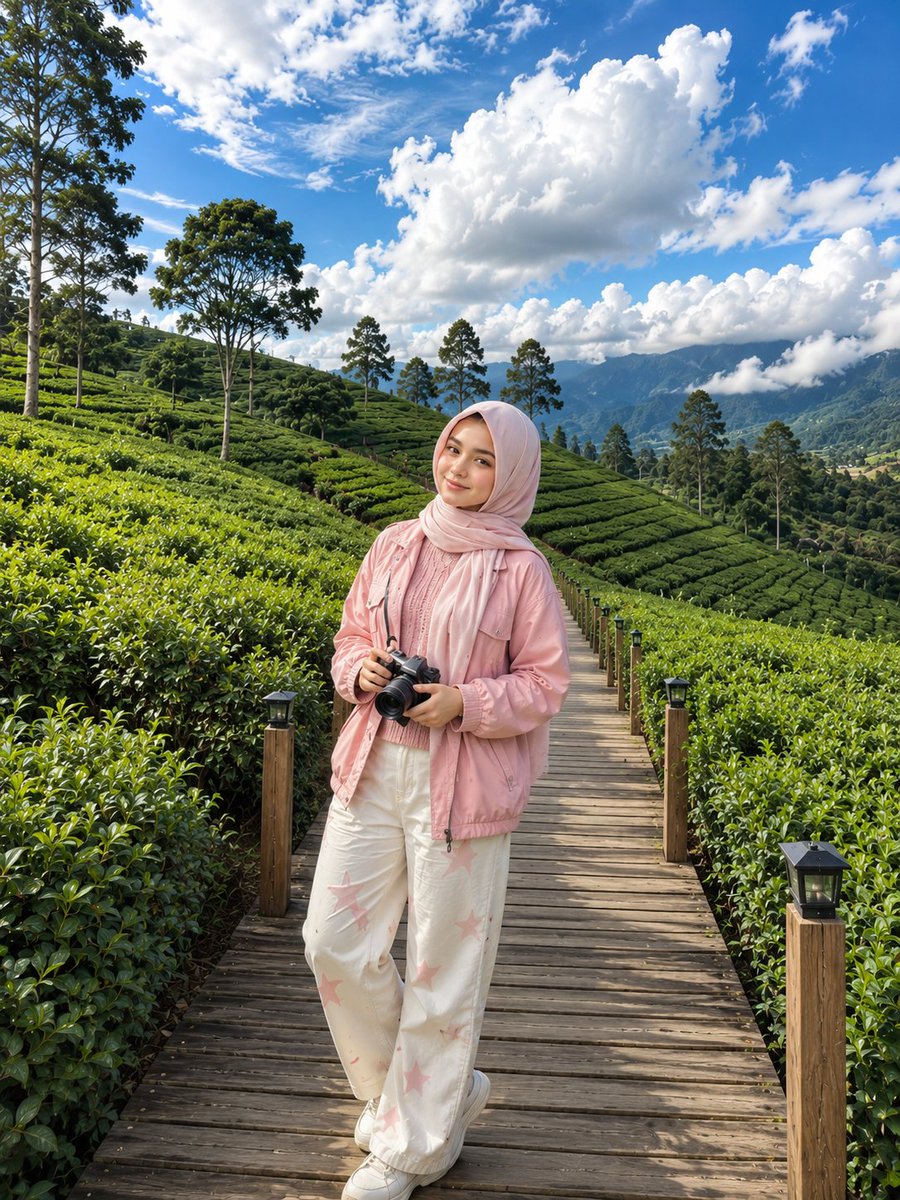



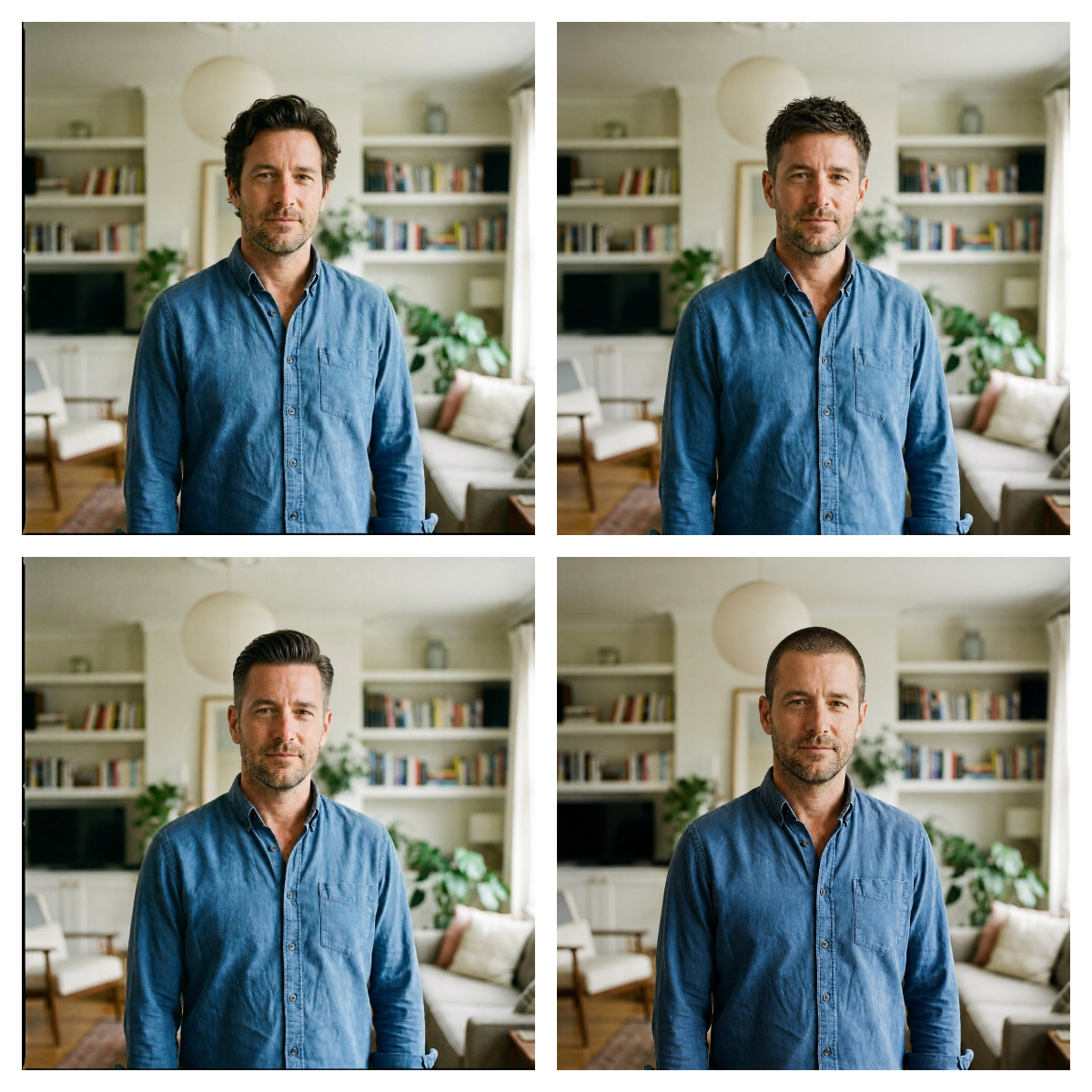


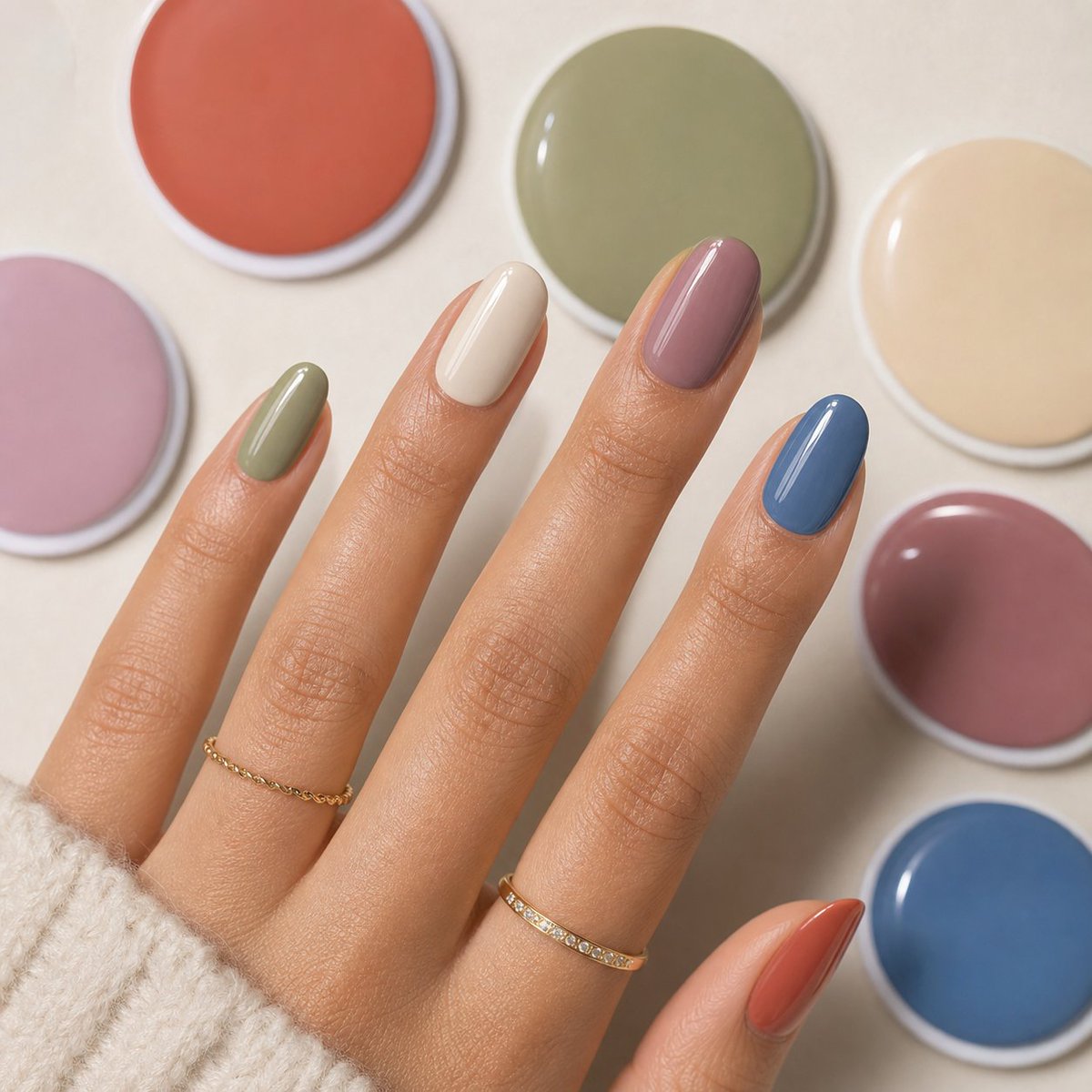
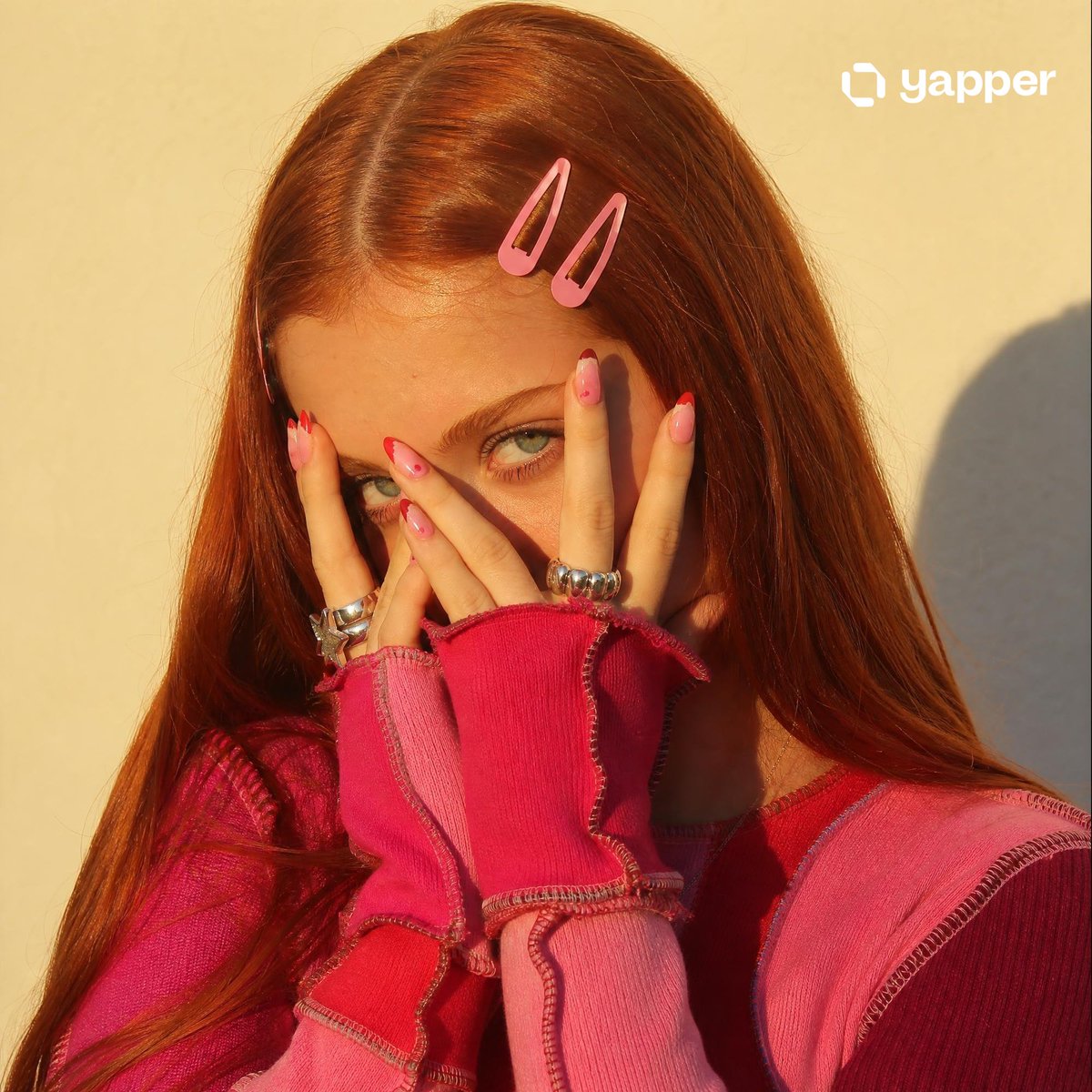
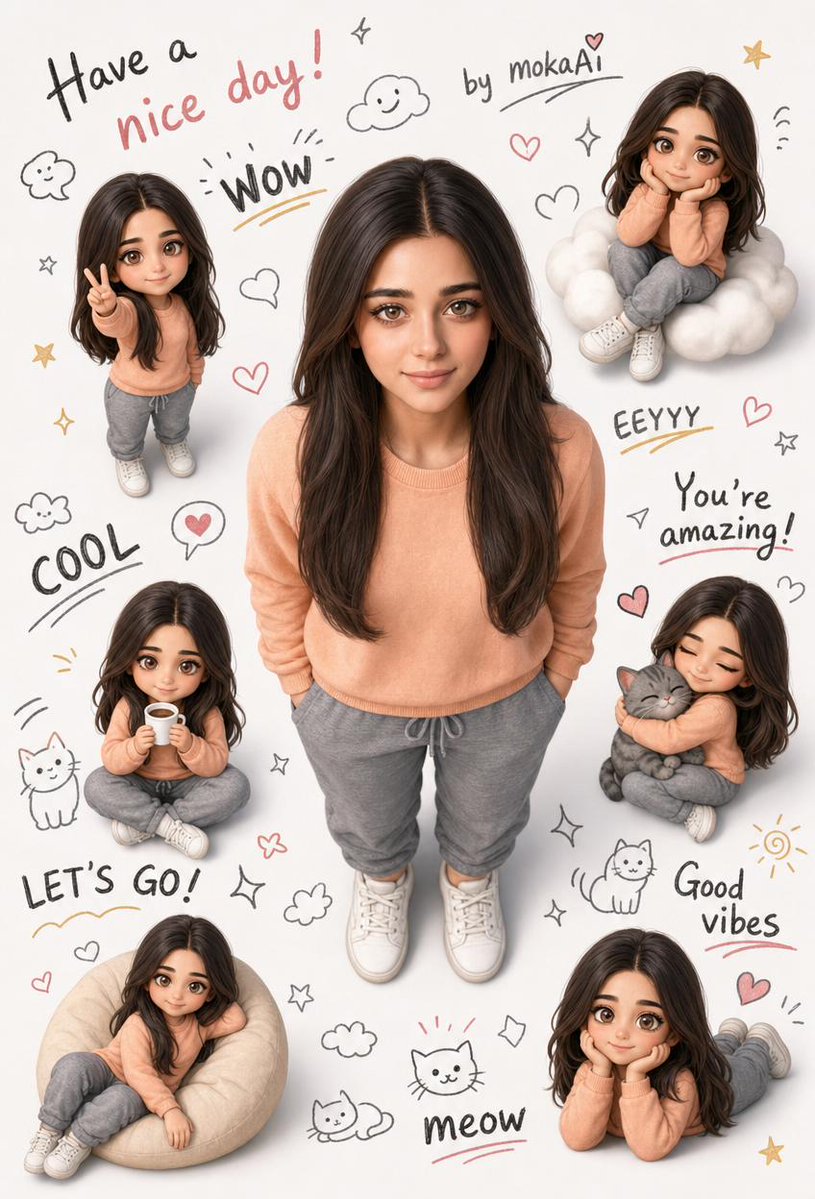



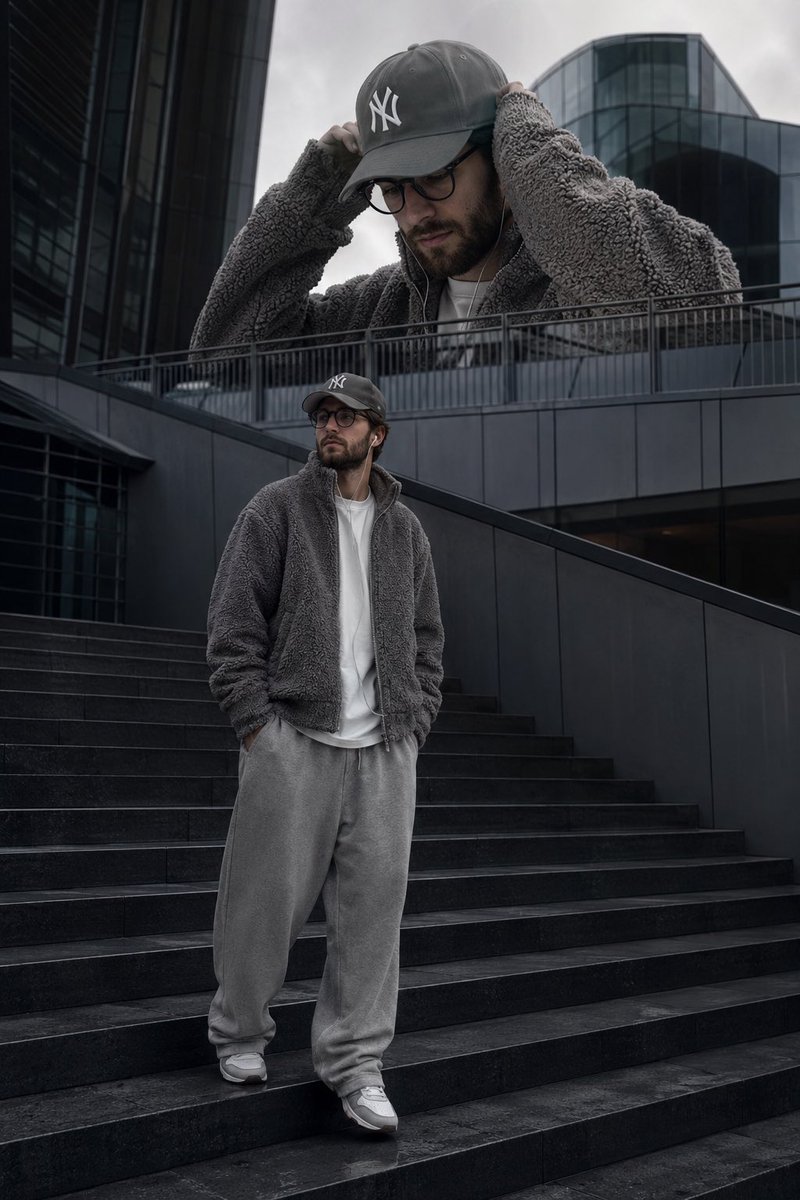


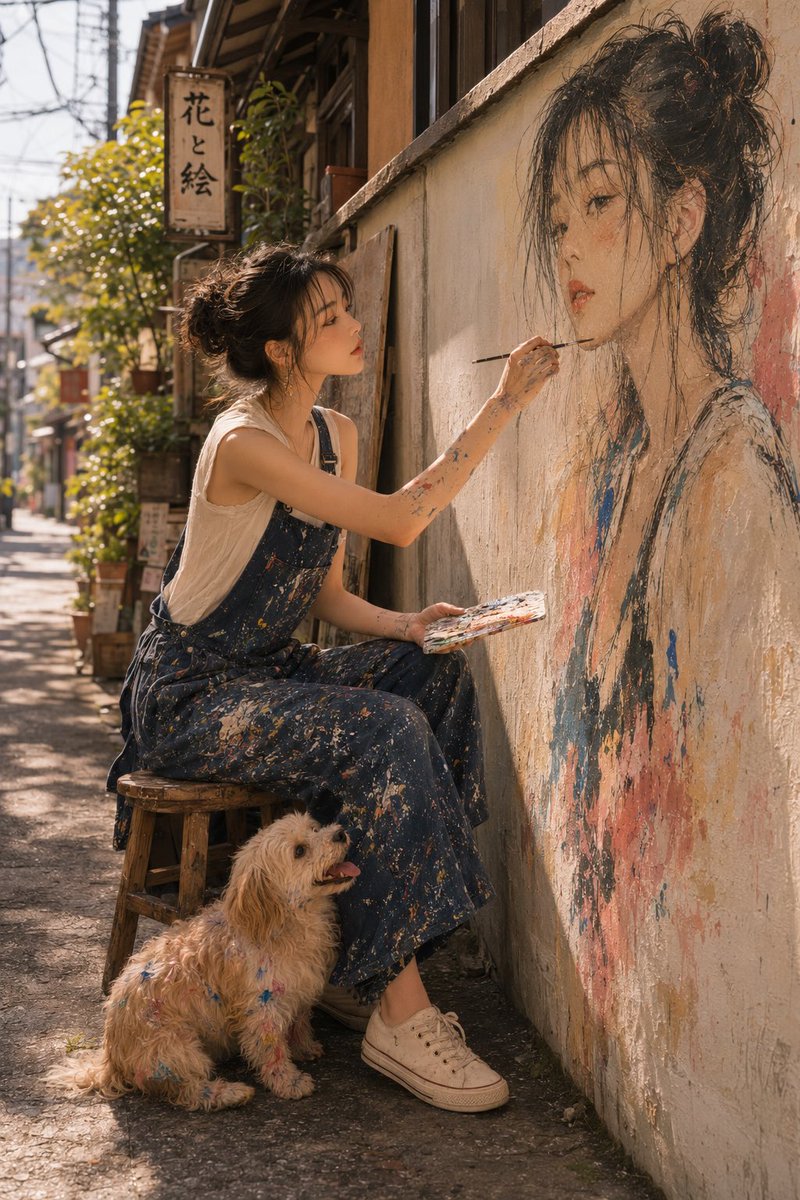
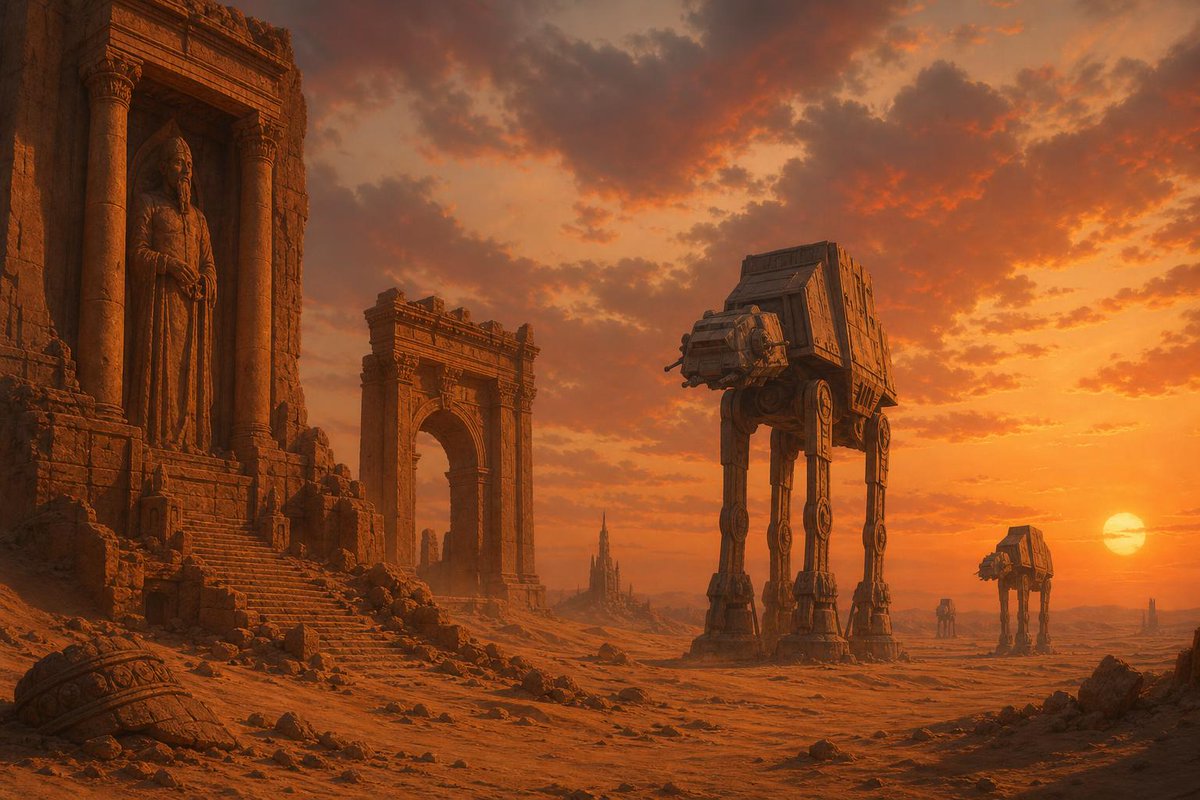
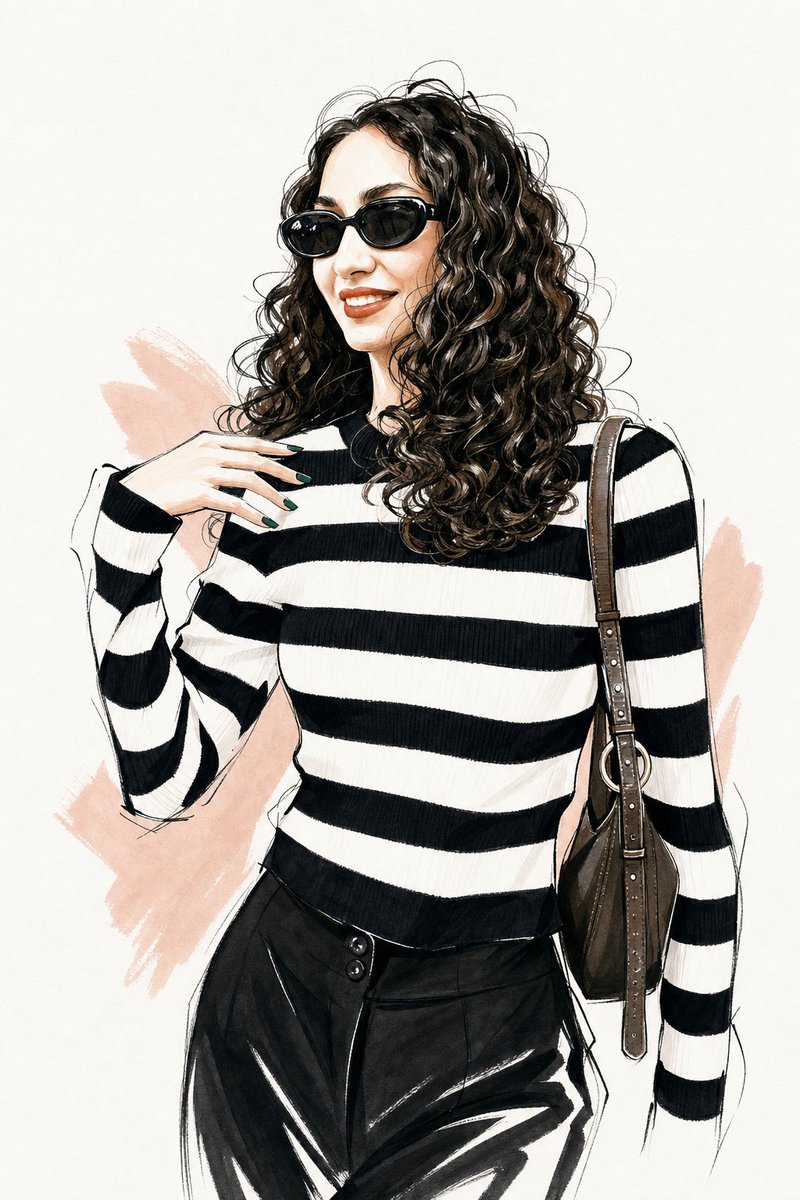
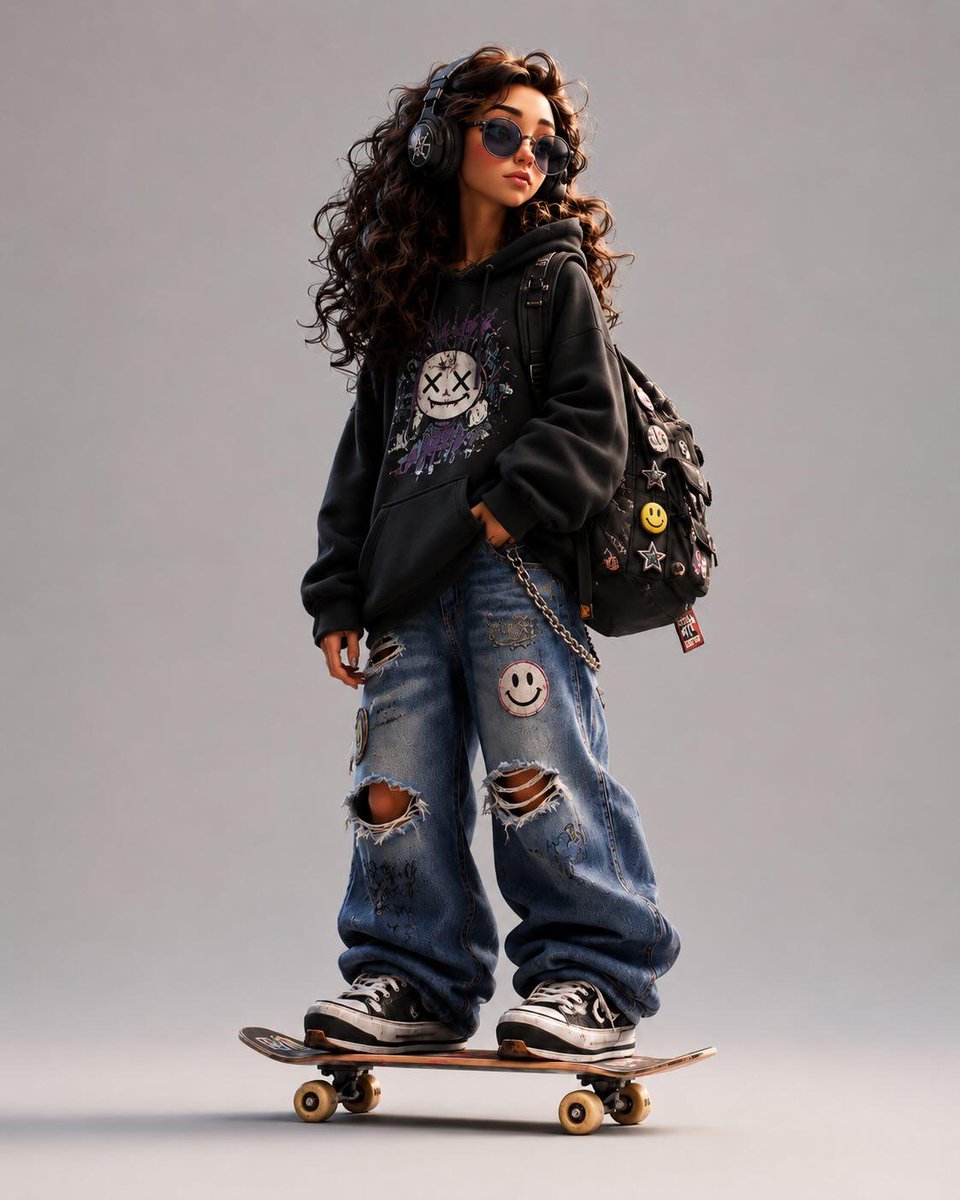



Load more (7561 left)
How to use this GPT Image 2 prompt library
- 01
Choose a use case
Start from a category, visual style, or search query that matches the image you need.
- 02
Open the full case
Review the preview, prompt structure, input mode, source attribution, and reuse notes before copying.
- 03
Adapt the prompt
Replace subjects, product details, composition, aspect ratio, and reference images so the prompt fits your own brief.
- 04
Check rights
Confirm source, brand, likeness, and commercial-use constraints before publishing or using the output in paid work.
- 05
Generate with defaults
Use the Dovoo CTA when you want to launch GPT Image 2 with compatible text-to-image or image-to-image defaults.
What makes this prompt library reliable
Curated source
Each public example keeps source attribution visible instead of implying Image Prompt Gallery owns the prompt or media.
Copy-ready structure
Prompts expose subject, style, use case, and safety constraints so users can adapt them without losing context.
Conversion path
Text-to-image and image-to-image examples link to GPT Image 2 generation with compatible defaults.
Ready to create with GPT Image 2?
Turn any prompt idea into an image in one click.
Use the prompt library for inspiration, then open GPT Image 2 with compatible defaults for fast generation.
Start generating →FAQ
What is GPT Image 2?
GPT Image 2 is OpenAI's newer image model for high-quality illustration, text rendering, and creative image generation workflows.
Where do these prompts come from?
The library is curated from public prompt sources with source attribution, review status, and commercial-use cautions.
How should I use a prompt?
Open any case, copy the prompt, or use the generation CTA to start with compatible GPT Image 2 defaults.
Why are JSON prompts formatted?
Structured prompts are easier to scan when formatted, especially for templates with variables, style blocks, and layout instructions.