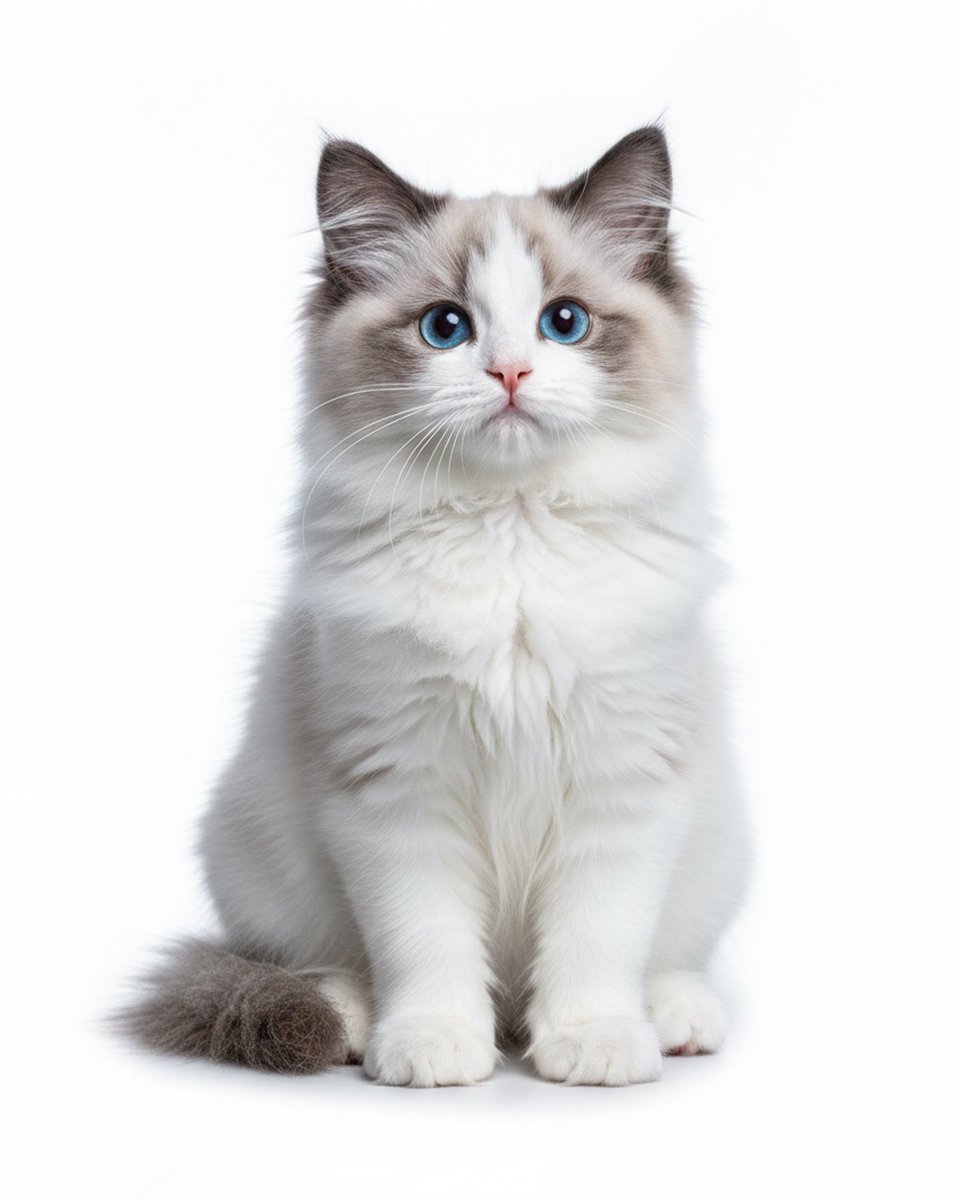
Studio Portrait of a Blue-Eyed Ragdoll Kitten
A clean, ultra-realistic pet portrait prompt for generating a centered full-body kitten image on a pure white studio background.
This is a gpt-image-2 prompt case for 人像角色. Use the copy-ready prompt below to generate similar visuals, and review YouMind OpenLab awesome-gpt-image-2 attribution plus commercial-use rights before reuse.
Prompt
Copy-ready prompt
A centered studio portrait, the subject of which is a fluffy animal.{argument name="cat breed" default="Ragdoll kittens"} It is sitting and looking directly at the camera against a seamless, pure white background. The kitten has two clearly visible ears and two lively paws.{argument name="eye color" default="blue"} With its eyes, small pink nose, and long white whiskers, its expression is gentle and symmetrical, conveying both docility and curiosity. Its fur is predominantly white, with subtle silver-grey shadows on its face, ears, sides, and tail. The fur is fluffy and long, with dense feathering on its chest. The tips of its ears are darker, and there are subtle grey mask-like markings around its eyes. Its thick, bushy tail wraps around its left side to the front. The photograph showcases its entire body from head to paws in a neat, upright sitting posture, with its two front paws visible together. Soft, high-key lighting with minimal shadows highlights the incredibly fine details of its fur, keeping the face sharply focused. The overall effect is realistic, reminiscent of pet photography, with a centered composition and a serene, minimalist aesthetic.Prompt variables
Editable argument placeholders found in the prompt, with their default values.
More cases in this category
Prioritized by category, input mode compatibility, quality, and lower risk.






Reuse and source notes
Use this prompt safely after previewing the case.
- 1.Copy the prompt or open it directly in Dovoo with the generation button.
- 2.Adjust variables, aspect ratio, and reference images for your own use case.
- 3.Before publishing or paid usage, verify source rights, attribution requirements, and brand or likeness risks.
Can I use this prompt commercially?
Commercial-use status is unknown. Review the original source, license, brand constraints, and legal requirements before paid usage.
Where does this case come from?
This case is imported from YouMind OpenLab awesome-gpt-image-2; keep attribution visible and check the source URL before reuse.