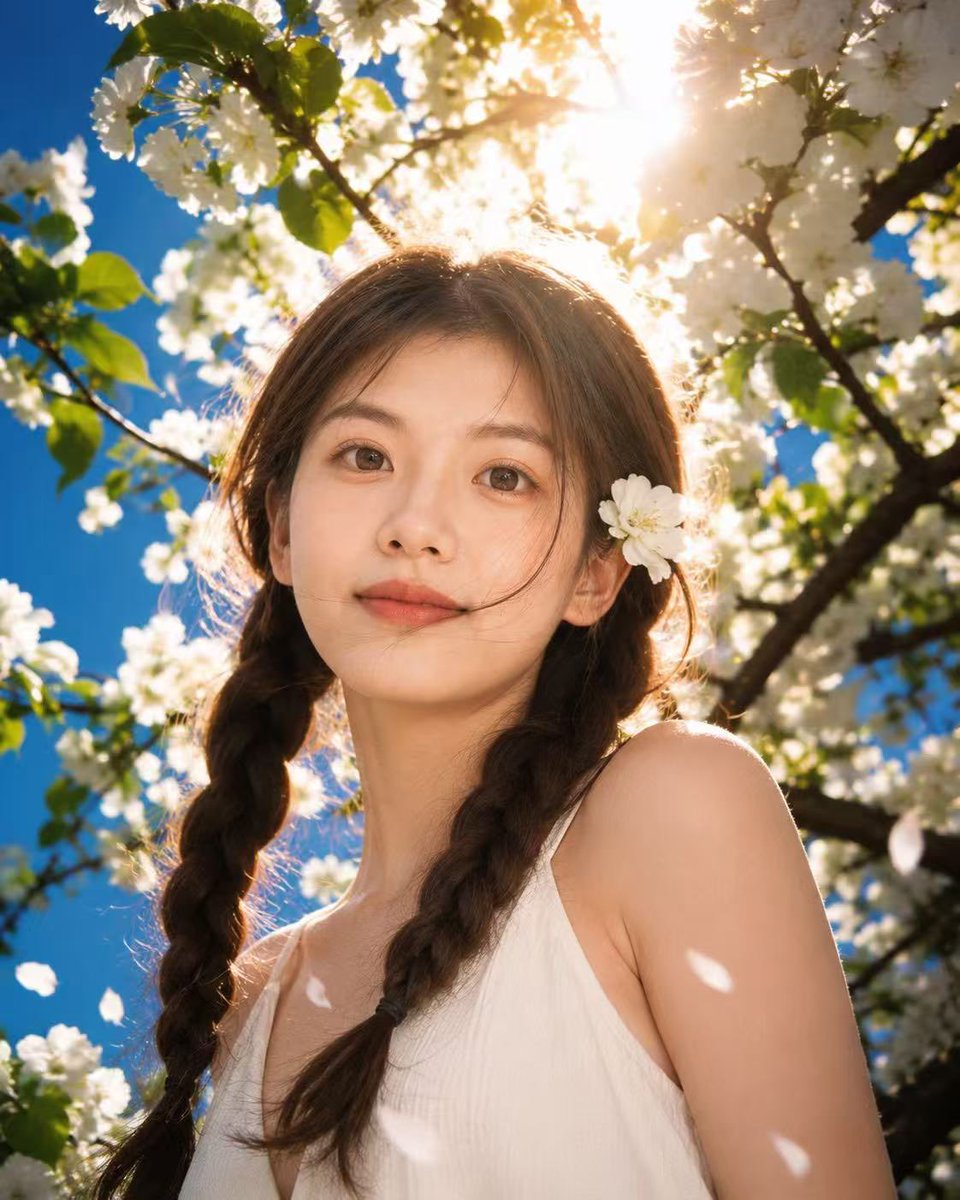
Sunlit Spring Blossom Portrait
Generates a romantic cinematic portrait under white spring blossoms with golden backlight, ideal for fresh seasonal profile or editorial imagery.
This is a gpt-image-2 prompt case for Portrait & Character. Use the copy-ready prompt below to generate similar visuals, and review YouMind OpenLab awesome-gpt-image-2 attribution plus commercial-use rights before reuse.
Prompt
Copy-ready prompt
Create a fresh, romantic, and slightly cinematic spring portrait, with the main character being {argument name="subject" default="A young woman"} Standing beneath branches of blooming white cherry blossoms or apple trees. The image uses a low-angle, close-up composition, with the protagonist in the center, wearing a simple outfit.{argument name="dress color" default="White"} A sleeveless dress with a soft V-neck. She kept {argument name="hair color" default="Medium brown"} Her hair was parted in the middle and braided into two loose braids that fell over her shoulders, with a white petal tucked behind her ear. She was surrounded by lush white flowers, green leaves, dark branches, and a clear blue sky. Bright spring sunlight shone directly behind her head, creating golden backlighting, a halo effect in her hair, lens flare, warm mist, and high-contrast dappled light and shadow on her shoulders and dress. A few white petals drifted in the foreground, while the background was a softly blurred floral backdrop, creating a dreamy and ethereal atmosphere. This magazine portrait photography uses a realistic style, presenting natural skin tones, 35mm lens quality, shallow depth of field, clear foreground details, cinematic color grading, a fresh and romantic style, and a 4:5 vertical composition. There is no text, no watermark, and no other people present.Prompt variables
Editable argument placeholders found in the prompt, with their default values.
Variable
subject
Default
A young woman
Variable
dress color
Default
White
Variable
hair color
Default
Medium brown
Reuse and source notes
Use this prompt safely after previewing the case.
- 1.Copy the prompt or open it directly in Dovoo with the generation button.
- 2.Adjust variables, aspect ratio, and reference images for your own use case.
- 3.Before publishing or paid usage, verify source rights, attribution requirements, and brand or likeness risks.
Can I use this prompt commercially?
Commercial-use status is unknown. Review the original source, license, brand constraints, and legal requirements before paid usage.
Where does this case come from?
This case is imported from YouMind OpenLab awesome-gpt-image-2; keep attribution visible and check the source URL before reuse.