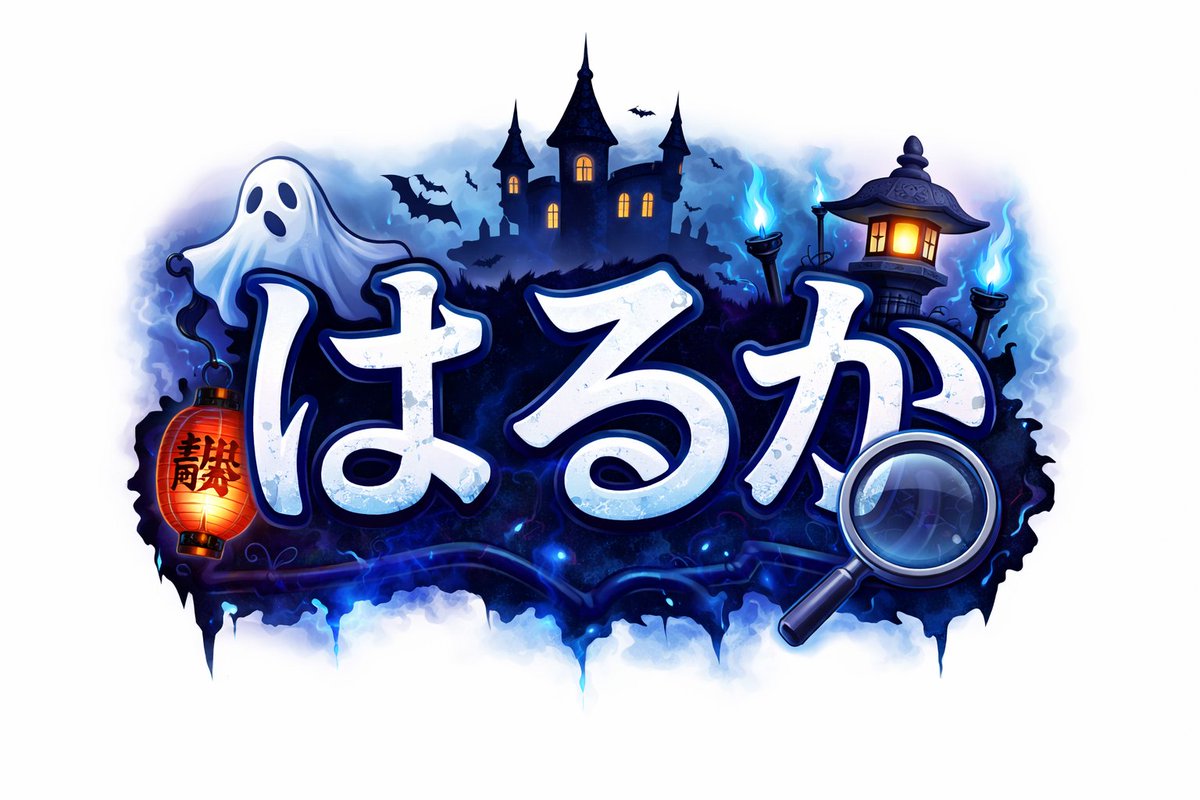
Spooky Japanese Halloween Logo
This prompt generates a stylized Japanese title graphic with cute horror elements, ideal for game logos, seasonal branding, or supernatural channel art.
This is a gpt-image-2 prompt case for Graphic & Poster. Use the copy-ready prompt below to generate similar visuals, and review YouMind OpenLab awesome-gpt-image-2 attribution plus commercial-use rights before reuse.
Prompt
Copy-ready prompt
A whimsical Japanese-style horror title logo, placed against a clean white background and centered. The main body consists of bold, rounded, handwritten-style hiragana characters.{argument name="main text" default="はるか"} The white lettering features a cool, pale blue shadow, a delicate worn texture, and a deep navy blue outline with a luminous blue halo. The text is surrounded by a Halloween-themed atmosphere: a cute white ghost floats in the upper left corner, a red-orange paper lantern with black Chinese characters hangs to the left, a large magnifying glass overlaps in the lower right corner, and a silhouette of a haunted castle with three towers and warm, glowing windows is set in the background. A traditional Japanese stone lantern with glowing windows is added to the right, and two blue will-o'-the-wisp torches are placed on the far right. Several black bat silhouettes flutter around the castle, accompanied by a deep indigo mist, electric blue flames, and an ink-drop-like shadow base below the logo. The logo uses a vibrant neon color scheme of midnight blue, cyan halo, white, and orange accents, presenting a refined sticker-style game logo illustration style with sharp edges, soft lighting, and a combination of fantastical horror and high contrast.Prompt variables
Editable argument placeholders found in the prompt, with their default values.
Variable
main text
Default
はるか
Reuse and source notes
Use this prompt safely after previewing the case.
- 1.Copy the prompt or open it directly in Dovoo with the generation button.
- 2.Adjust variables, aspect ratio, and reference images for your own use case.
- 3.Before publishing or paid usage, verify source rights, attribution requirements, and brand or likeness risks.
Can I use this prompt commercially?
Commercial-use status is unknown. Review the original source, license, brand constraints, and legal requirements before paid usage.
Where does this case come from?
This case is imported from YouMind OpenLab awesome-gpt-image-2; keep attribution visible and check the source URL before reuse.