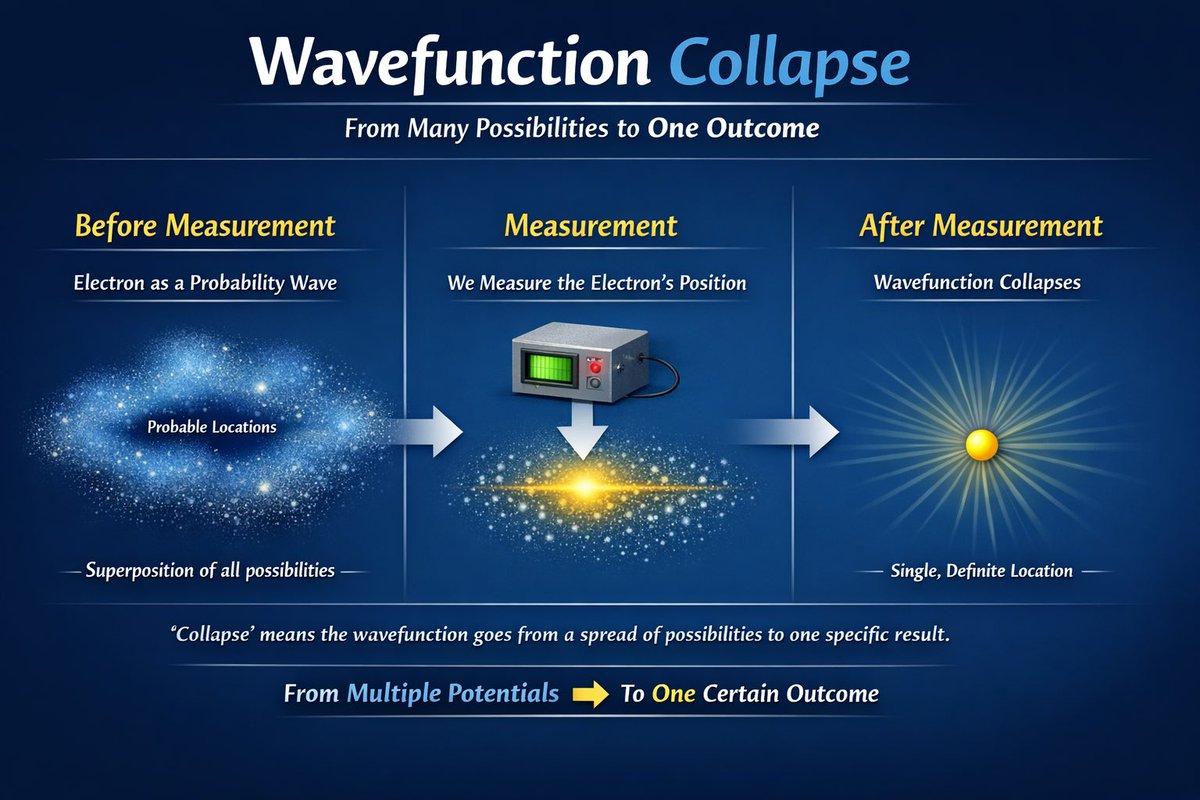
Scientific Process Infographic
Generates a 3-step educational infographic explaining a scientific concept with visual metaphors and explanatory text.
This is a gpt-image-2 prompt case for 平面海报. Use the copy-ready prompt below to generate similar visuals, and review YouMind OpenLab awesome-gpt-image-2 attribution plus commercial-use rights before reuse.
Prompt
Copy-ready prompt
{
  "type": "Educational Infographic",
  "theme": "quantum physics",
  "background": "Dark blue gradient",
  "header": {
    "title": "{argument name=\"main title\" default=\"wave function collapse\"}",
    "subtitle": "{argument name=\"subtitle\" default=\"From multiple possibilities to a single outcome\"}"
  },
  "layout": {
    "type": "Three-stage horizontal evolution",
    "connections": "There is a thick horizontal arrow pointing to the right between each stage.",
    "stages": [
      {
        "position": "Left side",
        "title": "Before measurement",
        "subtitle": "As a probability wave{argument name=\"subject\" default=\"electronic\"}",
        "visual": "A diffuse, luminous cloud of blue particles, resembling a nebula.",
        "labels": [
          "Possible locations",
          "Superposition of all possibilities"
        ]
      },
      {
        "position": "central",
        "title": "Measurement",
        "subtitle": "Measurement{argument name=\"subject\" default=\"electronic\"} Location",
        "visual": "A gray square measuring device with a green screen and red buttons points downwards to a white arrow, corresponding to a bright yellow condensed matter horizontal particle band in the center."
      },
      {
        "position": "right side",
        "title": "After measurement",
        "subtitle": "wave function collapse",
        "visual": "A single solid yellow sphere emitting bright, radiating light",
        "labels": [
          "Single, definite location"
        ]
      }
    ]
  },
  "footer": {
    "explanation": "\"Collapse\" means that the wave function changes from a distribution of multiple possibilities to a specific outcome.",
    "summary": "From multiple potentials [yellow right arrow] to a definite result"
  }
}
Prompt variables
Editable argument placeholders found in the prompt, with their default values.
More cases in this category
Prioritized by category, input mode compatibility, quality, and lower risk.






Reuse and source notes
Use this prompt safely after previewing the case.
- 1.Copy the prompt or open it directly in Dovoo with the generation button.
- 2.Adjust variables, aspect ratio, and reference images for your own use case.
- 3.Before publishing or paid usage, verify source rights, attribution requirements, and brand or likeness risks.
Can I use this prompt commercially?
Commercial-use status is unknown. Review the original source, license, brand constraints, and legal requirements before paid usage.
Where does this case come from?
This case is imported from YouMind OpenLab awesome-gpt-image-2; keep attribution visible and check the source URL before reuse.