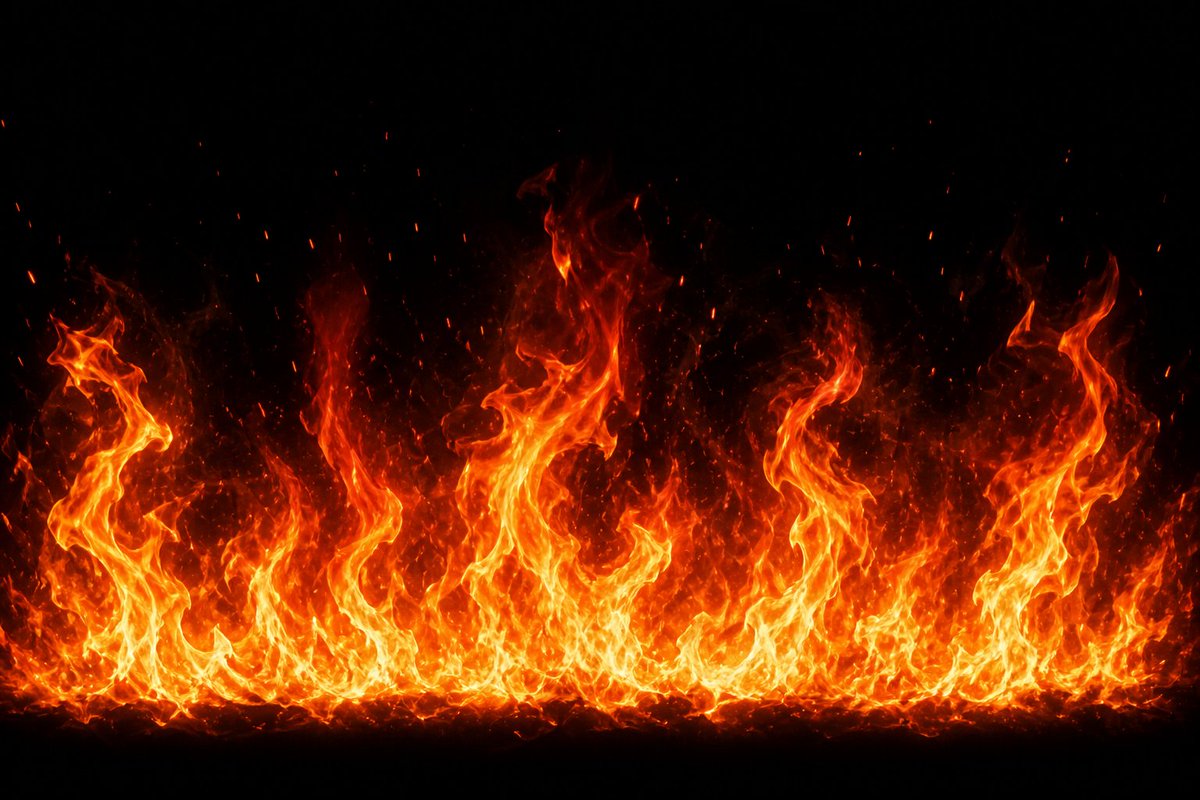
Cinematic Fire Effect Asset
Generates a realistic horizontal wall of flames with embers on a black background for VFX, game, or compositing use.
This is a gpt-image-2 prompt case for 其他灵感. Use the copy-ready prompt below to generate similar visuals, and review YouMind OpenLab awesome-gpt-image-2 attribution plus commercial-use rights before reuse.
Prompt
Copy-ready prompt
Create a high-resolution VFX fire effect: Against a pure black background, generate a wide, horizontal wall of flames rising from the bottom edge and spanning the entire screen. The flames should have a bright yellowish-white core, saturated orange-red outer flames, and a translucent wave of smoke and heat fading upwards into the darkness.{argument name="flame height" default="Flame peaks of varying heights"} It presents an uneven, curled shape, including several huge, twisted pillars of fire on the left, center, and right sides, as well as a dense band of small flames at the bottom. Numerous upward-drifting particles of scorching embers and sparks are added, with tiny red-orange spots scattered above the flames. This makes it look like realistic, cinematic game effects or composite elements, with high contrast, sharp details, and a natural sense of turbulent motion. It contains no objects, no text, no figures, no borders, and is centered.{argument name="background color" default="pure black"} ,{argument name="fire color palette" default="Yellow, white, orange, red"} ,{argument name="aspect ratio" default="16:9 widescreen landscape"} .Prompt variables
Editable argument placeholders found in the prompt, with their default values.
More cases in this category
Prioritized by category, input mode compatibility, quality, and lower risk.






Reuse and source notes
Use this prompt safely after previewing the case.
- 1.Copy the prompt or open it directly in Dovoo with the generation button.
- 2.Adjust variables, aspect ratio, and reference images for your own use case.
- 3.Before publishing or paid usage, verify source rights, attribution requirements, and brand or likeness risks.
Can I use this prompt commercially?
Commercial-use status is unknown. Review the original source, license, brand constraints, and legal requirements before paid usage.
Where does this case come from?
This case is imported from YouMind OpenLab awesome-gpt-image-2; keep attribution visible and check the source URL before reuse.