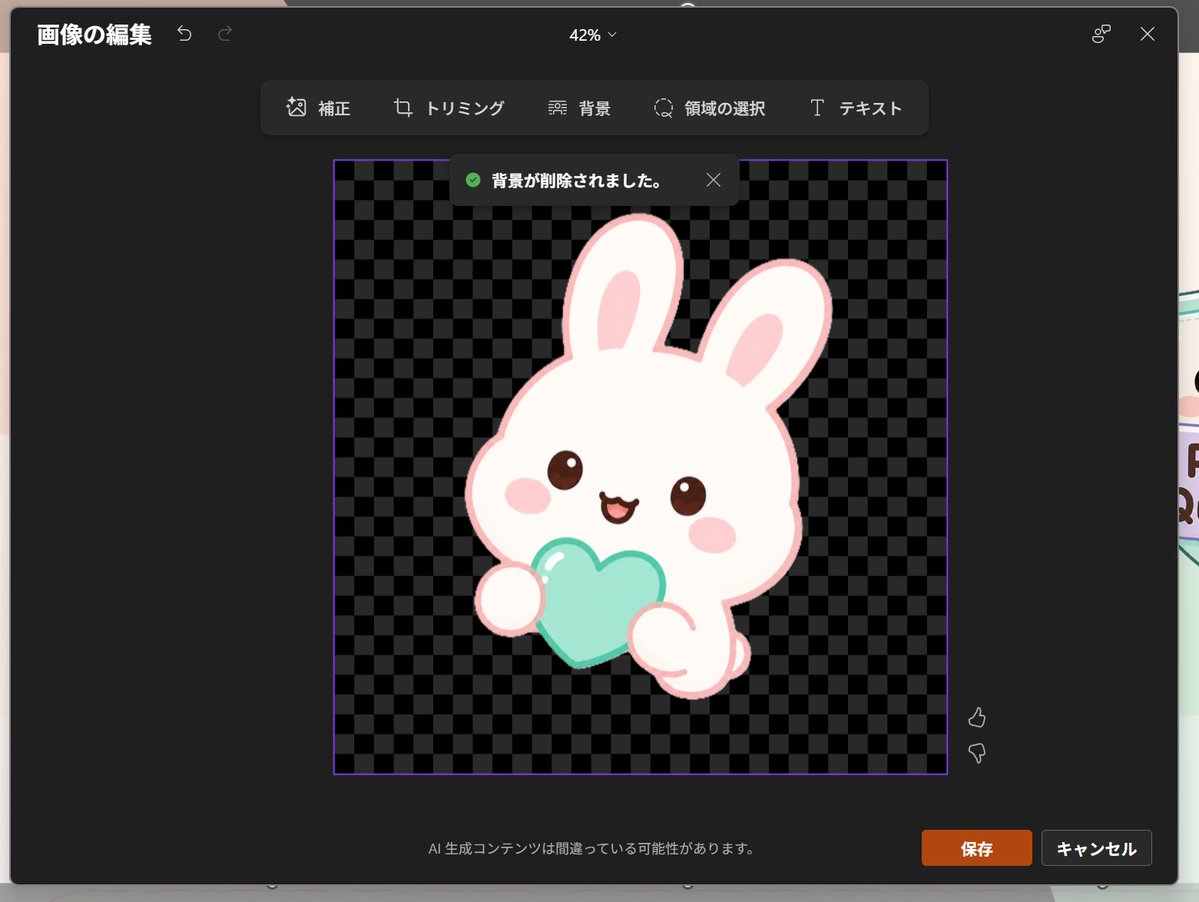
Japanese PowerPoint Bunny Icon Editor
Generates a dark Japanese PowerPoint-style image editing screenshot featuring a transparent-background kawaii rabbit icon, useful for UI mockups and presentation visuals.
This is a gpt-image-2 prompt case for 其他灵感. Use the copy-ready prompt below to generate similar visuals, and review YouMind OpenLab awesome-gpt-image-2 attribution plus commercial-use rights before reuse.

Prompt
Copy-ready prompt
Objective: Create a realistic screenshot of a dark-themed PowerPoint-style image editing window (Japanese version), showcasing a dreamy and cute icon after the background is removed. Canvas: 1024×768 landscape screenshot. A dark charcoal gray modal editor with rounded corners and soft shadows is centered on the screen, with the slides below subtly visible at the edge of the modal frame. The zoom indicator at the top center displays "42%". Layout: The top left corner displays the Japanese title "Image Compilation" and two small undo/redo arrow icons. The top right corner displays a small connector icon and an X close icon. A floating toolbar with six tools, labeled "Corrections," "Tripling," "Background," "Field Selection," and "Ticket," is centered below the top bar and arranged horizontally within a dark rounded rectangle. Main Editing Area: A square image area with a thin purple border is placed in the center. The interior uses a black and gray checkerboard transparent background pattern. Near the top of the square, a dark notification pop-up appears, containing a green checkmark icon and the Japanese text "Background removed." along with a small X close icon. Main details: The icon is placed in the center of the checkerboard square: a pastel-colored, dreamy, and cute white rabbit mascot with a light pink outline, a rounded and relatively large head, two long, erect ears with pink inner ears, small, shiny brown eyes, oval pink blush, and a smiling mouth. The rabbit holds a mint-green heart-shaped object with two rounded paws visible. Soft highlights are added to the heart, using a clean, sticker-like vector style without harsh shadows. The character should have a cute app icon or sticker texture.{argument name="character" default="a white kawaii rabbit"} ,{argument name="held object" default="a mint-aqua heart"} ,as well as{argument name="accent color" default="pale pink"} Footer and Controls: A Japanese warning text, "AI generation functionality is not possible," is displayed in the center of the bottom of the modal. Two buttons are shown in the lower right corner: an orange "Save" button and a dark gray "Cancel" button. Near the right side of the image area are two vertically arranged feedback icons: a like on top and a dislike on the bottom. Visual Style: Realistic software screenshots, clear UI text, a dark Microsoft-style interface, clean Japanese typography, a transparent checkerboard background, and cute pastel sticker art. The composition should faithfully reproduce the effect of removing the background from PowerPoint's built-in image editor, rather than being a standalone illustration.Prompt variables
Editable argument placeholders found in the prompt, with their default values.
More cases in this category
Prioritized by category, input mode compatibility, quality, and lower risk.






Reuse and source notes
Use this prompt safely after previewing the case.
- 1.Copy the prompt or open it directly in Dovoo with the generation button.
- 2.Adjust variables, aspect ratio, and reference images for your own use case.
- 3.Before publishing or paid usage, verify source rights, attribution requirements, and brand or likeness risks.
Can I use this prompt commercially?
Commercial-use status is unknown. Review the original source, license, brand constraints, and legal requirements before paid usage.
Where does this case come from?
This case is imported from YouMind OpenLab awesome-gpt-image-2; keep attribution visible and check the source URL before reuse.