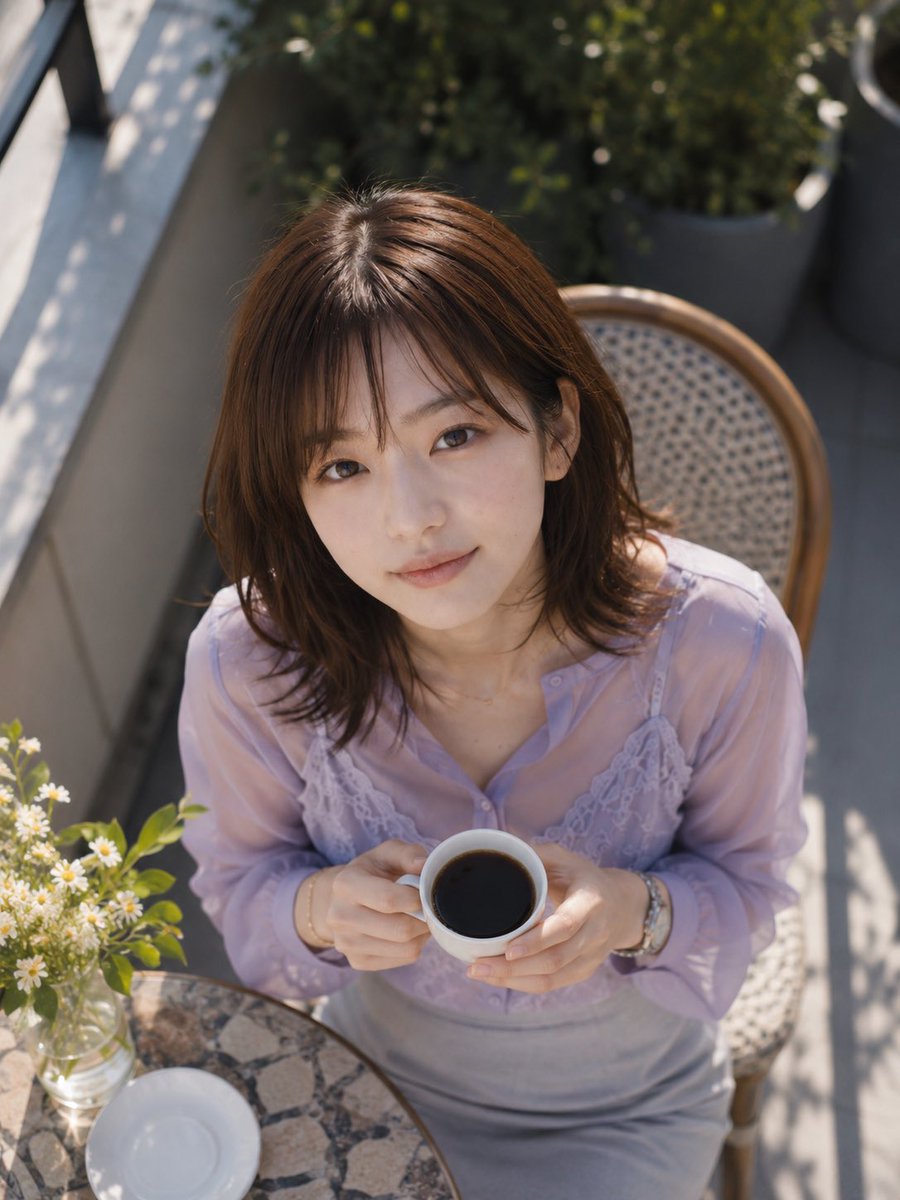
Overhead Café Pose Transformation
Transforms a reference café portrait into a close overhead shot of the same subject holding coffee while preserving the outfit and setting.
This is a gpt-image-2 prompt case for 人像角色. Use the copy-ready prompt below to generate similar visuals, and review YouMind OpenLab awesome-gpt-image-2 attribution plus commercial-use rights before reuse.

Prompt
Copy-ready prompt
Based on the provided reference image, while maintaining the same subject, clothing, and outdoor café terrace scene, the composition was changed to a close-up, high-angle shot from above. She was seated back in the wicker café chair, leaning slightly forward, her hands holding {argument name="drink" default="A white coffee cup containing black coffee"} Close to the chest. Maintain consistency with the reference image in the lavender sheer blouse, lace camisole details, gray skirt, jewelry, hairstyle, wicker chair, round stone coffee table, small white vase, balcony greenery, and dappled sunlight. The image should focus more tightly on the upper body and the edge of the table, ensuring she holds exactly one cup, there's an empty white saucer on the table, and a small glass vase containing small white flowers is visible. Keep the image anonymous.{argument name="face covering" default="Overlay a solid rectangular blur block over the face."} It employs a realistic, natural daylight photography style, using shallow depth of field and soft highlights, and does not add any text or watermarks.Prompt variables
Editable argument placeholders found in the prompt, with their default values.
More cases in this category
Prioritized by category, input mode compatibility, quality, and lower risk.






Reuse and source notes
Use this prompt safely after previewing the case.
- 1.Copy the prompt or open it directly in Dovoo with the generation button.
- 2.Adjust variables, aspect ratio, and reference images for your own use case.
- 3.Before publishing or paid usage, verify source rights, attribution requirements, and brand or likeness risks.
Can I use this prompt commercially?
Commercial-use status is unknown. Review the original source, license, brand constraints, and legal requirements before paid usage.
Where does this case come from?
This case is imported from YouMind OpenLab awesome-gpt-image-2; keep attribution visible and check the source URL before reuse.