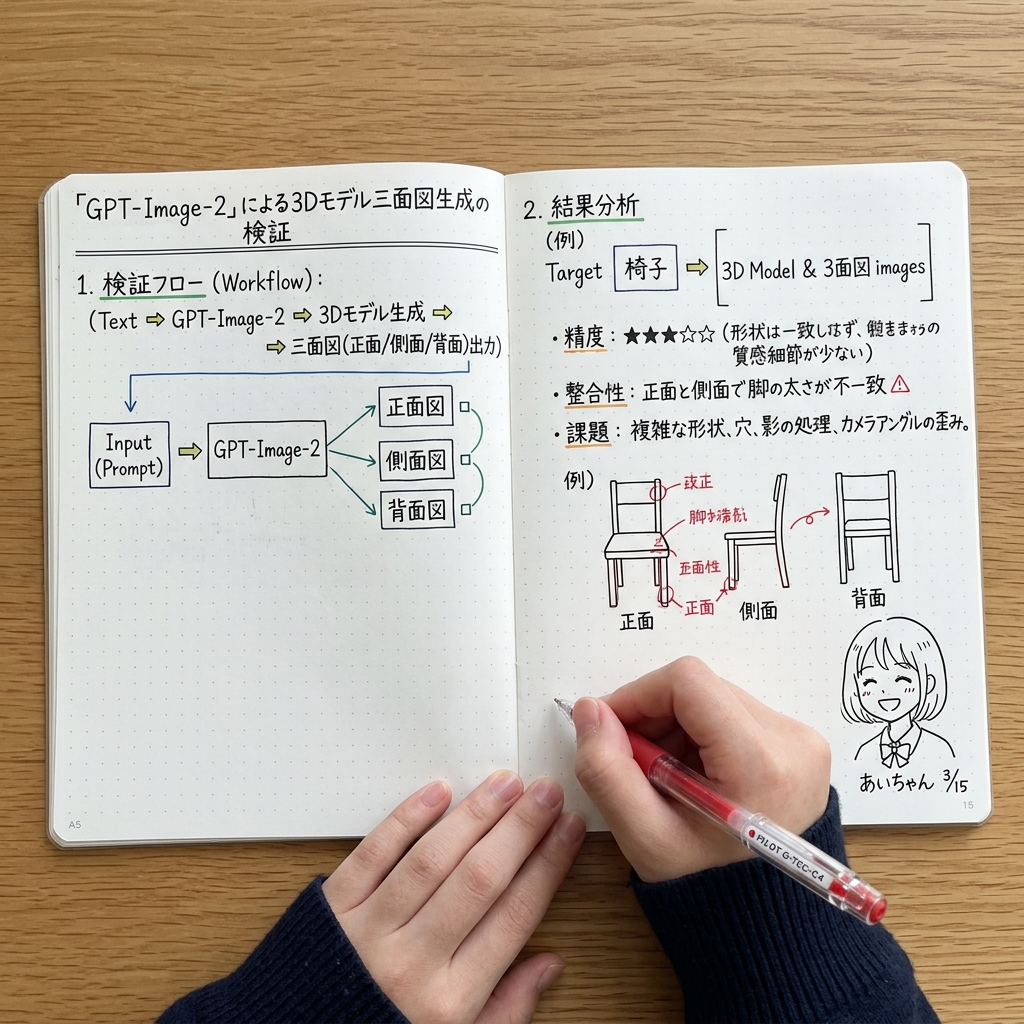
Notebook Spread with 3D Model Analysis Diagrams
Generates a top-down photograph of an open notebook containing handwritten flowcharts, bullet points, and diagrams analyzing 3D model generation, useful for mockups of study notes or technical journaling.
This is a gpt-image-2 prompt case for Other Inspiration. Use the copy-ready prompt below to generate similar visuals, and review YouMind OpenLab awesome-gpt-image-2 attribution plus commercial-use rights before reuse.
Prompt
Copy-ready prompt
{
  "type": "A bird's-eye view of an open dot-matrix notebook on a wooden desk.",
  "subject": {
    "description": "A hand wearing a dark blue ribbed sweater is writing in a notebook.",
    "tool": "Holding a{argument name=\"pen color\" default=\"red\"} gel pen"
  },
  "layout": {
    "left_page": {
      "header": "{argument name=\"main title\" default=\"Validation of 3D model three-view generation based on "GPT-Image-2"\"}",
      "sections": [
        {
          "title": "1. Validation Workflow:",
          "content": "Text sequence (text => GPT-Image-2 => 3D model generation => three-view output (front/side/back))"
        },
        {
          "type": "block diagram",
          "elements": 5,
          "description": "The box labeled 'Input (Prompt)' points to 'GPT-Image-2', which then branches into three boxes labeled 'Front View', 'Side View', and 'Rear View', connected by a green line."
        }
      ]
    },
    "right_page": {
      "sections": [
        {
          "title": "2. Results Analysis",
          "subtitle": "(Example) Target{argument name=\"target object\" default=\"chair\"} => [3D Model & Three-View Images]",
          "bullet_points": {
            "count": 3,
            "topics": [
              "Accuracy (3 out of 5 stars)",
              "consistency",
              "challenge"
            ]
          }
        },
        {
          "type": "sketches",
          "count": 3,
          "subject": "chair",
          "labels": [
            "front",
            "side",
            "back"
          ],
          "annotations": "Red ink arrows and correction notes on the chair drawing"
        },
        {
          "type": "doodle",
          "position": "bottom right corner",
          "description": "Cute anime girl face",
          "signature": "{argument name=\"doodle signature\" default=\"Ai-chan 3/15\"}"
        }
      ]
    }
  }
}
Prompt variables
Editable argument placeholders found in the prompt, with their default values.
Reuse and source notes
Use this prompt safely after previewing the case.
- 1.Copy the prompt or open it directly in Dovoo with the generation button.
- 2.Adjust variables, aspect ratio, and reference images for your own use case.
- 3.Before publishing or paid usage, verify source rights, attribution requirements, and brand or likeness risks.
Can I use this prompt commercially?
Commercial-use status is unknown. Review the original source, license, brand constraints, and legal requirements before paid usage.
Where does this case come from?
This case is imported from YouMind OpenLab awesome-gpt-image-2; keep attribution visible and check the source URL before reuse.