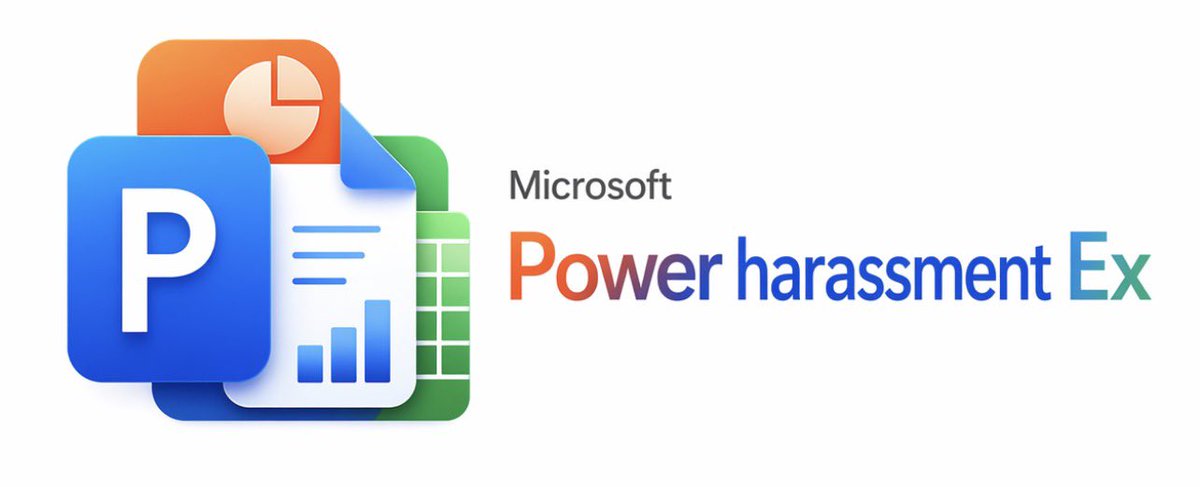
Microsoft Office Parody Banner
A polished faux Microsoft-style product banner featuring layered Office-like icons and a satirical software title, suitable for memes, parody branding, or social media posts.
This is a gpt-image-2 prompt case for 平面海报. Use the copy-ready prompt below to generate similar visuals, and review YouMind OpenLab awesome-gpt-image-2 attribution plus commercial-use rights before reuse.

Prompt
Copy-ready prompt
A clean, minimalist white background promotional image, adopting the official Microsoft product launch style. On the left, a layered, glossy 3D application icon group is created, consisting of four overlapping Office-style elements: a large blue rounded square tile with a bold white capital letter P in the foreground; an orange rounded square tile with a light cream pie chart symbol in the upper left; a white document page folded in the upper right corner in the center, with three horizontal blue lines and three blue bar charts near the bottom; and a green rounded square spreadsheet tile with a white grid in the back right. Soft shadows, subtle reflections, smooth rounded corners, and a sophisticated, modern Fluent design look are used. On the right, small gray text {argument name="brand text" default="Microsoft"} Placed in a large rainbow gradient product title{argument name="product name" default="Power harassment Ex"} Above, the gradient transitions from orange-red to purple and blue, finally settling into cyan. Maintaining a wide and balanced composition, the icon group occupies the left third, while the text occupies the right two-thirds, leaving ample negative space. The edges are sharp, like vector graphics, presenting a slightly humorous, satirical aesthetic of fictional corporate software.Prompt variables
Editable argument placeholders found in the prompt, with their default values.
More cases in this category
Prioritized by category, input mode compatibility, quality, and lower risk.






Reuse and source notes
Use this prompt safely after previewing the case.
- 1.Copy the prompt or open it directly in Dovoo with the generation button.
- 2.Adjust variables, aspect ratio, and reference images for your own use case.
- 3.Before publishing or paid usage, verify source rights, attribution requirements, and brand or likeness risks.
Can I use this prompt commercially?
Commercial-use status is unknown. Review the original source, license, brand constraints, and legal requirements before paid usage.
Where does this case come from?
This case is imported from YouMind OpenLab awesome-gpt-image-2; keep attribution visible and check the source URL before reuse.