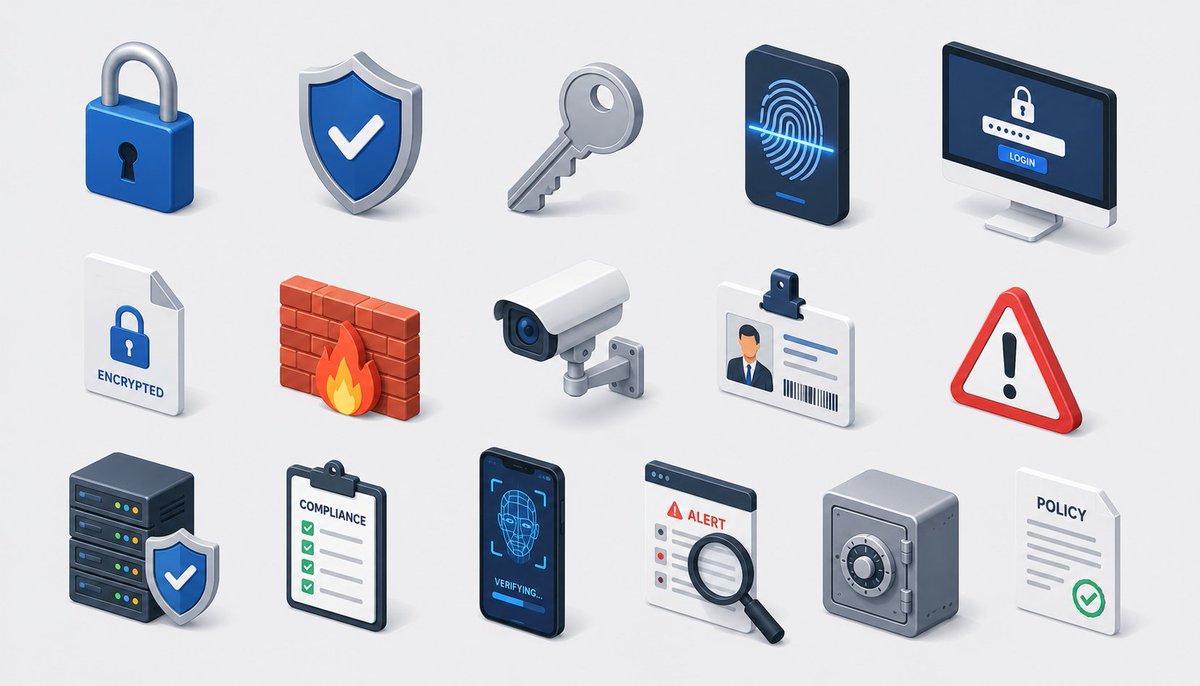
Isometric Security Icon Grid
A polished 3D isometric cybersecurity and compliance icon sheet for SaaS, security, or enterprise branding visuals.
This is a gpt-image-2 prompt case for 平面海报. Use the copy-ready prompt below to generate similar visuals, and review YouMind OpenLab awesome-gpt-image-2 attribution plus commercial-use rights before reuse.
Prompt
Copy-ready prompt
Create a modern isometric illustration on a clean, light gray background, showcasing a seamless grid of icons representing cybersecurity, privacy, and compliance. Features soft shadows, glossy 3D textures, rounded edges, and a color scheme of blue, white, gray, red, and orange. Use a wide, horizontal canvas with evenly spaced rows and columns, and no borders or watermarks. Containing 15 individual icons arranged in a 3x5 grid: First row: 1) A blue padlock with a silver clasp and black keyhole; 2) A blue shield badge with a white checkmark and metallic edges; 3) A slanted silver key; 4) A dark biometric panel resembling a smartphone, displaying glowing blue fingerprint scanning lines; 5) A desktop login screen with a lock icon, keypad, and a blue "LOGIN" button; Second row: 6) A white document page with a folded corner, a blue lock icon, and an "ENCRYPTED" label; 7) A red brick firewall with orange flames; 8) A white surveillance camera with a blue lens mounted on a small wall mount; 9) An ID card with a clip, a thumbnail of a person's image, text lines, and a barcode; 10) A red triangle warning sign with a black exclamation mark; Third row: 11) A set of dark server stacks with colored status lights and a blue shield checkmark badge in front; 12) 13) A clipboard list with green checkboxes labeled “COMPLIANCE”; 14) A dark smartphone face recognition screen displaying a wireframe face, scan box, and the text “VERIFYING…”; 15) An alert dashboard card labeled “ALERT” with a magnifying glass for a checklist; 16) A gray safe with a circular combination dial next to a white policy document labeled “POLICY” with gray lines and green checkmarks. Maintain consistency in all icons regarding isometric perspective, miniature scale, refined SaaS/security branding, sharp edges, ambient occlusion, and subtle touch shadows. Text should be minimalist and clearly visible only in designated locations. Theme Customization:{argument name="theme" default="security and compliance"} Customize the main color:{argument name="primary color" default="deep blue"} Custom background:{argument name="background color" default="light gray"} .Prompt variables
Editable argument placeholders found in the prompt, with their default values.
More cases in this category
Prioritized by category, input mode compatibility, quality, and lower risk.






Reuse and source notes
Use this prompt safely after previewing the case.
- 1.Copy the prompt or open it directly in Dovoo with the generation button.
- 2.Adjust variables, aspect ratio, and reference images for your own use case.
- 3.Before publishing or paid usage, verify source rights, attribution requirements, and brand or likeness risks.
Can I use this prompt commercially?
Commercial-use status is unknown. Review the original source, license, brand constraints, and legal requirements before paid usage.
Where does this case come from?
This case is imported from YouMind OpenLab awesome-gpt-image-2; keep attribution visible and check the source URL before reuse.