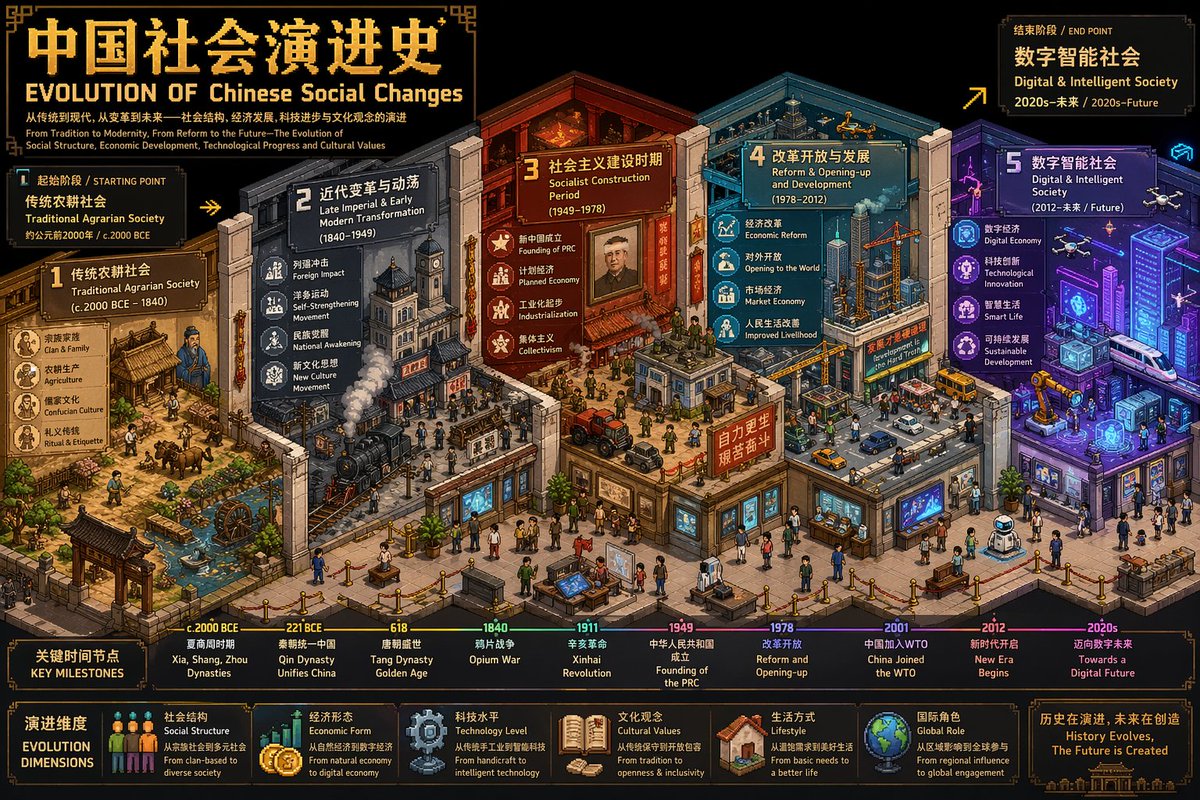
Isometric Pixel Art Evolution Museum
A detailed prompt for creating an isometric pixel art timeline illustration that depicts the evolution of a subject, such as Western Art, in a museum gallery format.
This is a gpt-image-2 prompt case for 插画艺术. Use the copy-ready prompt below to generate similar visuals, and review YouMind OpenLab awesome-gpt-image-2 attribution plus commercial-use rights before reuse.
Prompt
Copy-ready prompt
Create an ultra-high detail isometric pixel art timeline illustration (3:4, 4K) that blends detail density, symbolism, and metaphor. The user-specified theme is "{argument name="theme" default="Western art development"} First, regarding "{argument name="theme" default="Western art development"} "Through reasoning, determine: a bilingual (Chinese and English) title, the earliest and most recent historical periods covered, labels for the beginning and end phases, and 3-5 key evolutionary phases along with their respective symbolic elements and color schemes. Then, construct a framework based on..."{argument name="theme" default="Western art development"} An isometric "Evolution Museum" themed around "Evolution," where each gallery area represents a stage of evolution, with spatial progression symbolizing temporal evolution. Using a standard isometric perspective (2:1), it features rich depth and smooth transitions. Each stage is assigned 3-5 symbolic elements closely related to the theme, with differentiated colors used to suggest the flow of time. A bilingual pixel-style title is added to the scene: Chinese characters "{argument name="theme" default="Western art development"} "Evolutionary History" and the English "EVOLUTION OF"{argument name="theme" default="Western Art Development"} The document should include bilingual subheadings for the beginning and end phases, as well as markers for key time points. The overall style should be professional and visually impactful, suitable for academic analysis and comparative visualization, and should directly generate images.Prompt variables
Editable argument placeholders found in the prompt, with their default values.
More cases in this category
Prioritized by category, input mode compatibility, quality, and lower risk.






Reuse and source notes
Use this prompt safely after previewing the case.
- 1.Copy the prompt or open it directly in Dovoo with the generation button.
- 2.Adjust variables, aspect ratio, and reference images for your own use case.
- 3.Before publishing or paid usage, verify source rights, attribution requirements, and brand or likeness risks.
Can I use this prompt commercially?
Commercial-use status is unknown. Review the original source, license, brand constraints, and legal requirements before paid usage.
Where does this case come from?
This case is imported from YouMind OpenLab awesome-gpt-image-2; keep attribution visible and check the source URL before reuse.