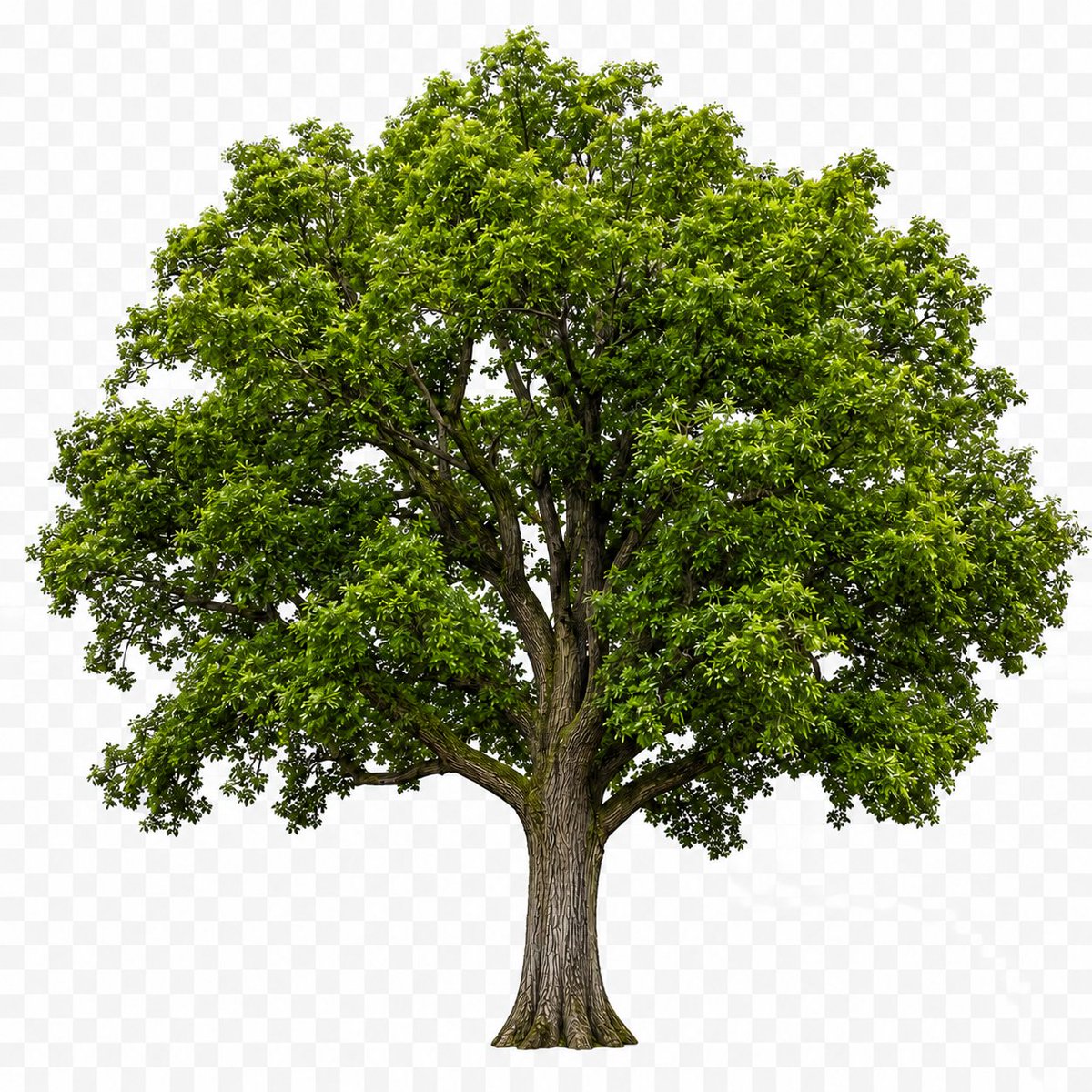
Isolated Tree on Checkerboard
Generates a realistic single deciduous tree asset centered on a transparent-background checkerboard for stock cutout or compositing use.
This is a gpt-image-2 prompt case for 产品商业. Use the copy-ready prompt below to generate similar visuals, and review YouMind OpenLab awesome-gpt-image-2 attribution plus commercial-use rights before reuse.
Prompt
Copy-ready prompt
Generate a photorealistic single mature tree{argument name="tree type" default="Broadleaf deciduous trees"} The cutout image is displayed independently in the center, showcasing the complete tree form from root to crown. The tree has a rough, textured brown trunk, branching upwards into several thick branches. The crown is dense and irregularly shaped, covered with many shades of brown.{argument name="leaf color" default="Bright spring green"} Glossy small leaves, natural shadows within the canopy, and subtle details of the branches visible through the foliage. Evenly lit in a studio setting, with sharp focus and rich detail, this piece features no ground, landscape, people, or text. It is placed within a composition of light gray and white squares.{argument name="background style" default="Preview of checkerboard pattern with transparent background"} The image presents a display effect similar to a transparent PNG image. Composition: A square canvas with trees centered vertically and horizontally, the canopy almost filling the upper width, and the trunk centered in the lower third. The edges of the objects are cleanly cut out, conforming to realistic botanical proportions.Prompt variables
Editable argument placeholders found in the prompt, with their default values.
More cases in this category
Prioritized by category, input mode compatibility, quality, and lower risk.






Reuse and source notes
Use this prompt safely after previewing the case.
- 1.Copy the prompt or open it directly in Dovoo with the generation button.
- 2.Adjust variables, aspect ratio, and reference images for your own use case.
- 3.Before publishing or paid usage, verify source rights, attribution requirements, and brand or likeness risks.
Can I use this prompt commercially?
Commercial-use status is unknown. Review the original source, license, brand constraints, and legal requirements before paid usage.
Where does this case come from?
This case is imported from YouMind OpenLab awesome-gpt-image-2; keep attribution visible and check the source URL before reuse.