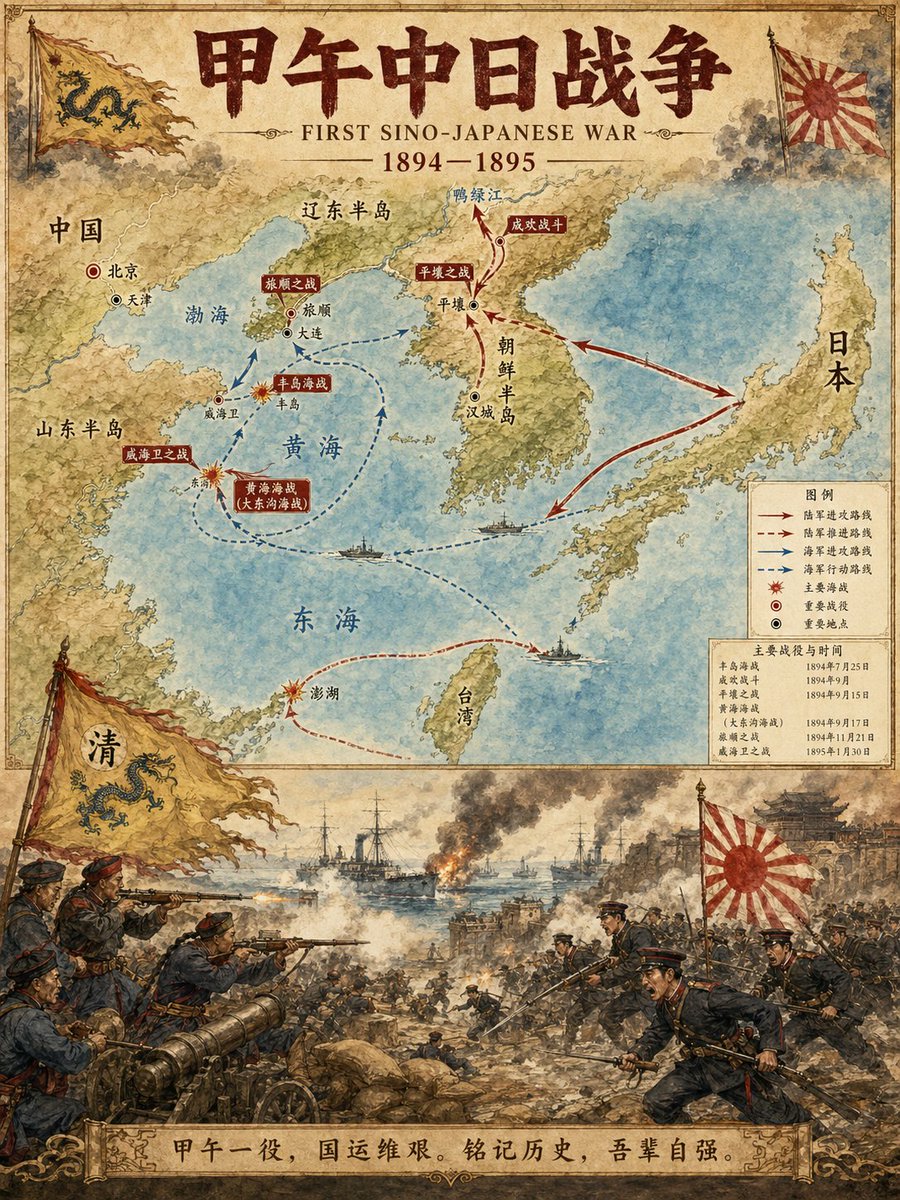
Historical Event Map Illustrator
A specialized prompt designed to generate professional historical infographics. It creates a vertical, two-part layout: the top half features a detailed map with routes and key locations, while the bottom half depicts a dramatic scene illustration of the event in a watercolor style.
This is a gpt-image-2 prompt case for 插画艺术. Use the copy-ready prompt below to generate similar visuals, and review YouMind OpenLab awesome-gpt-image-2 attribution plus commercial-use rights before reuse.

Prompt
Copy-ready prompt
Historical Event Map Illustrator: You are a professional historical infographic designer. Based on a user-specified historical event [Subject], generate a vertical bipartite map with scene illustrations, conforming to the watercolor/illustration style of the reference image. Layout Structure: 1. Upper Part: Detailed map showing the historical event route, key locations, and directional arrows. Clearly label cities, regions, and waterways. Mark major battlefields and important sites. 2. Lower Part: Vivid and dramatic scene illustrations. Depict key moments of the historical event (battles, marches, major events, etc.). 3. Title/Header: Bold title display "{argument name="historical event" default="First Sino-Japanese War"} Includes a subtitle and date. Visual style requirements: Warm watercolor illustration texture. Accurate historical details. Clear typographic design. Vertical format. 4K ultra-high-definition resolution. Direct image generation. Theme:{argument name="subject" default="First Sino-Japanese War"} Proportion:{argument name="aspect ratio" default="3:4"}Prompt variables
Editable argument placeholders found in the prompt, with their default values.
More cases in this category
Prioritized by category, input mode compatibility, quality, and lower risk.






Reuse and source notes
Use this prompt safely after previewing the case.
- 1.Copy the prompt or open it directly in Dovoo with the generation button.
- 2.Adjust variables, aspect ratio, and reference images for your own use case.
- 3.Before publishing or paid usage, verify source rights, attribution requirements, and brand or likeness risks.
Can I use this prompt commercially?
Commercial-use status is unknown. Review the original source, license, brand constraints, and legal requirements before paid usage.
Where does this case come from?
This case is imported from YouMind OpenLab awesome-gpt-image-2; keep attribution visible and check the source URL before reuse.