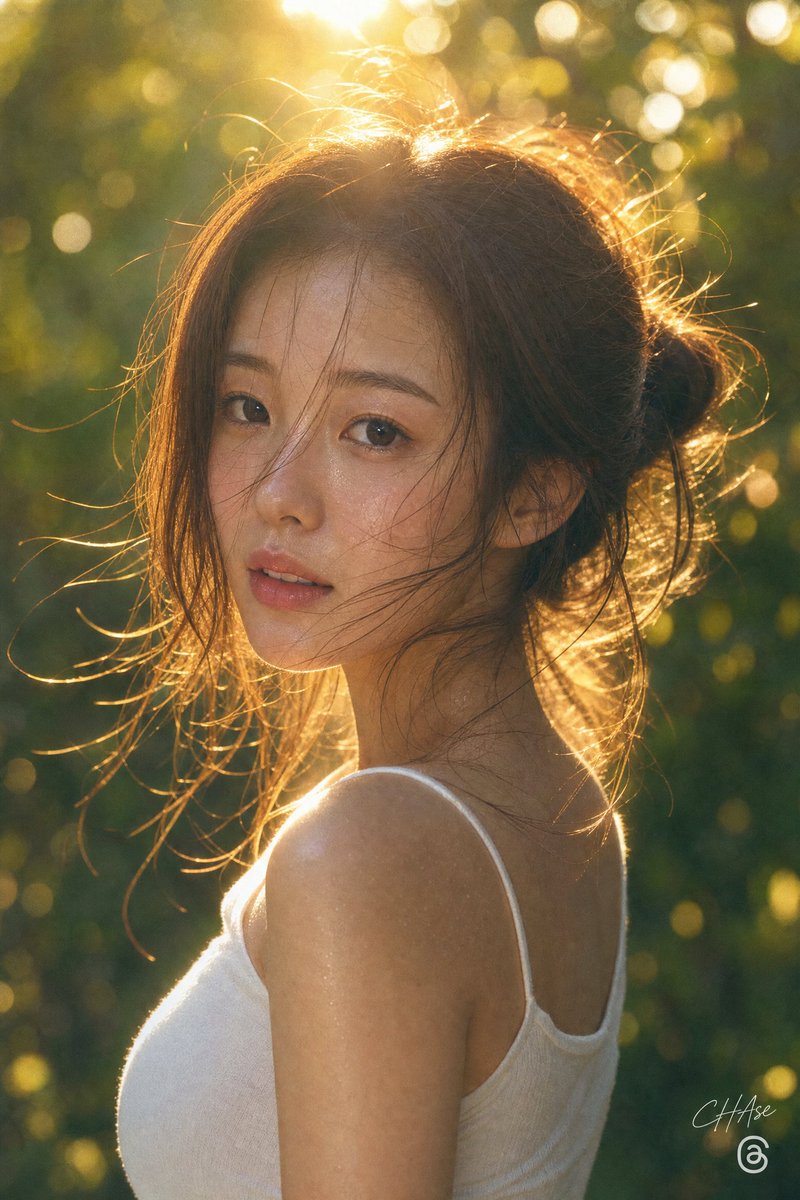
Golden Hour Privacy Portrait
A warm backlit outdoor portrait of a woman with her face hidden by a privacy block, useful for anonymized lifestyle photography concepts.
This is a gpt-image-2 prompt case for Portrait & Character. Use the copy-ready prompt below to generate similar visuals, and review YouMind OpenLab awesome-gpt-image-2 attribution plus commercial-use rights before reuse.
Prompt
Copy-ready prompt
Create a vertical portrait photograph capturing the golden hour, with the subject being {argument name="subject" default="A young woman"} The background is set in a lush forest or garden. The image shows her profile from the shoulders up, to the left, with her face deliberately obscured by an opaque, dark brown square privacy occlusion. She has {argument name="hair color" default="Light brown"} Her hair was loosely and messily tied up at the back of her head, many fine strands shimmering in the strong backlight. She wore a simple {argument name="top color" default="White"} A spaghetti-strap tank top exposes her shoulders and upper back. The scene is illuminated by low-angle sunlight behind her head, creating bright rim lighting, warm amber highlights, lens flare, and circular light spots against a softly blurred green background. A realistic DSLR-like visual effect is employed, featuring shallow depth of field, visible natural skin texture on the neck and shoulders, warm cinematic color grading, and a genuinely intimate atmosphere. Composition: Vertical composition, with the subject slightly to the right, the head positioned in the upper third, and the shoulders and torso filling the lower half. A subtle signature-style watermark is added near the lower right corner, with a small circular social media-style icon below it. Avoid including additional people, text, or props.Prompt variables
Editable argument placeholders found in the prompt, with their default values.
Variable
subject
Default
A young woman
Variable
hair color
Default
Light brown
Variable
top color
Default
White
Reuse and source notes
Use this prompt safely after previewing the case.
- 1.Copy the prompt or open it directly in Dovoo with the generation button.
- 2.Adjust variables, aspect ratio, and reference images for your own use case.
- 3.Before publishing or paid usage, verify source rights, attribution requirements, and brand or likeness risks.
Can I use this prompt commercially?
Commercial-use status is unknown. Review the original source, license, brand constraints, and legal requirements before paid usage.
Where does this case come from?
This case is imported from YouMind OpenLab awesome-gpt-image-2; keep attribution visible and check the source URL before reuse.