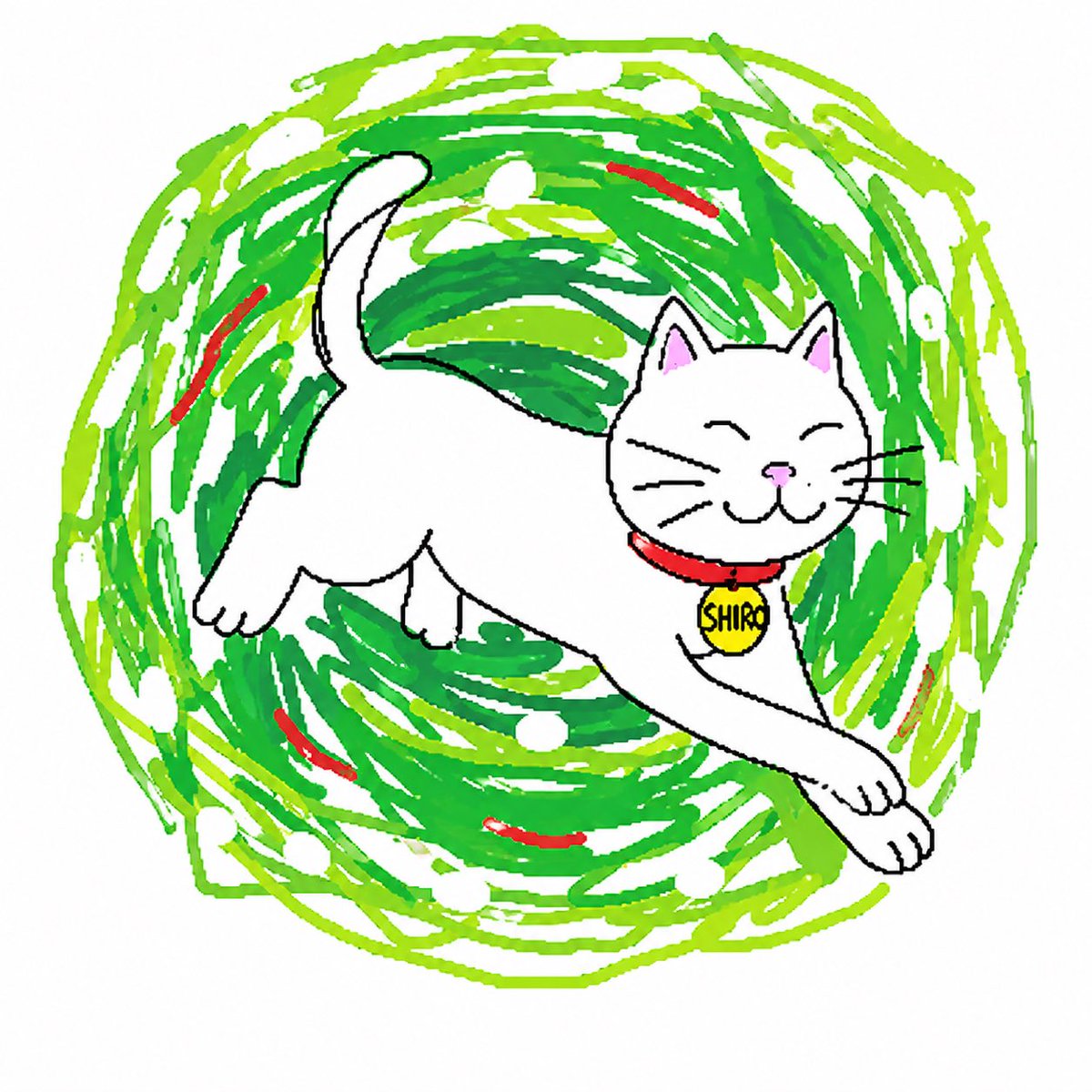
Clumsy Scribble Cat Doodle
A goofy hand-drawn cat illustration with a chaotic green scribble vortex, ideal for meme-style character redraws and playful social posts.
This is a gpt-image-2 prompt case for Portrait & Character. Use the copy-ready prompt below to generate similar visuals, and review YouMind OpenLab awesome-gpt-image-2 attribution plus commercial-use rights before reuse.
Prompt
Copy-ready prompt
A deliberately clumsy and childlike digital doodle depicting a creature named{argument name="character name" default="Shiro"} The image features a cheerful cat in a chaotic graffiti meme style against a pure white background. The cat is positioned in the center, playfully leaping and stretching, facing right. It has a rounded white body, short legs, oversized paws, a curved, upright tail, triangular ears with pale pink inner ears, closed, smiling eyes, a small pink nose, black whiskers, and a simple cartoon mouth. A bright red collar adorns the cat, with a round yellow name tag bearing handwritten black letters that read {argument name="tag text" default="SHIRO"} The deliberately imperfect black outlines and uneven proportions create a naive, hand-drawn feel, as if quickly sketched in drawing software. Behind the cat, a huge circular tornado is added.{argument name="main swirl color" default="Bright green"} and{argument name="secondary swirl color" default="Lime Green"} Composed of numerous overlapping brushstrokes with scattered white oval gaps, and embedded around the swirls are six short, curved red accent brushstrokes. The overall feel is cute, quirky, chaotic, and fun, like a viral, clumsy repaint trend, using flat color schemes, no shadows, and rough, freehand brushstrokes.Prompt variables
Editable argument placeholders found in the prompt, with their default values.
Variable
character name
Default
Shiro
Variable
tag text
Default
SHIRO
Variable
main swirl color
Default
Bright green
Variable
secondary swirl color
Default
Lime Green
Reuse and source notes
Use this prompt safely after previewing the case.
- 1.Copy the prompt or open it directly in Dovoo with the generation button.
- 2.Adjust variables, aspect ratio, and reference images for your own use case.
- 3.Before publishing or paid usage, verify source rights, attribution requirements, and brand or likeness risks.
Can I use this prompt commercially?
Commercial-use status is unknown. Review the original source, license, brand constraints, and legal requirements before paid usage.
Where does this case come from?
This case is imported from YouMind OpenLab awesome-gpt-image-2; keep attribution visible and check the source URL before reuse.