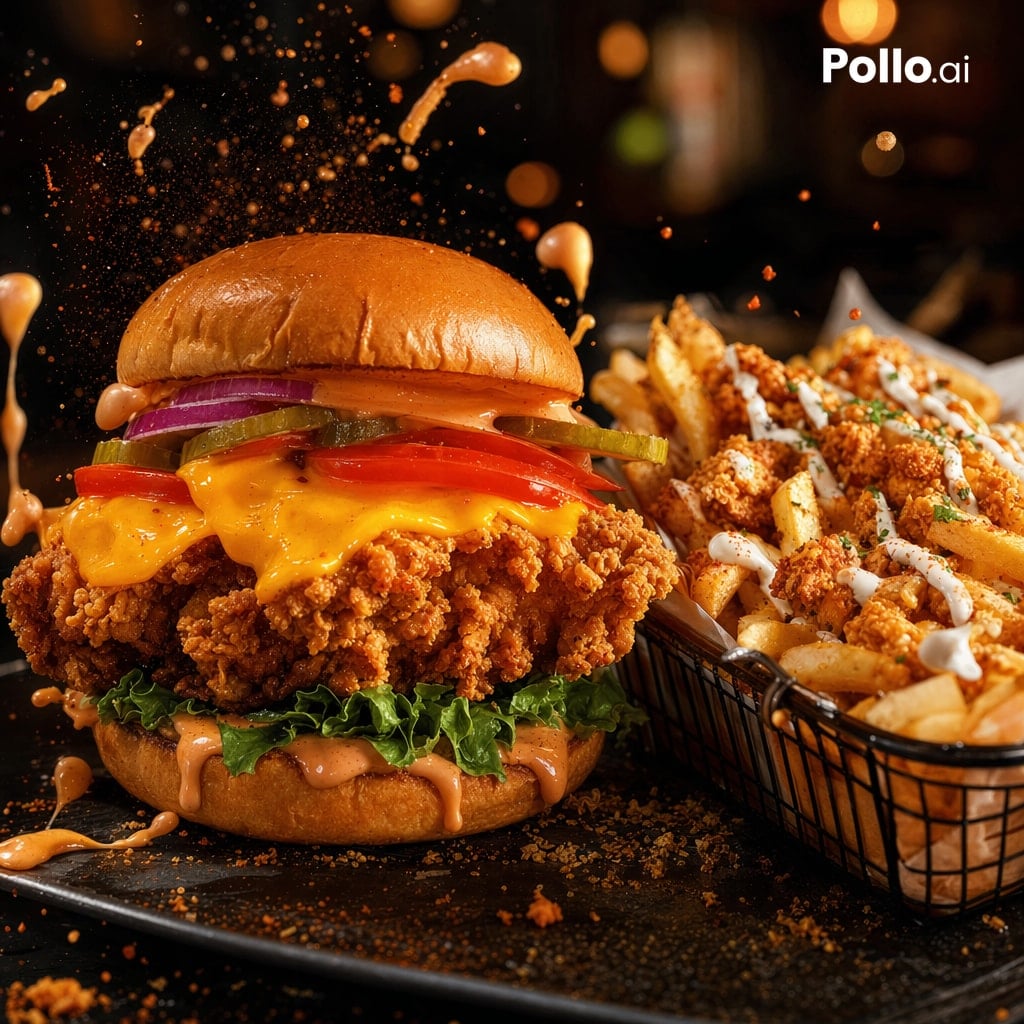
Cinematic Fried Chicken Burger Ad
This prompt generates a photorealistic restaurant-style advertising image of a crispy chicken burger with loaded fries, ideal for fast-food branding and promotional social media posts.
This is a gpt-image-2 prompt case for Food & Beverage. Use the copy-ready prompt below to generate similar visuals, and review YouMind OpenLab awesome-gpt-image-2 attribution plus commercial-use rights before reuse.
Prompt
Copy-ready prompt
A visually striking, photorealistic close-up of a fast-food highlight showcases a giant crispy fried chicken sandwich and a basket of generously tossed fries, placed on a dark restaurant table. The sandwich, stacked high on the left, sits atop a glossy brioche bun topped with a spicy orange sauce, two crimson onion rings, three pickles, and two tomato slices. Melted cheddar cheese drizzles over the ultra-crispy chicken cutlet, accompanied by curly lettuce. The bottom bun is also drizzled with more creamy orange sauce. On the right, a black wire basket overflows with thick-cut fries, topped with crispy chicken nuggets, white sauce, and a touch of green herbs. The still-frame effect captures the orange sauce splattering upwards and around the burger, with crumbs and condiment particles floating in the air. Warm, cinematic lighting, deep shadows, high contrast, and shallow depth of field create a rich, golden-brown texture, giving the bread and sauce a glossy sheen, while the background is blurred with the ambiance of a high-end casual dining setting. The camera angle is low and close, a three-quarters frontal view, with the burger clearly in focus; the fries are slightly secondary but still rich in detail. A dark stone plate is set on the burger, its surface strewn with breadcrumbs and sauce drops. A simple white accent is added to the upper right corner.{argument name="brand text" default="Pollo.ai"} Logo.Prompt variables
Editable argument placeholders found in the prompt, with their default values.
Reuse and source notes
Use this prompt safely after previewing the case.
- 1.Copy the prompt or open it directly in Dovoo with the generation button.
- 2.Adjust variables, aspect ratio, and reference images for your own use case.
- 3.Before publishing or paid usage, verify source rights, attribution requirements, and brand or likeness risks.
Can I use this prompt commercially?
Commercial-use status is unknown. Review the original source, license, brand constraints, and legal requirements before paid usage.
Where does this case come from?
This case is imported from YouMind OpenLab awesome-gpt-image-2; keep attribution visible and check the source URL before reuse.