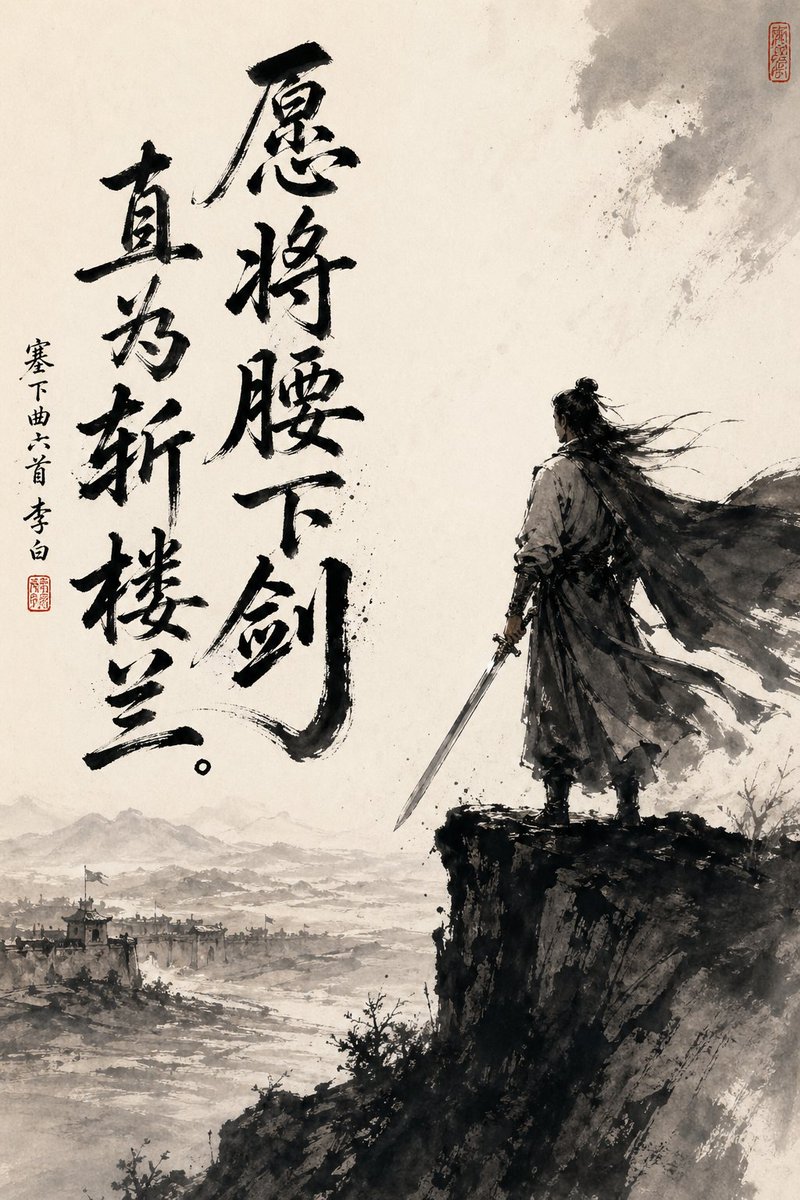
Chinese Ink Swordsman and Calligraphy
This prompt generates a dramatic wuxia-style ink painting poster with a lone swordsman, frontier landscape, and bold Chinese calligraphy, suitable for literary or historical art prints.
This is a gpt-image-2 prompt case for Illustration & Art. Use the copy-ready prompt below to generate similar visuals, and review YouMind OpenLab awesome-gpt-image-2 attribution plus commercial-use rights before reuse.
Prompt
Copy-ready prompt
A dramatically dramatic vertical Chinese ink painting, executed on aged Xuan paper, employs a minimalist monochrome style with soft, warm parchment tones. On the right side of the painting, an ancient swordsman stands alone on the edge of a steep, dark cliff, primarily shown from behind. He wears flowing ancient clothing, his long cloak billowing in the wind, his long hair, tied in a bun, cascading to the side, while his right hand holds a long sword. To the lower left extends a vast, misty landscape, revealing a distant frontier city, indistinct beacon towers and rooftops, winding rivers or plains, and layered mountain silhouettes shrouded in smoke. The painting utilizes expressive black brushstrokes, splashed ink textures, dry brush edges, ethereal white space, and a striking contrast between the deep black figure and cliff and the pale, expansive background. Two bold, large black calligraphy columns are added to the left half, reading "I wish to draw my sword" and "I will directly slay the Loulan." A smaller vertical inscription is added to the far left, reading "Six Songs of the Frontier by Li Bai," along with two red seals, one near the smaller inscription and the other near the upper right corner. The overall effect is heroic, solitary, contemplative, and full of pride, like a poster presenting the image of a Tang Dynasty poet and warrior in a traditional ink painting style.
Reuse and source notes
Use this prompt safely after previewing the case.
- 1.Copy the prompt or open it directly in Dovoo with the generation button.
- 2.Adjust variables, aspect ratio, and reference images for your own use case.
- 3.Before publishing or paid usage, verify source rights, attribution requirements, and brand or likeness risks.
Can I use this prompt commercially?
Commercial-use status is unknown. Review the original source, license, brand constraints, and legal requirements before paid usage.
Where does this case come from?
This case is imported from YouMind OpenLab awesome-gpt-image-2; keep attribution visible and check the source URL before reuse.