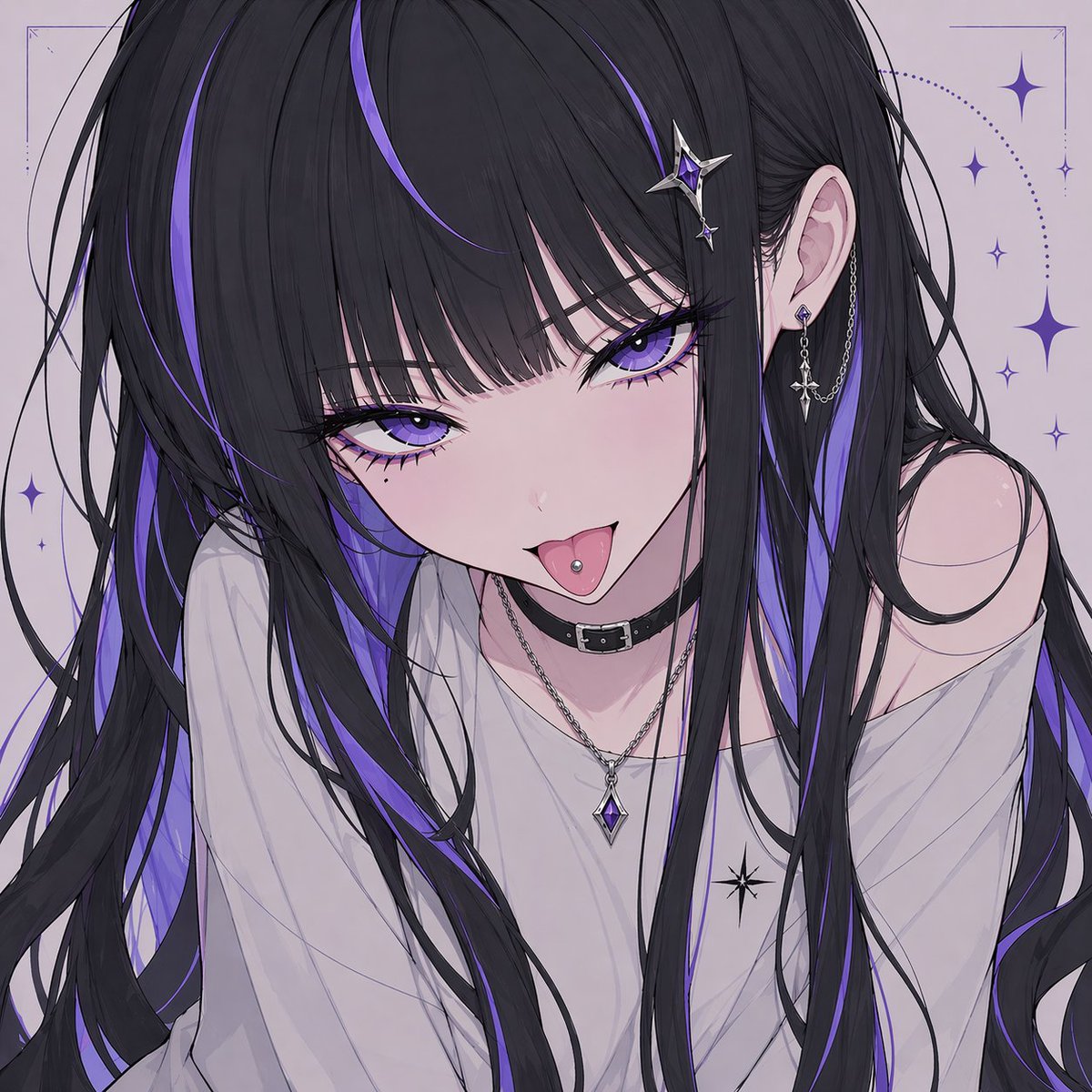
Censored Gothic Anime Girl Portrait
A polished anime-style portrait prompt for creating a moody, fashionable girl with violet-accented black hair, jewelry, and a stylized censored face for profile art or social media visuals.
This is a gpt-image-2 prompt case for Portrait & Character. Use the copy-ready prompt below to generate similar visuals, and review YouMind OpenLab awesome-gpt-image-2 attribution plus commercial-use rights before reuse.
Prompt
Copy-ready prompt
A close-up portrait in an anime style depicts a mysterious young woman with extremely long, flowing black hair interspersed with vibrant colors.{argument name="accent color" default="violet"} Highlighted hair, half-length portrait, simple and bright background. Her face is deliberately concealed by a centrally located gray-toned, pale purple square occluder, obscuring her eyes, nose, and most of her mouth. One ear is fully exposed, adorned with two earrings: a small geometric stud and a long, delicate chain earring with a cross-shaped pendant at the end. She wears two necklaces: a slender silver chain and a silver pendant necklace with a faceted, diamond-shaped purple gemstone. She wears a loose, light gray off-the-shoulder top, the collar slipping down to reveal one shoulder, with a small black star logo printed on the chest. Her hair is glossy and layered, elegant strands winding gracefully in the image, the purple highlights creating a strong visual contrast. Delicate decorative celestial art is added to the background, containing seven clearly visible star-shaped or shimmering patterns, their colors echoing the violet and framed with subtle geometric borders, creating a refined, gothic, dreamlike, and modern aesthetic. Soft lighting, delicate lines, a soft neutral color scheme with black and purple as the main colors, highly exquisite anime illustrations, centered composition, square format.Prompt variables
Editable argument placeholders found in the prompt, with their default values.
Reuse and source notes
Use this prompt safely after previewing the case.
- 1.Copy the prompt or open it directly in Dovoo with the generation button.
- 2.Adjust variables, aspect ratio, and reference images for your own use case.
- 3.Before publishing or paid usage, verify source rights, attribution requirements, and brand or likeness risks.
Can I use this prompt commercially?
Commercial-use status is unknown. Review the original source, license, brand constraints, and legal requirements before paid usage.
Where does this case come from?
This case is imported from YouMind OpenLab awesome-gpt-image-2; keep attribution visible and check the source URL before reuse.