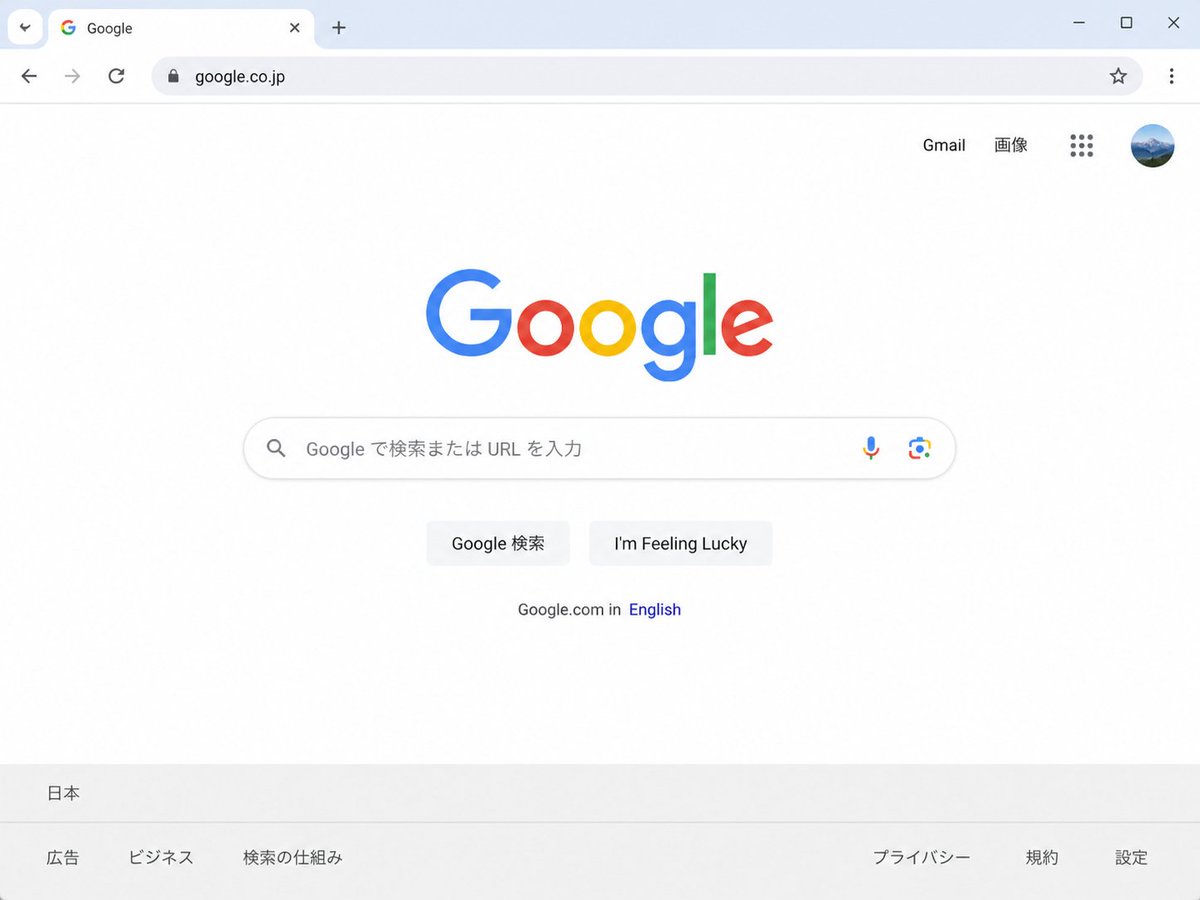
Japanese Google Homepage Screenshot
Generates a realistic Chrome-style screenshot of the Japanese Google homepage for UI mockups or localized web concept visuals.
这是一个用于 平面海报 的 gpt-image-2 提示词案例。你可以复制下方 prompt 生成相似图片;商用前请复核 YouMind OpenLab awesome-gpt-image-2 来源归因和原始权利。
提示词
可复制提示词
Create a clean, realistic desktop browser screenshot of the {argument name="country version" default="Japanese"} Google homepage in a Chrome-like window, viewed straight on at 4:3 aspect ratio. The browser UI shows one active tab labeled Google with the Google favicon, a plus button for a new tab, back and forward arrows, reload, a lock icon, and the address bar containing {argument name="website URL" default="google.co.jp"}; at the far right are a star bookmark icon, three-dot menu, and window controls. The webpage is mostly white with the multicolor Google logo centered high on the page. In the top-right of the page are exactly 4 items: the text link “Gmail”, the text link “画像”, a 3-by-3 Google apps grid icon, and a circular user profile avatar showing a small blue mountain landscape. Centered beneath the logo is one rounded search bar with a magnifying glass icon on the left, placeholder text {argument name="search placeholder" default="Google で検索または URL を入力"}, and exactly 2 icons on the right: a microphone and Google Lens. Below it are exactly 2 light-gray buttons labeled {argument name="first button text" default="Google 検索"} and {argument name="second button text" default="I'm Feeling Lucky"}. Under the buttons is a small language line reading “Google.com in English,” with “English” in blue. At the bottom is a pale gray footer with the location “日本” on the first row and exactly 6 footer links on the second row: “広告”, “ビジネス”, “検索の仕組み”, “プライバシー”, “規約”, and “設定”. Use accurate Google colors, crisp sans-serif typography, subtle shadows, soft gray browser chrome, lots of empty white space, and photorealistic UI rendering.提示词变量
从提示词中识别到的可编辑 argument 占位符及默认值。
变量
country version
默认值
Japanese
变量
website URL
默认值
google.co.jp
变量
search placeholder
默认值
Google で検索または URL を入力
变量
first button text
默认值
Google 検索
变量
second button text
默认值
I'm Feeling Lucky
复用与来源说明
看完案例后,再安全复用这个提示词。
- 1.复制 prompt,或点击生成入口在 Dovoo 中直接打开。
- 2.按你的用途调整变量、画面比例和参考图。
- 3.发布或商用前,复核来源权利、归因要求以及品牌、肖像或版权风险。
这个提示词可以商用吗?
当前商业使用状态为 unknown。付费或公开使用前,请复核原始来源、许可、品牌限制和法务要求。
这个案例来自哪里?
该案例导入自 YouMind OpenLab awesome-gpt-image-2;复用时请保留来源归因,并打开来源 URL 检查最新授权信息。