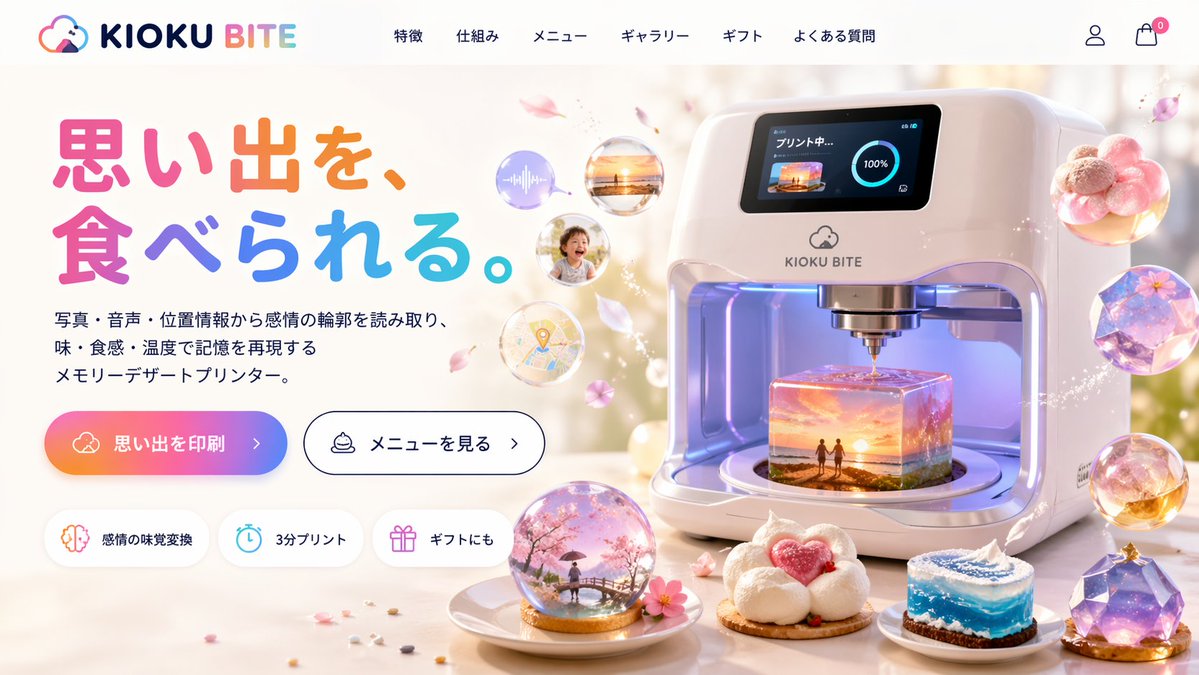
Futuristic 3D Food Printer Landing Page
Generates a website mockup for a sci-fi appliance that prints memories as magical desserts, featuring UI elements and detailed product visuals.
Dies ist ein gpt-image-2 -Prompt für 产品商业 . Verwenden Sie den unten stehenden, kopierfertigen Prompt, um ähnliche Grafiken zu erstellen, und überprüfen Sie vor der Wiederverwendung Awesome Nano Banana Pro Prompts -Quellenangaben sowie die kommerziellen Nutzungsrechte.
Benötigen Sie den vollständigen Prompt-Satz? Verwenden Sie den 产品商业 Weitere verwandte Beispiele finden Sie im Themen-Hub oder öffnen Sie die GPT Image 2 Promptbibliothek für das vollständige Beispielverzeichnis, wiederverwendbare Strukturen und Quellenangaben.
Eingabeaufforderung
Kopierfertige Eingabeaufforderung
{
  "type": "Website landing page model",
  "theme": "Futuristic Memory-to-Food 3D Printer",
  "header": {
    "logo": "{argument name=\"brand name\" default=\"KIOKU BITE\"} It features cloud and bite mark icons.",
    "navigation_links": {
      "count": 6,
      "labels": [
        "Product Features",
        "Working principle",
        "menu",
        "gallery",
        "gift",
        "Frequently Asked Questions"
      ]
    },
    "icons": [
      "User Profile",
      "Shopping cart with zero mark"
    ]
  },
  "layout": {
    "left_column": {
      "headline": "{argument name=\"headline text\" default=\"Make memories accessible.\"}",
      "headline_style": "Large, colorful, rounded font",
      "subheadline": "{argument name=\"product description\" default=\"A memory dessert printer that recreates memories by reading emotional profiles from photos, audio, and location information, capturing their taste, texture, and temperature.\"}",
      "call_to_action_buttons": {
        "count": 2,
        "primary": "Gradient background, text is '{argument name=\"primary button text\" default=\"Print memory\"} >'",
        "secondary": "White background, black border, text 'View Menu>'"
      },
      "feature_badges": {
        "count": 3,
        "style": "Pill-shaped with an icon",
        "labels": [
          "Emotional taste shift (brain icon)",
          "Print in 3 minutes (clock icon)",
          "Suitable for gifting (gift icon)"
        ]
      }
    },
    "right_column": {
      "main_product": "Stylish, white, futuristic 3D food printer equipment",
      "printer_screen": "The digital display shows 'Printing...', a 100% progress ring, and a {argument name=\"printing scene\" default=\"The two at sunset beach\"} thumbnails",
      "printer_interior": "Printing a glowing, translucent cube dessert containing a{argument name=\"printing scene\" default=\"The two at sunset beach\"} Miniature 3D stereoscopic model",
      "floating_elements": {
        "count": 4,
        "description": "A translucent memory bubble, containing sound waves, sunset photos, smiling children, and map markers, surrounded by floating pink petals."
      }
    },
    "foreground": {
      "plated_desserts": {
        "count": 4,
        "descriptions": [
          "The snow globe dome contains a scene of cherry blossoms and pedestrians on a bridge.",
          "A cloud-shaped white dessert with a pink heart in the center.",
          "A cylindrical cake, resembling rolling blue waves.",
          "Multifaceted gem-shaped purple galaxy dessert"
        ]
      }
    }
  }
}
Eingabeaufforderungsvariablen
In der Eingabeaufforderung befinden sich bearbeitbare Argumentplatzhalter mit ihren Standardwerten.
Variable
brand name
Standard
KIOKU BITE
Variable
headline text
Standard
Make memories accessible.
Variable
product description
Standard
A memory dessert printer that recreates memories by reading emotional profiles from photos, audio, and location information, capturing their taste, texture, and temperature.
Variable
primary button text
Standard
Print memory
Variable
printing scene
Standard
The two at sunset beach
Weitere Fälle in dieser Kategorie
Priorisiert nach Kategorie, Kompatibilität der Eingabemodi, Qualität und geringerem Risiko.
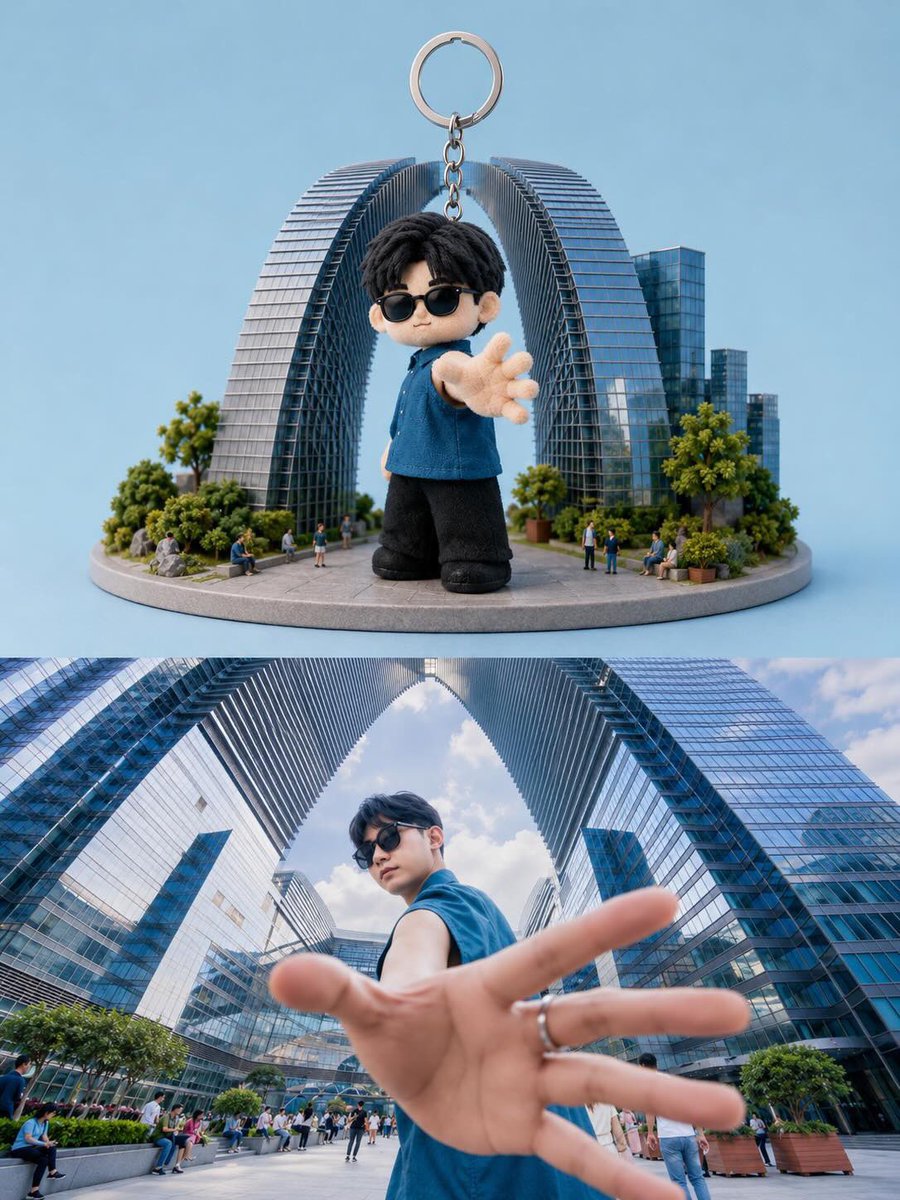
Vergleich zwischen Spielzeug-Schlüsselanhänger und realem Leben
Text zu Bildunknown
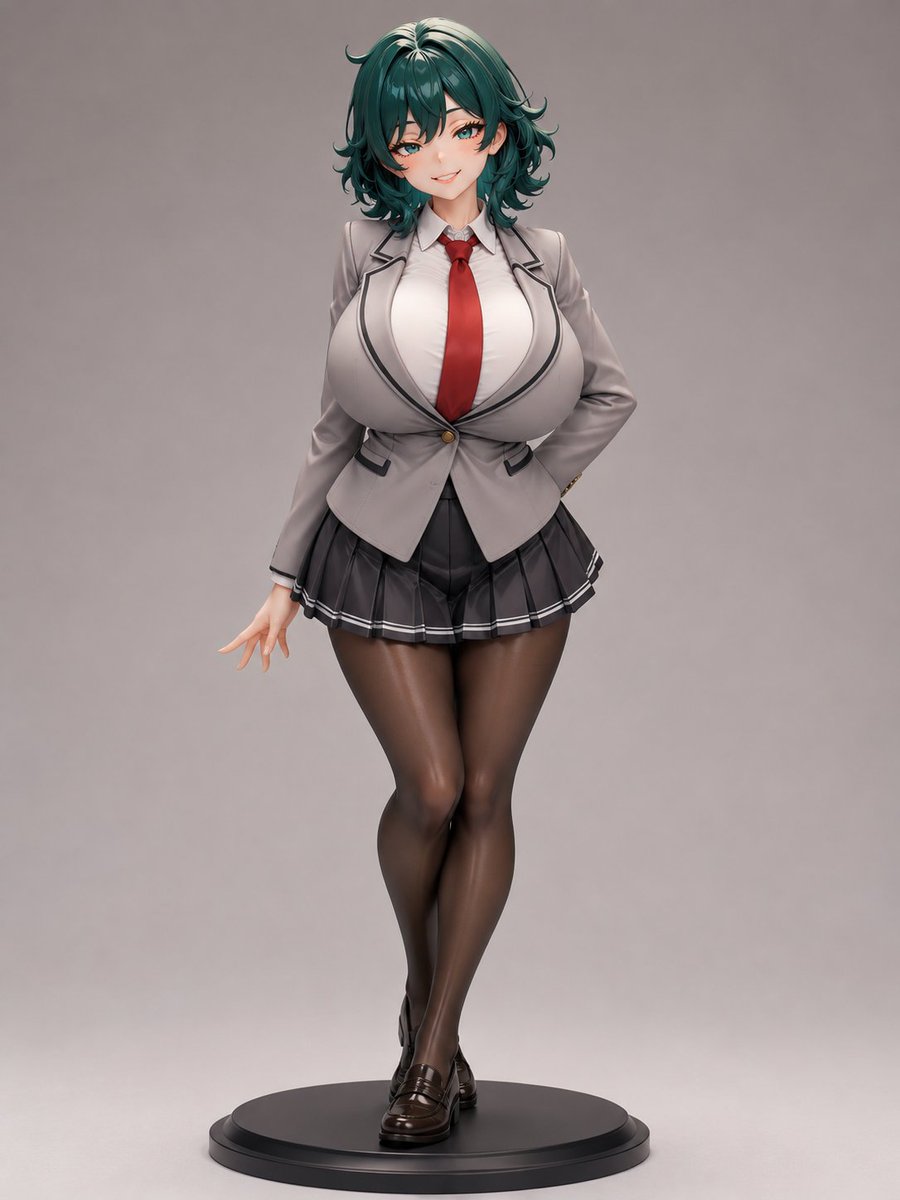
Anime-Schuluniform-Figur
Text zu Bildunknown
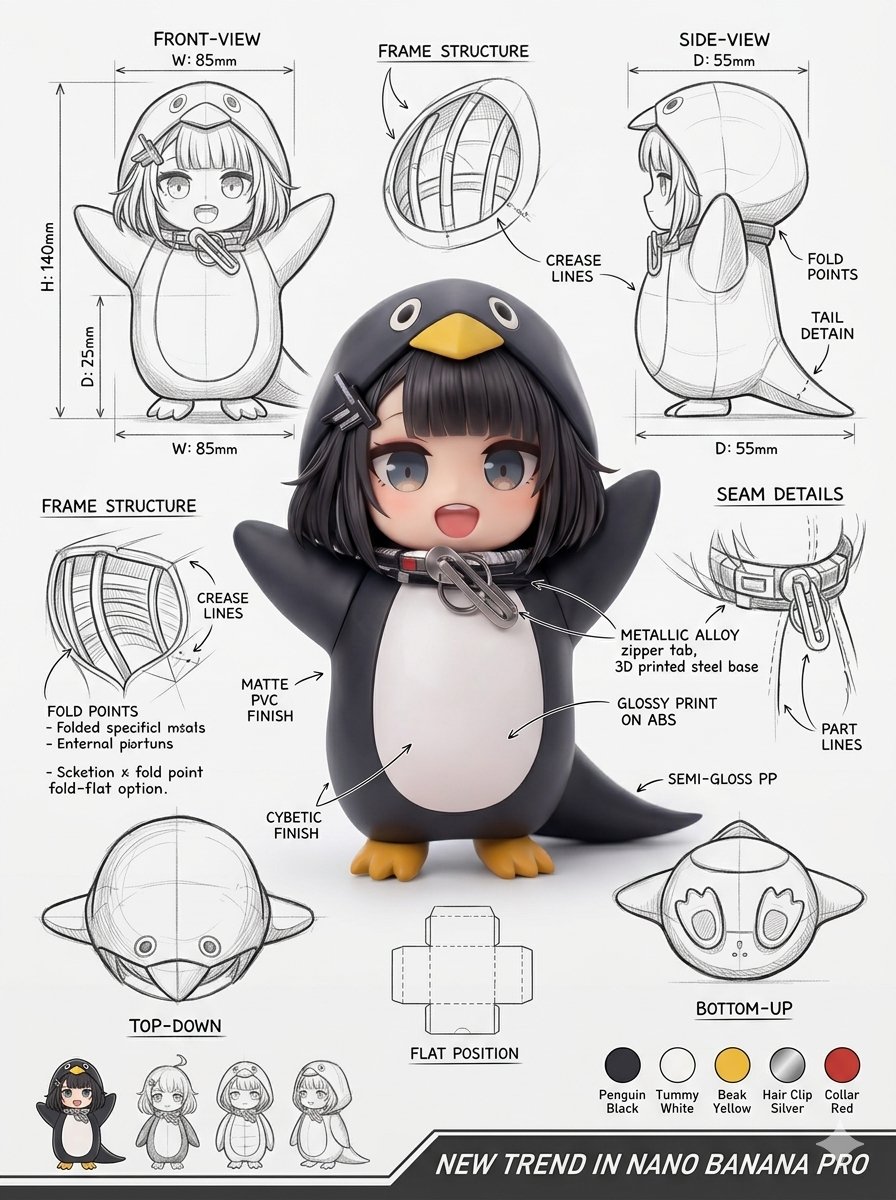
Designblatt für Industrieverpackungen
Bild zu Bildunknown

Produktrendering der Mecha-Girl-Figur
Bild zu Bildunknown
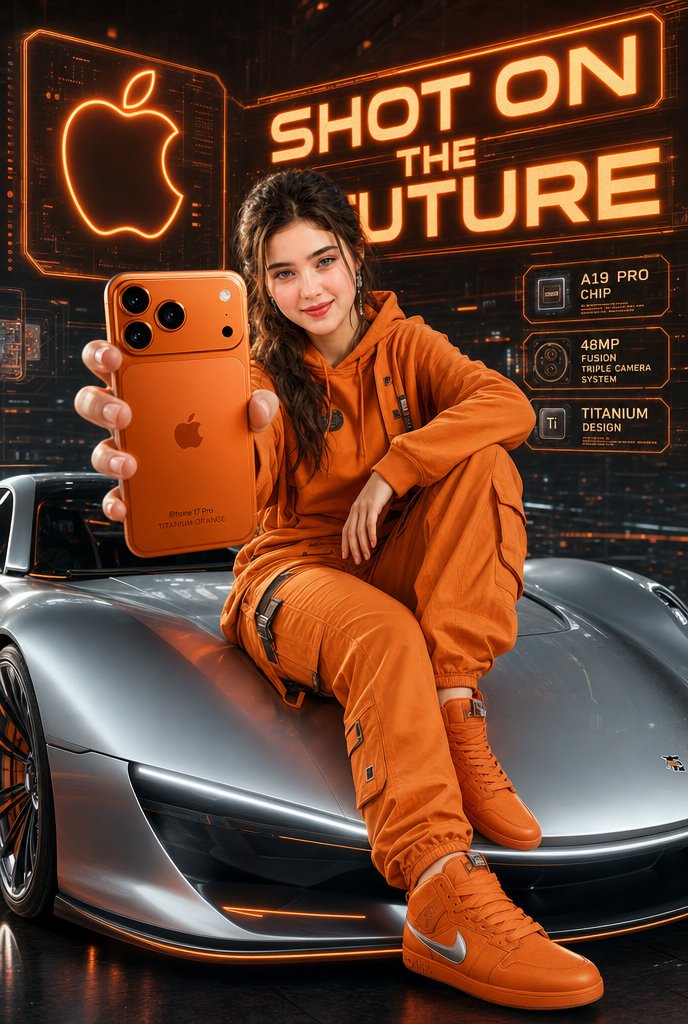
Futuristisches Apple-Kampagnenkonzept
Text zu Bildunknown
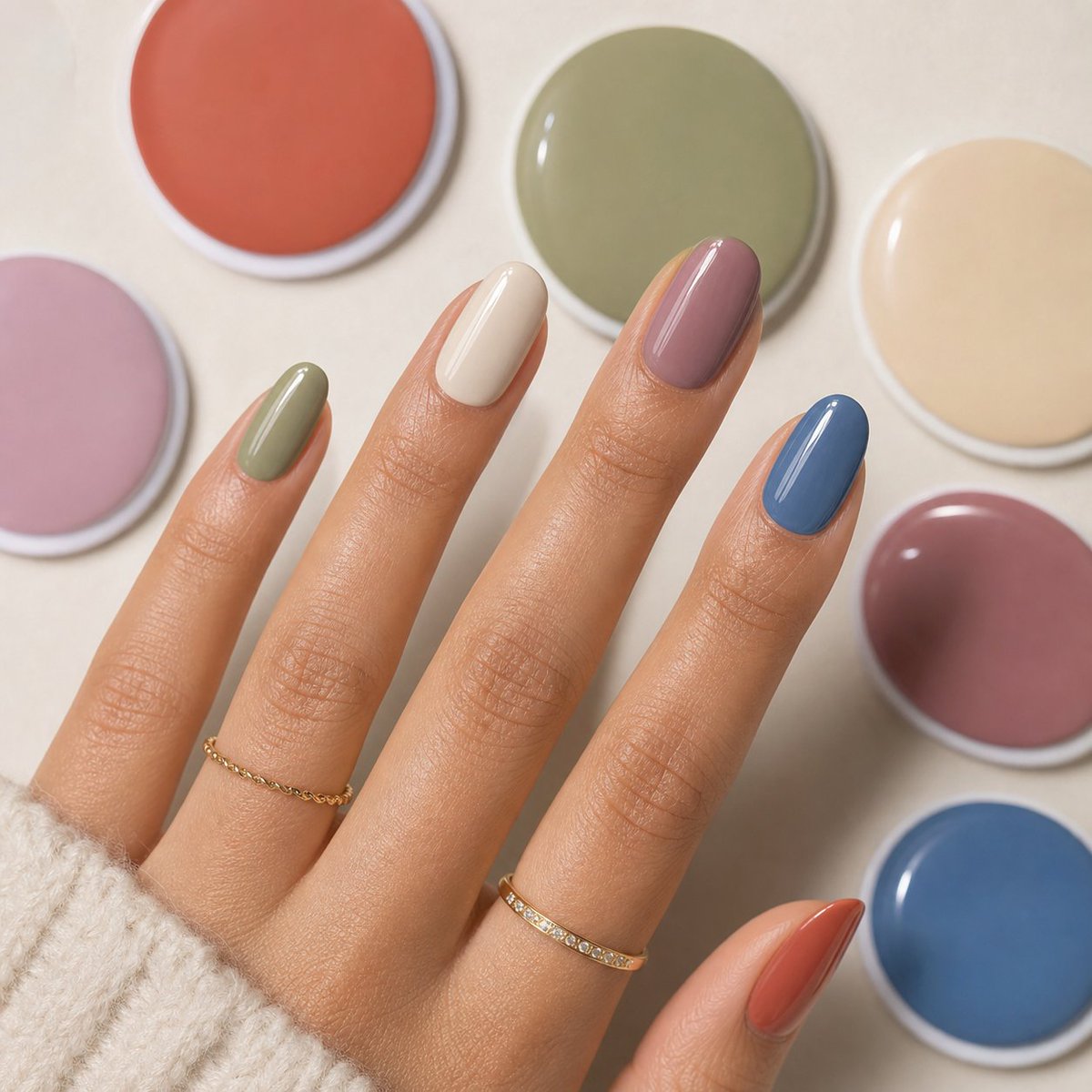
Acryl-Nagelset in gedeckten Pastellfarben
Text zu Bildunknown
Hinweise zur Wiederverwendung und Quellenangabe
Verwenden Sie diese Eingabeaufforderung sicher, nachdem Sie den Fall in der Vorschau angezeigt haben.
- 1.Kopieren Sie die Eingabeaufforderung oder öffnen Sie sie direkt in Dovoo mit der Schaltfläche „Generieren“.
- 2.Passen Sie Variablen, Seitenverhältnis und Referenzbilder an Ihren Anwendungsfall an.
- 3.Vor der Veröffentlichung oder kostenpflichtigen Nutzung sollten Sie die Rechte an der Quelle, die Anforderungen an die Namensnennung sowie die Risiken für die Marke oder das Abbild prüfen.